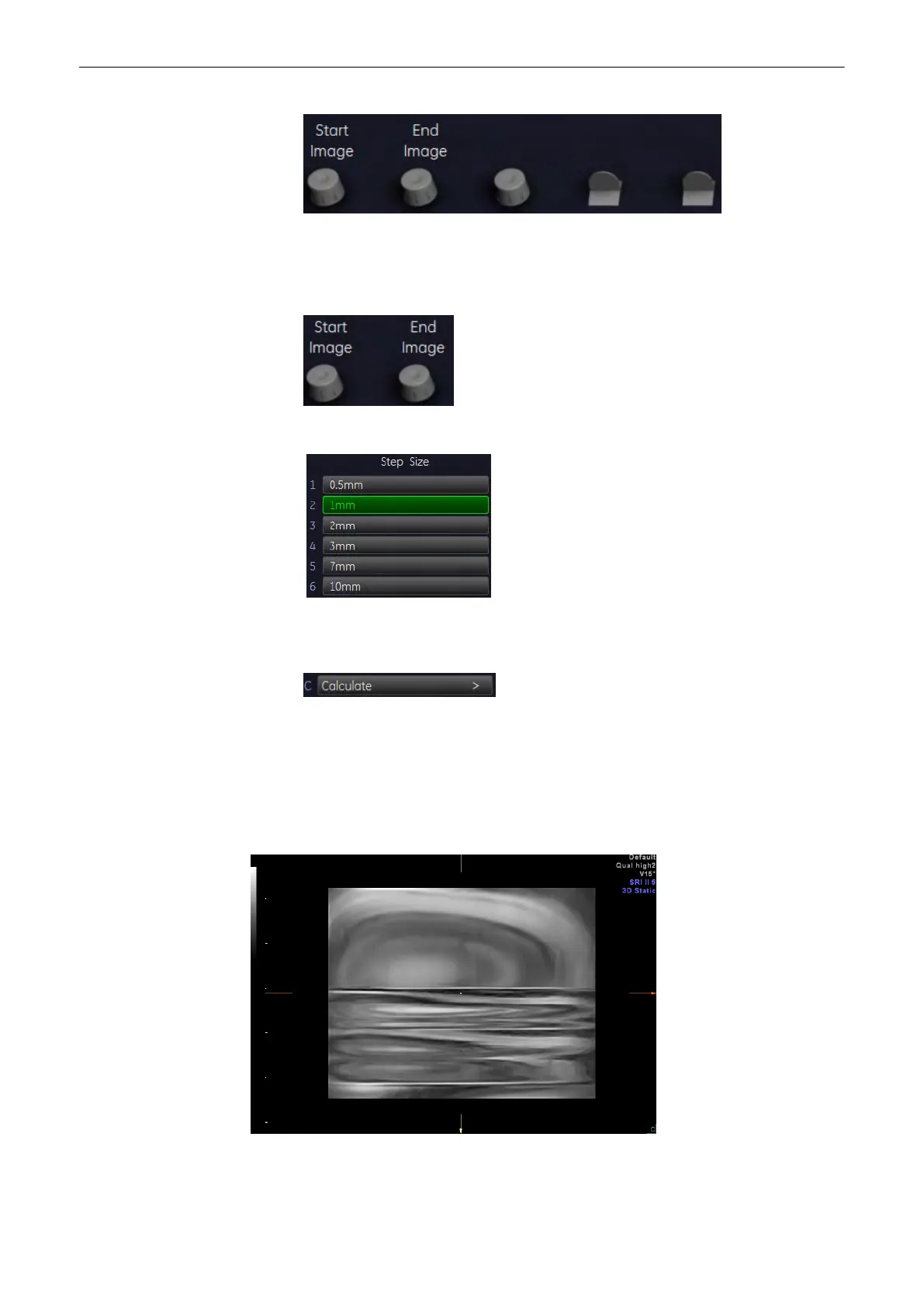
2. Use the [Start Image] and [End Image] control below the menu area to select the starting
point and endpoint desired. When you select the first image (either start image or end
image) the lines denoting the images will be linked, when you select the second image
the lines will be unlinked.
3. Select the step size.
The increment defines the amount of rotation between adjoining 3D images.
4.
Start the calculation of the cine sequence.
9.4.2.3 Slice Cine
2D images are moved in a translational movement through a volume.
Note
Sectional Planes must be selected.
Single View:
Quad View:
Volume Mode
Voluson® S6/S8 Basic User Manual
5433669-100 Revision 4 9-63



 To Next Page