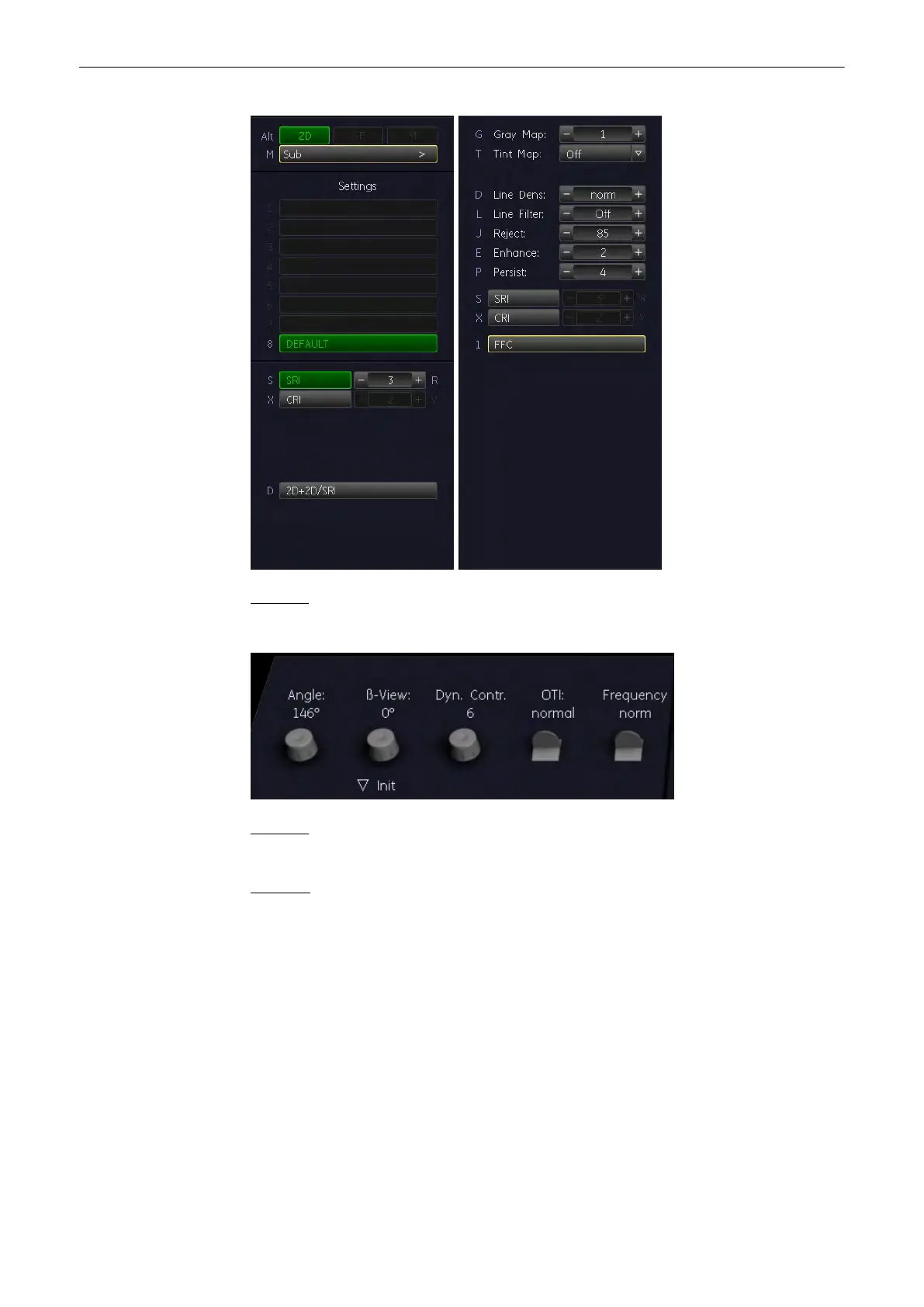
Example:
2D Main/Sub menu area
Example:
2D rotaries
Remarks:
•
In freeze-Mode changing the Angle,
β-View, Focal Zones, OTI, Frequency, Virtual
Convex mode, CE, FFC and XBeam CRI, (and combinations of these modes) is
impossible.
•
The keys for the functions Focal Zones, OTI, β-View, Angle, Frequency, FFC, XBeam
CRI, CE, SRI and Virtual Convex mode only appear on the menu area if they are
available for the selected probe.
•
The Virtual Convex mode is only available with linear probes.
6.2 2D Operation
The 2D operation consists of:
•
'2D Gain'
on page 6-4
2D Mode
Voluson® S6/S8 Basic User Manual
5433669-100 Revision 4 6-3



 To Next Page