•
Adjusting the angle is always possible, in scan mode and freeze mode.
8.7.2 Artifact Suppression
PW CW CF PD HD-Flow TD
- - X X - -
Artefact suppression reduces of movement artefacts in the image. For cardiac application it is
recommended to switch off the artefact suppression.
Switch on/off the artefact suppression in the Map section of the Submenu.
8.7.3 Audio Signal
PW CW CF PD HD-Flow TD
X - - - - -
The control button below the right hand side probe holder changes the volume of the audio
signal derived from the spectrum.
Turn clockwise: both loudspeakers louder Turn counterclockwise: both loudspeakers lower
The volume is adjustable between 0 and 96 dB.
8.7.4 Balance
PW CW CF PD HD-Flow TD
- - X X X X
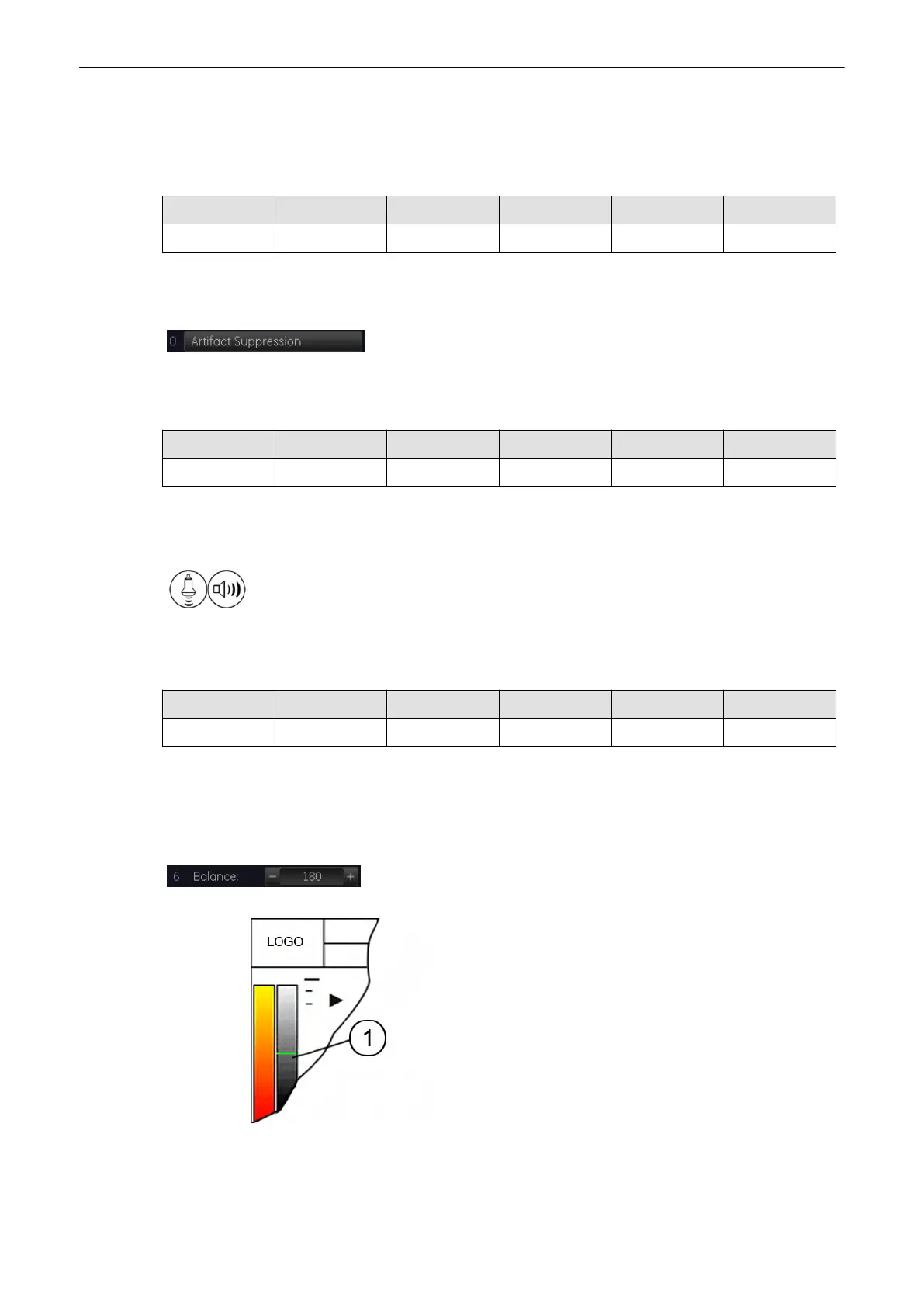
“Balance” control establishes the amount of Color displayed over bright echoes and helps
confine Color within the vessel walls. Raising this balance displays Color on brighter
structures. If you see Color on vessel walls, the balance is probably set too high. Additionally,
wall motion ghosting can be suppressed with a low balance setting.
Select [-] or [+] on the [Balance] key and select the balance range.
The Balance orientation line (1) is only visible in the color modes. The line represents the
position of the adjusted displayed gray value in the gray wedge.
Doppler Modes
8-32
Voluson® S6/S8 Basic User Manual
5433669-100 Revision 4



 To Next Page