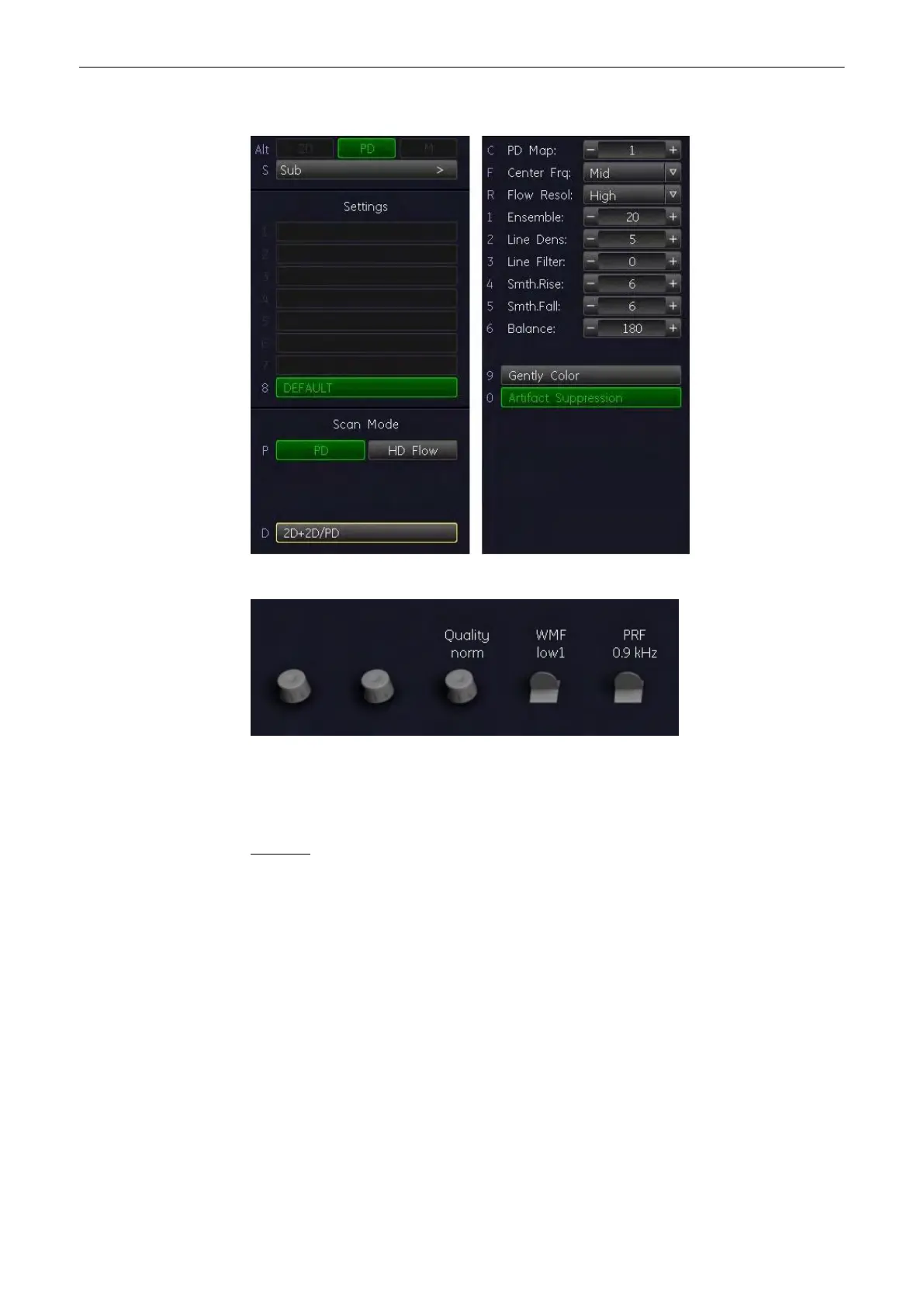
The “PD Main” menu appears on the Main Window (scan mode).
Example: PD Main/Sub menu window
Example: PD Main/Sub Rotraries
Note
Once HD-Flow has been activated, it is automatically activated each time the PD hardkey is
pressed, until the user switches to PD again by using the PD hardkey.
Remarks:
•
Changing the Gain, Quality, WMF, PRF, Steering and 2D+2D/PD is only possible in scan
mode!
•
Beam steering is only possible with linear probe and in scan mode.
8.4.2 PD Operation
The PD operations:
•
'PD Box Position and PD Box Size'
on page 8-20
•
'PD Gain Control'
on page 8-20
•
'Quality'
on page 8-38
•
'Wall Motion Filter (WMF)'
on page 8-41
•
'Velocity Range (PRF)'
on page 8-40
•
'2D + 2D/PD'
on page 8-20
Doppler Modes
Voluson® S6/S8 Basic User Manual
5433669-100 Revision 4 8-19



 To Next Page