8.7.7.1 Ensemble for TD
Select +/- on the [Ensemble] key and select the number of pulses per color line.
max. value: 31 min. value: 3 step size: 1
8.7.8 Flow Resolution
PW CW CF PD HD-Flow TD
- - X X X X
This function controls the axial resolution of color in the display. It adjusts the axial sample
depth of color pixels.
high color samples in axial direction shorter low color samples in axial direction larger
Select the [Flow Res.] key and select the axial resolution.
There are four steps for Flow Resolution: low, mid1, mid2 and high
8.7.9 Size
PW CW CF PD HD-Flow TD
X - - - - -
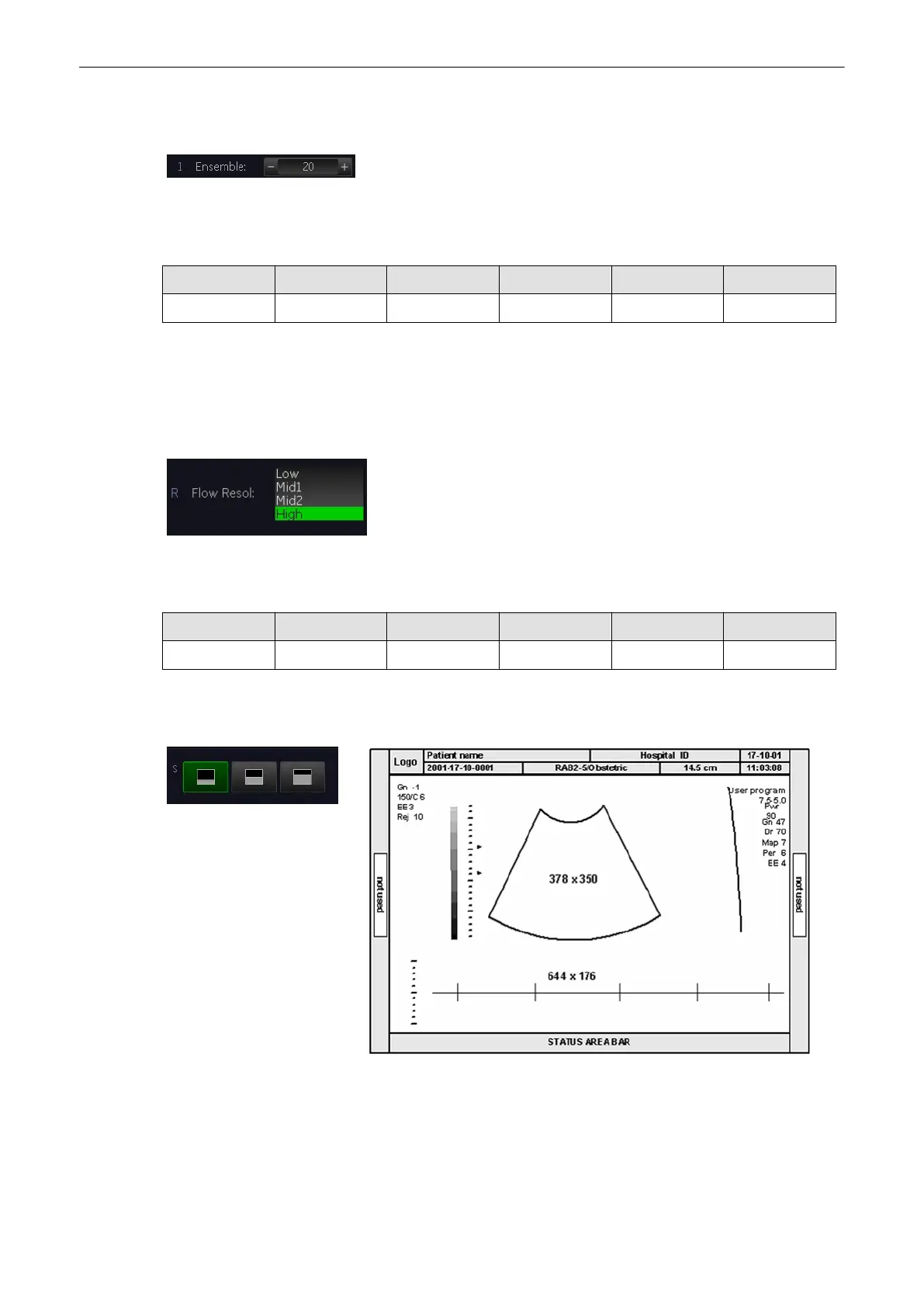
The keys serve for selection of either one of three formats (60/40, 50/50 and 40/60) for
display.
Doppler Modes
8-34
Voluson® S6/S8 Basic User Manual
5433669-100 Revision 4



 To Next Page