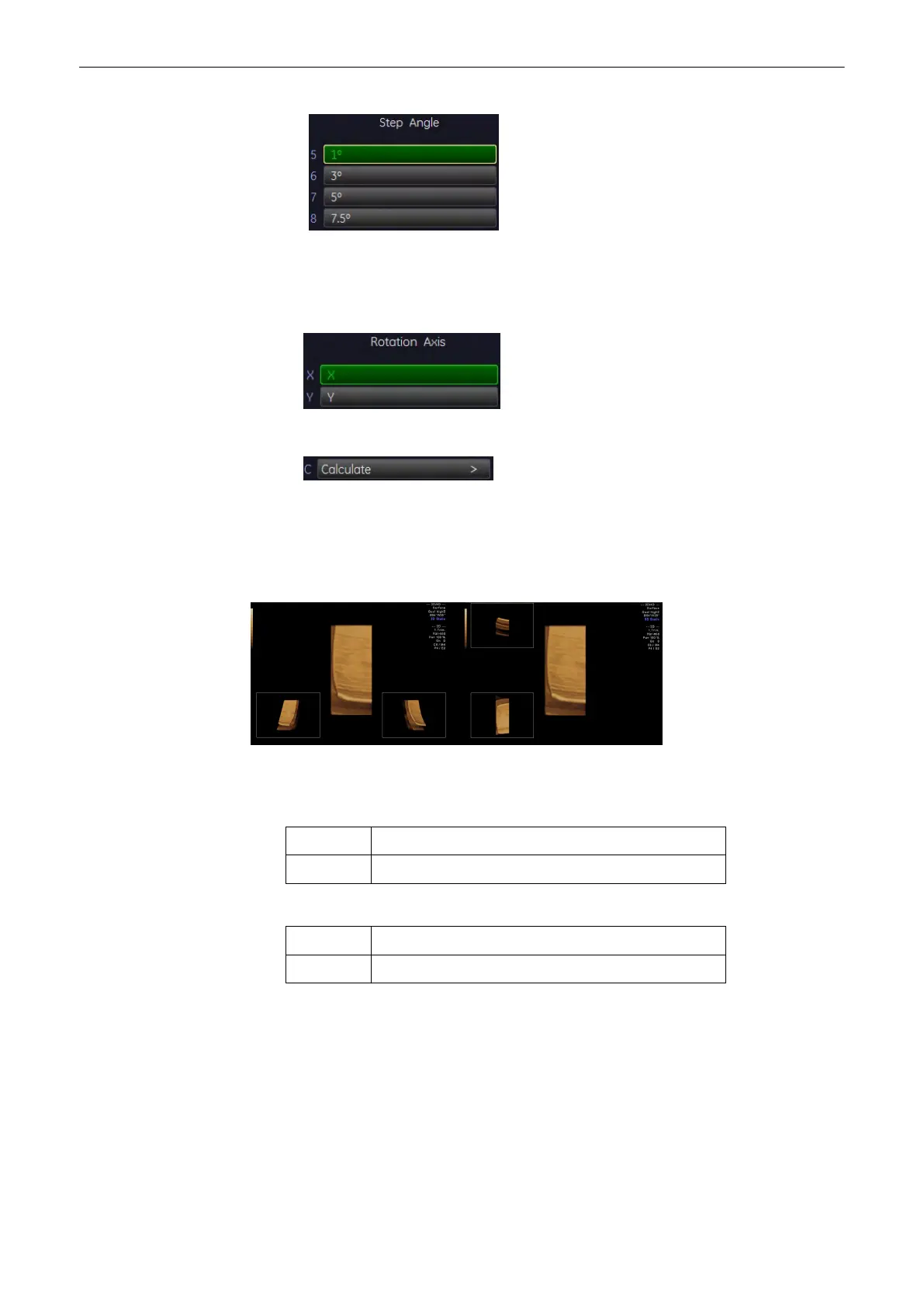
The increment defines the amount of rotation between adjoining 3D images.
4.
Select the rotation axis.
Select between X and Y rotation of the 3D Rotation Cine sequence.
5. Start the calculation of the cine sequence.
9.4.2.2 3D Translational Cine
A render box is moved in a translational movement through a volume.
Single View:
The basic screen elements are:
•
Pre-view of the rendered start image.
Location: top left position when rotating around the x-axis
bottom left position when rotating around the y-axis
•
Pre-view of the rendered end image.
Location: bottom left position when rotating around the x-axis
bottom right position when rotating around the y-axis
Quad View:
Volume Mode
Voluson® S6/S8 Basic User Manual
5433669-100 Revision 4 9-61



 To Next Page