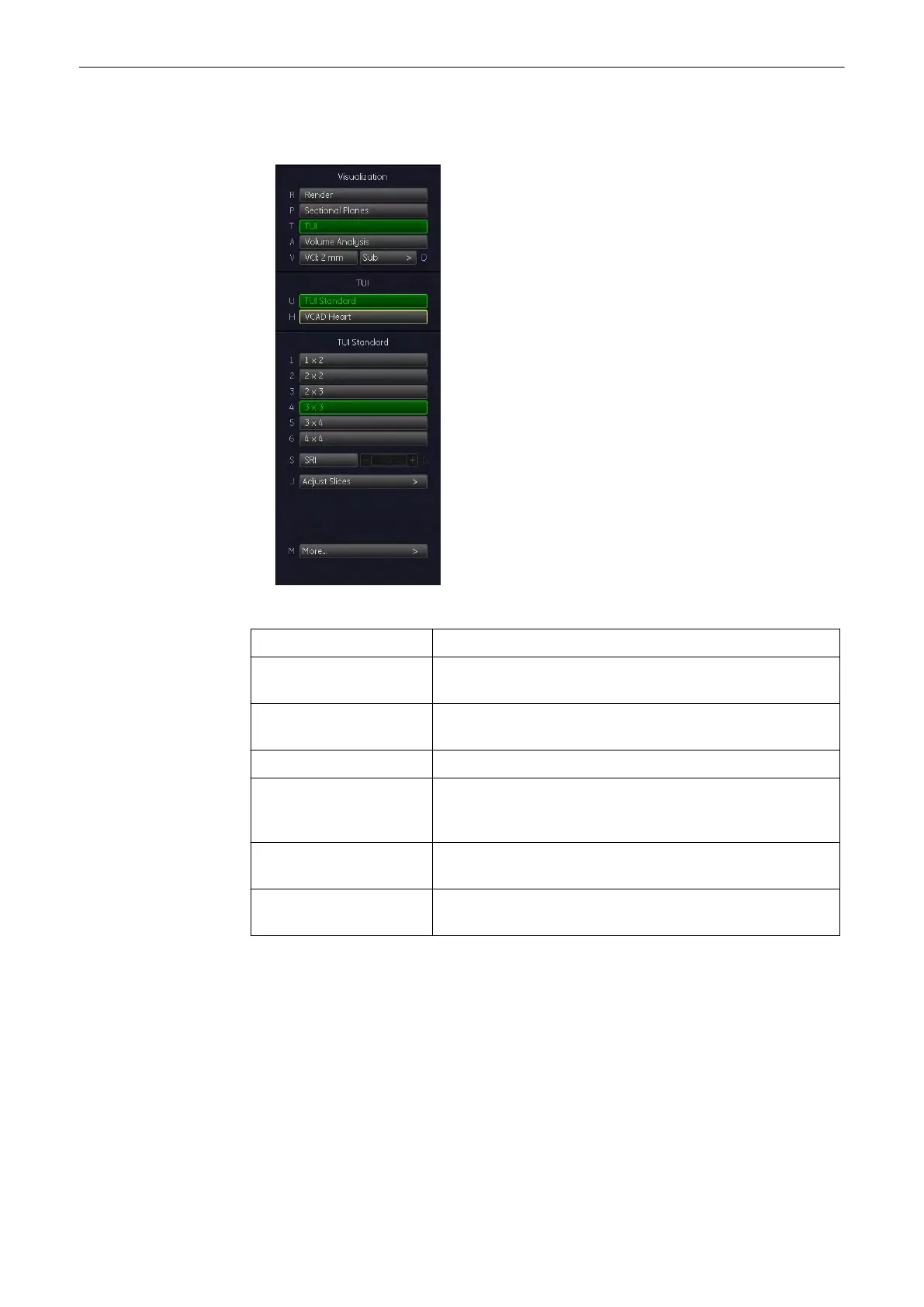
9.14.3 Before VCAD Operation
Plane Graphic Press this key to switch on and off the heart template
Set Starting Plane Press this key to display the VCAD application menu,
see'During VCAD Operation'
on page 9-142
More... Press the [More...] button to go to submenu, see 'Sub Menus'
on page 9-43
Cephalic/ Breech Press this key to turn the image 18º around the y-axis.
Init Select this key to reset the rotations and translations of a
volume section to the initial (start) position, see'Principle of
Sectional Image Analysis'
on page 9-24
SRI Press the [SRI] button to allow for an adjustment in the
submenu, see 'Speckle Reduction Imaging (SRI)'
on page 9-46
Ref. Image Press one of the Ref Image by using trackball to swap reference
image, see 'Principle of Sectional Image Analysis'
on page 9-24
Volume Mode
Voluson® S6/S8 Basic User Manual
5433669-100 Revision 4 9-141



 To Next Page