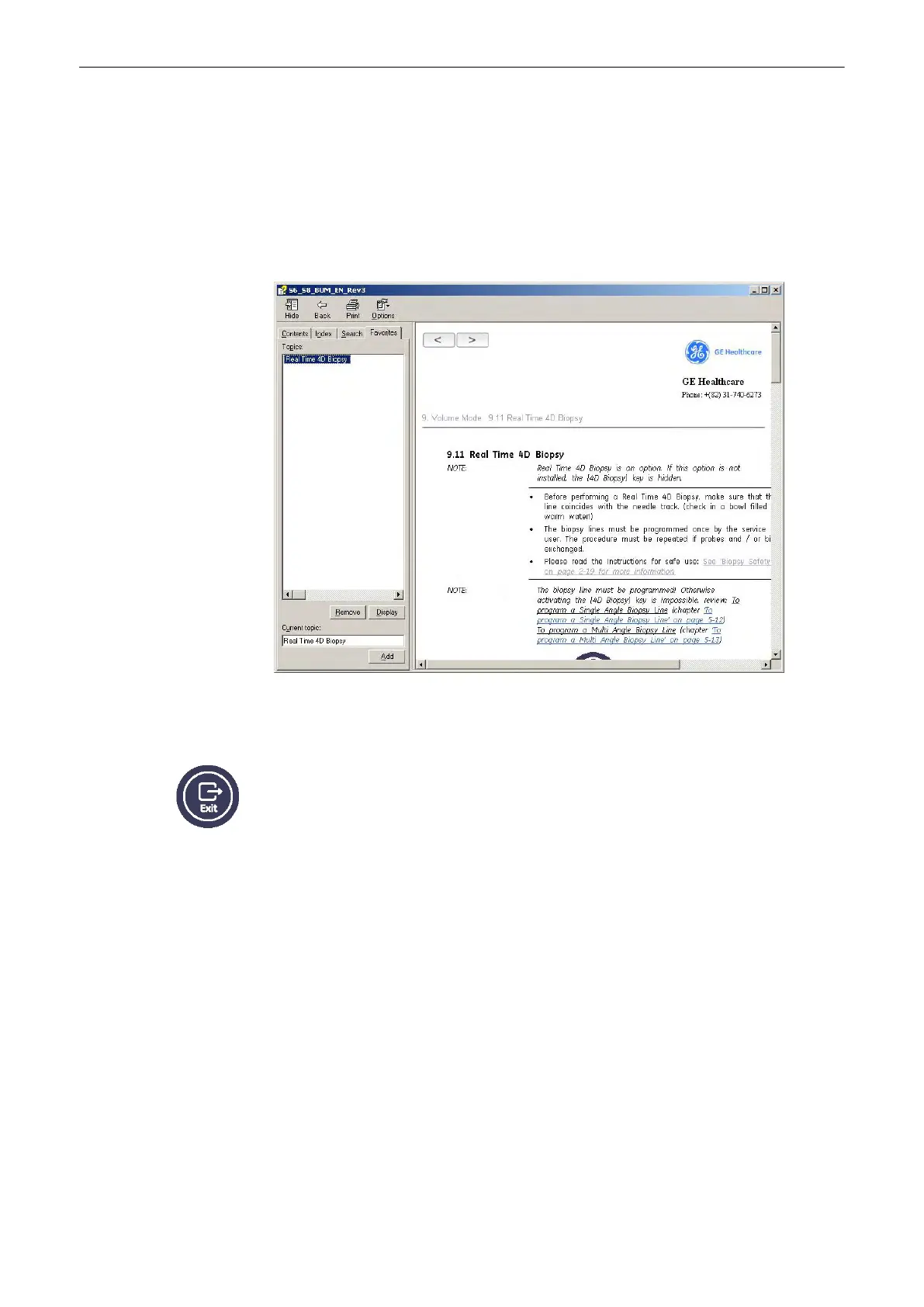
3.8.2.4 To Save a Favorite Topic
You may find that there are topics you need to refer to often. In this case, it is a good idea to
save these topics as Favorites.
1.
To save a topic as a favorite, click on the “Favorites” tab.
2. Highlight the topic in the
Topics:
field and click the [Add] button.
You can now view this topic quickly by going to the Favorites help tab.
3.8.3 To Exit the Electronic User Manual
Press the [Exit] key on the control panel to exit the electronic user manual.
Description of the System
3-20
Voluson® S6/S8 Basic User Manual
5433669-100 Revision 4



 To Next Page