Note
Additionally also [RVDd] and [HR] can be measured. If the Heart Rate is measured, also the
Cardiac Output is calculated and shown in the worksheet.
IVSd: Interventricular Septum - diastolic LVDd: Left Ventricle Diameter - diastolic LVPWd: Left
Ventricular Posterior Wall - diastolic IVSs: Interventricular Septum - systolic LVDs: Left
Ventricle Diameter - systolic LVPWs: Left Ventricular Posterior Wall - systolic
11.2.5.18 To measure the Items One by One
To calculate the items such as IVSd, LVDd, LVPWd, IVSs, LVDs, LVPWs and RVDd in M
mode:
1. Press the [Calc] key on the screen.
2. Select [LV] and then select the desired measurement item.
3. Perform the measurement using trackball and the right or left trackball key [Set].
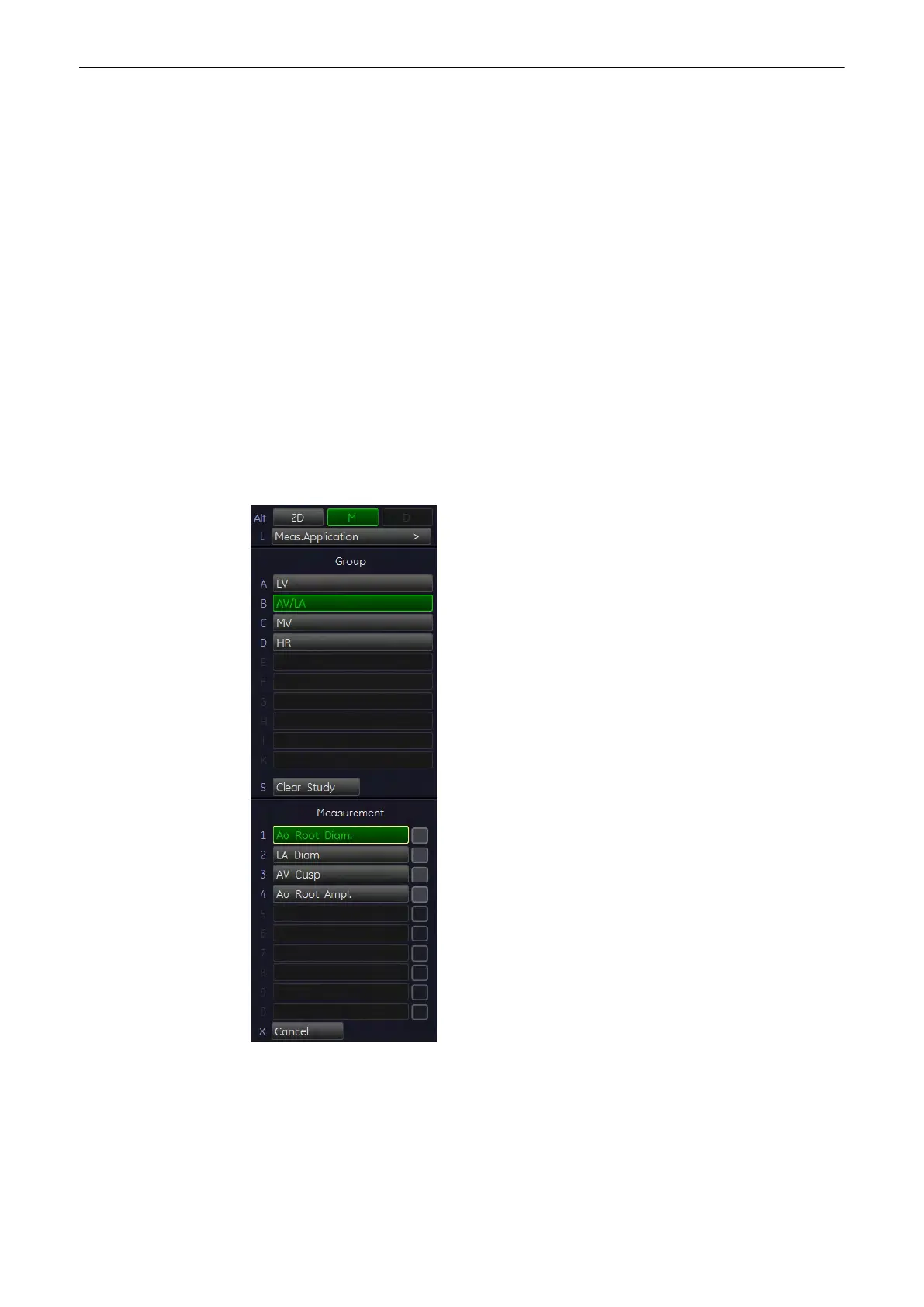
11.2.5.19 AV/LA (Aortic Valve/Left Atrium)
To measure the Aortic Root Diameter, the Left Atrial Diameter, the Aortic Cusp Separation and
the Aortic Root Amplitude in M mode:
1. Press the [Calc] key on the control panel.
2.
Select the item [AV/LA]
3. Select the desired measurement parameter. For example: select [Ao Root Diam].
4. Use the trackball to move the cursor to the start point of the measurement and press the
right or left trackball key [Set] to fix the marker. A second cursor appears.
Measurements and Patient Worksheets (Reports)
Voluson® S6/S8 Basic User Manual
5433669-100 Revision 4 11-71



 To Next Page