HDF Map 5 HDF Map 6 HDF Map 7 HDF Map 8
cyan
dark blue
dark blue
cyan
pink
dark red
dark red
Pink
white
dark grey
dark grey
white
yellow
dark red
dark red
yellow
Strong echo: lighter hue (high brightness) Weak echo : darker hue (low brightness)
Selection of a HD-Flow Map curve:
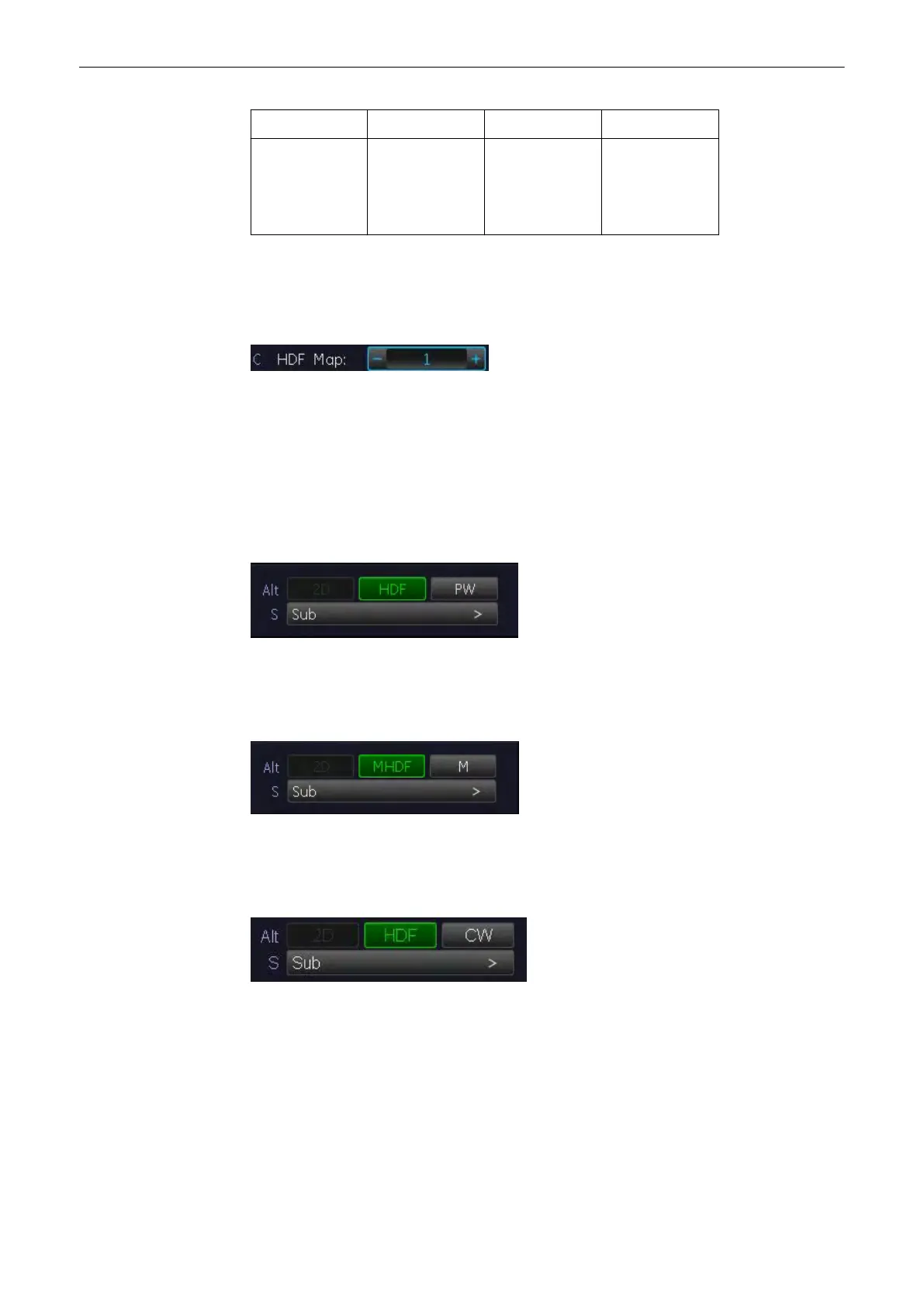
Select the [HDF Map] key and select the HDF Map curve by selecting key 1 to 8.
8.5.4 HD-Flow + 2D + Spectral Doppler (Triplex Mode)
Triplex mode is the simultaneous real-time display of 2D mode, Power-Doppler and Spectral
Doppler.
There are two possibilities to combine HD-Flow with Spectral Doppler Information:
1. HD-Flow + 2D Mode + PW Doppler (Pulsed Wave Doppler)
In scan mode it is possible to switch between HD-Flow menu, PW menu and the appendant
Submenus to readjust the settings.
2. HD-Flow + 2D Mode + M Mode (Motion Mode)
In scan mode it is possible to switch between MHD-Flow menu, M menu and the appendant
Submenus to readjust the settings.
3. HD-Flow + 2D Mode + CW Doppler (Continuous Wave Doppler)
In scan mode it is possible to switch between HD-Flow menu, CW menu and the Submenus to
readjust the settings.
8.6 Tissue Doppler Mode (TD Mode )
Tissue-Doppler imaging generates a Color image by using the Doppler principle. This Color
image is overlaid onto the 2D image. The Tissue image provides information about tissue
motion direction and velocity.
Doppler Modes
Voluson® S6/S8 Basic User Manual
5433669-100 Revision 4 8-27



 To Next Page