•
‘CW Cineloop’ on page 8‐11
8.2.2.1 Cursor Position and Focus
In Continuous Wave Doppler, a specific area along the ultrasound beam is sampled. The
location of the CW cursor can be changed with the trackball. The angle correction line on the
CW cursor is also the depth marker for the focus.When changing the focal depth, you see
the current value displayed in centimeters on the left side of the display in the image info.
8.2.2.2 Activation of CW Mode
Press the left trackball key to start the motion display; the 2D image will be frozen. The screen
is divided asymmetrically. In the image above the 2D image appears. In the image below the
CW mode spectrum starts running.Three display formats are possible: See ‘Format’ on
page 8‐38 for more information.The "CW Main" menu appears on the menu window(scan
mode).
Press the left trackball key once more: the spectral display will be frozen and the 2D image
returns to scan mode.
Note
The Track-Ball functions are displayed in the Status Bar area on the monitor and you see
which function is active.
8.2.2.3 CW Gain Control
CW Gain controls the amplification of the incoming Doppler signals. The Doppler gain should
be adjusted to a level that fills in the gray scale of the spectral analysis waveform without
creating a noise.
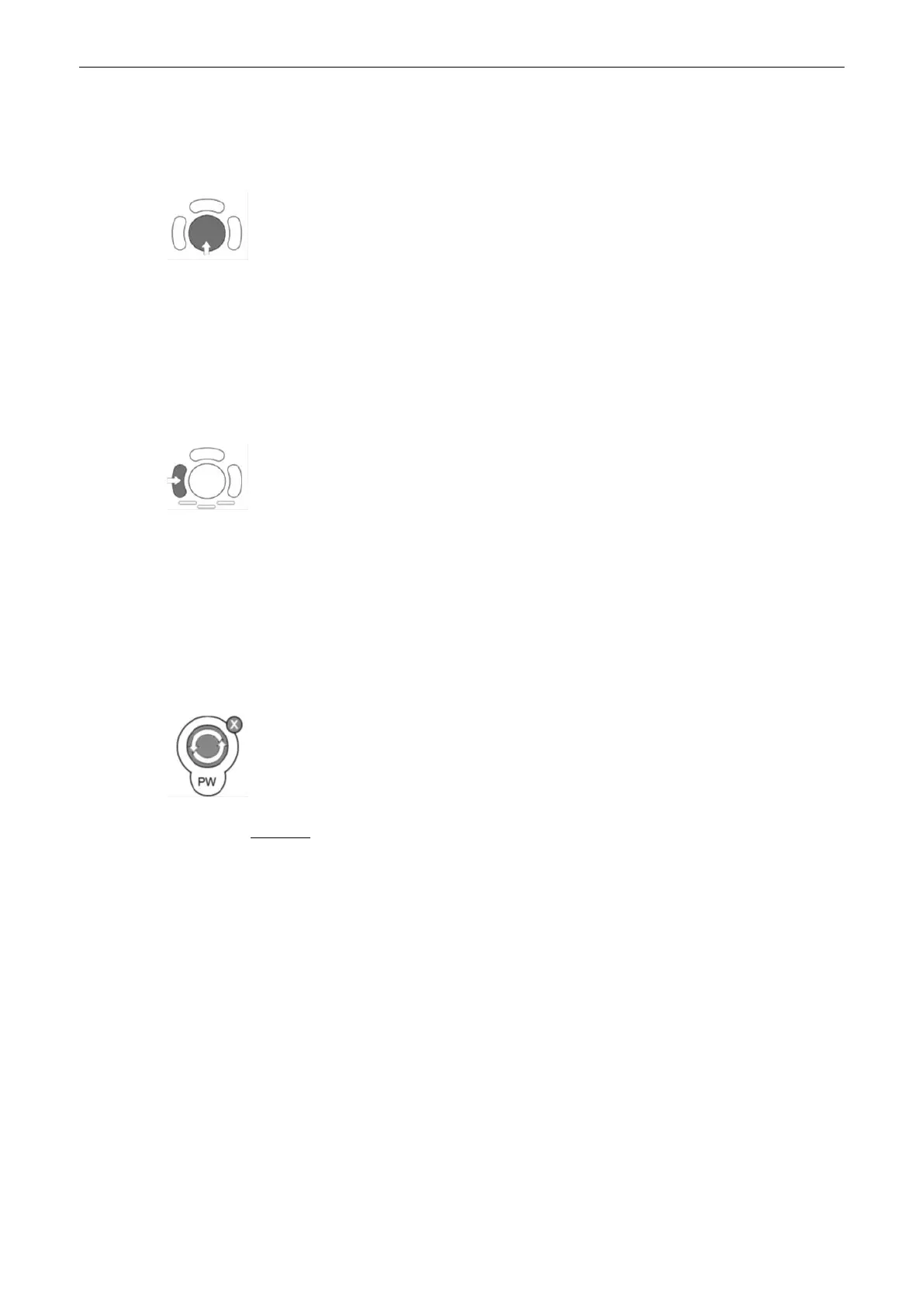
The [PW-Mode] key adjusts the CW Gain.Rotation adjusts the amplification (brightness) of
the entire displayed spectrumWhen the GAIN control is turned clockwise the entire spectrum
gets brighter. When the GAIN control is turned counterclockwise the entire spectrum gets
darker.
Remarks:
•
The current gain value is displayed on the screen [GN...].
•
Changing the CW Gain is only possible, in scan mode independent from additional
modes such as Color.
8.2.3 CW Sub Menu
The "CW Main" menu must be active.
Doppler Modes
8-10
Voluson® S6/S8 Basic User Manual
5433669-100 Revision 4



 To Next Page