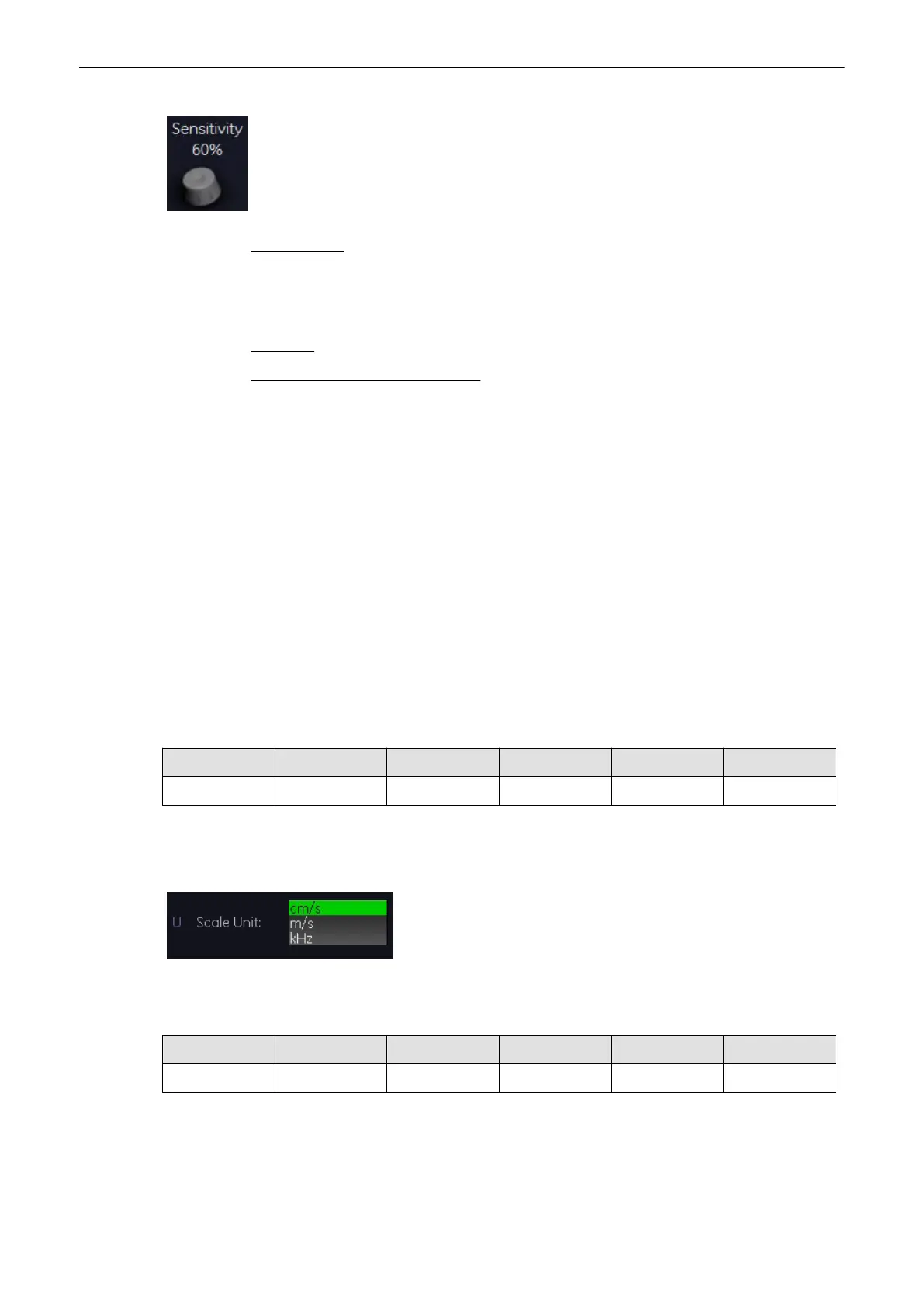
3. Select the sensitivity of the envelope curve (to eliminate artefacts).
Important note:
The determination of the envelope curve requires a clear and low-noise recording of the
Doppler spectrum. Otherwise, the reliability of the displayed measurement results may not be
ensured!
Remarks: Activating the Real Time Trace is only possible in scan mode.
How to assign a measurement study:
Condition: In Measurement Setup - Global Parameters the item "Assign RT Trace results on
Freeze" must be set to "Yes",
'The Measure Setup Pages'
on page 11-109
If "RT trace" is on and "Freeze", is activated and condition above is true then the Calc menu
appears with all functions disabled (grayed) apart from all study elements, which can have a
auto trace measurement. The "Application" and "Exit" button are also available.
Operation:
1. Before selecting a study: adjust Angle, Baseline, Side and Position, if necessary; or
cancel the assignment by pressing [Exit], or change Measurement Application or Study
by pressing [Meas. Applicat.].
2. Select a study: for example: Mid ICA
"Standard" Calc. Menu appears and measurement item "Auto Trace" is active
3. Workflow now is identical with a standard "Auto trace" measurement
8.7.18 Scale
PW CW CF PD HD-Flow TD
X - X - - X
The max. Velocities are displayed above and under the color scale in (kHz, cm/s, m/s)
Select the [Scale] key and select the scale display as desired.
kHz: Doppler shift frequency cm/s: Flow velocity m/s: Flow velocity
8.7.19 Smoothing
PW CW CF PD HD-Flow TD
- - X X X X
Smoothing performs is a temporal averaging which improves the appearance of the color
images. Different amounts of smoothing can be selected for rising velocity and falling velocity.
Doppler Modes
Voluson® S6/S8 Basic User Manual
5433669-100 Revision 4 8-39



 To Next Page