6.8.3.7 Back-ground
For more information see
'B-Flow Operation'
on page 6-24.
6.8.4 Contrast Sub Menu
The “Contrast Main” menu must be active.
Note
Changes are only possible in scan mode (controls have no function in freeze mode). Only
changes in the Gray Chroma Map are also possible in freeze mode.
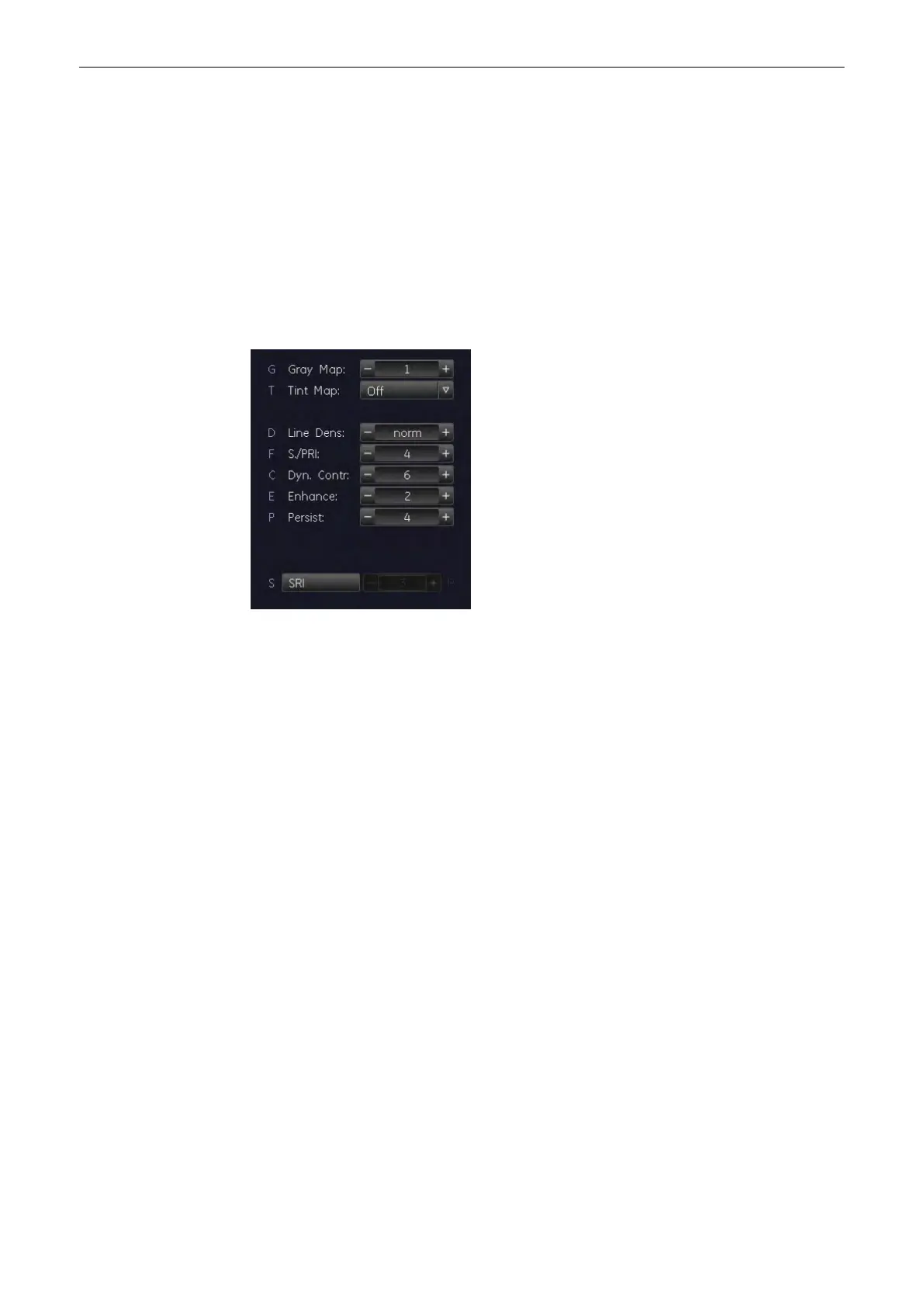
Select the [Sub Contrast] key. The Contrast Submenu appears.
The following functions are available:
•
For more information see
'Persistence Filter'
on page 6-38.
•
For more information see
'Line Density'
on page 6-38.
•
For more information see
'Dynamic Control'
on page 6-38.
•
For more information see
'Enhance'
on page 6-38.
•
For more information see
'Sensitivity/PRI'
on page 6-38.
•
For more information see
'Gray Map'
on page 6-22.
6.8.4.1 Persistence Filter
For more information see
'Persistence Filter'
on page 6-21.
6.8.4.2 Line Density
For more information see
'Line Density'
on page 6-22.
6.8.4.3 Dynamic Control
For more information see
'Dynamic Control'
on page 7-8.
6.8.4.4 Enhance
For more information see
'Enhance'
on page 7-8.
6.8.4.5 Sensitivity/PRI
For more information see
'B-Flow Sub Menu'
on page 6-25.
2D Mode
6-38
Voluson® S6/S8 Basic User Manual
5433669-100 Revision 4



 To Next Page