•
Reload a data set, change it (rotation, color,...) and save it again using the
programmable keys
•
Create a new acquisition (2D, 3D, 4D) and save it using the P-buttons.
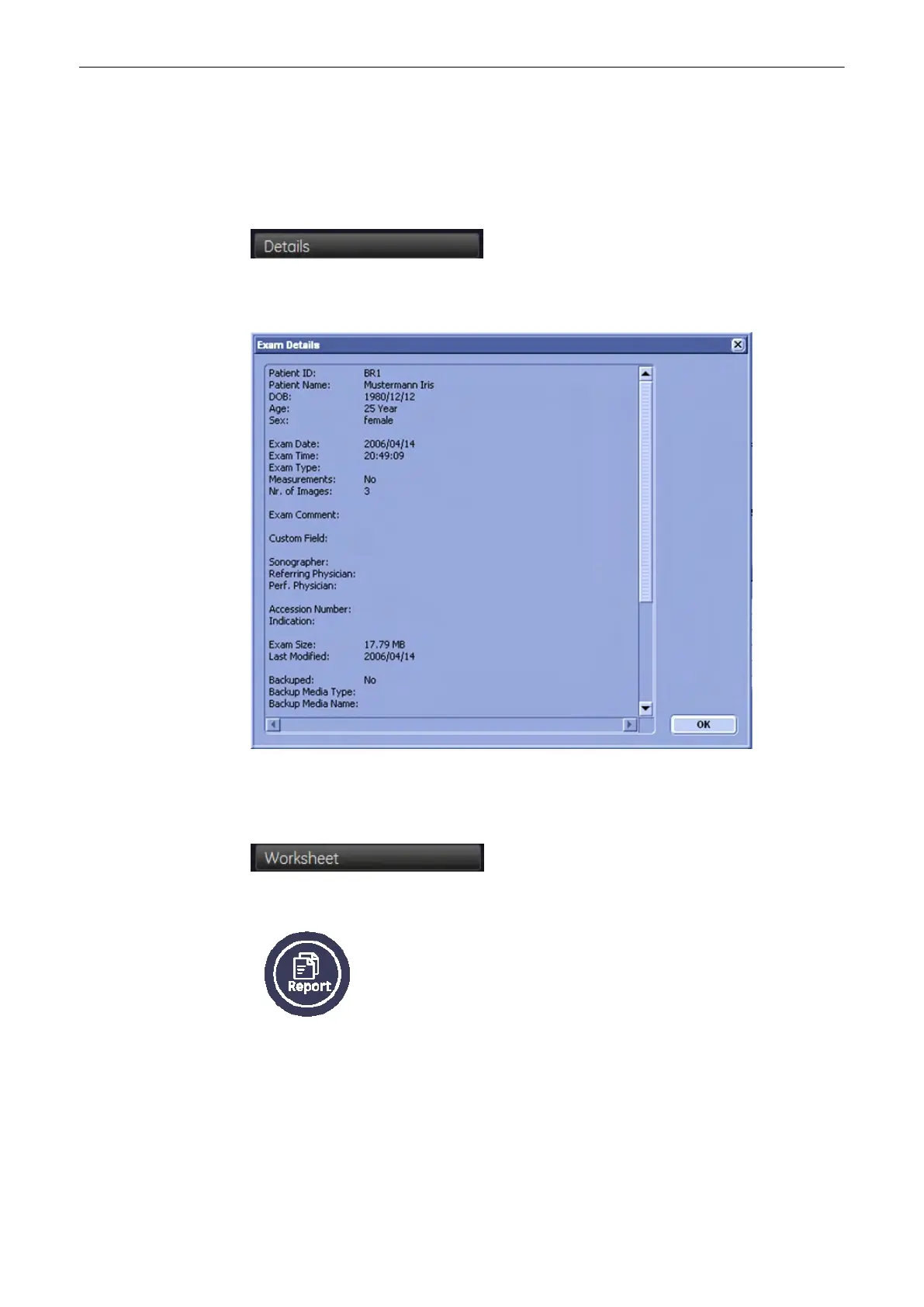
12.3.5.2 Exam Details
Exam Details: Allows you to view the Exam Details.
Use the scroll bar on the left to scroll up and down.
Click [OK] to close.
12.3.5.3 Worksheet
Press the [Worksheet] button if you want to view data of the currently selected exam.
Alternatively, you can press the [Worksheet] hardkey to evoke this function.For more details,
see
Chapter 11
After viewing the worksheet, click the [Exit] button.
Archive
Voluson® S6/S8 Basic User Manual
5433669-100 Revision 4 12-23



 To Next Page