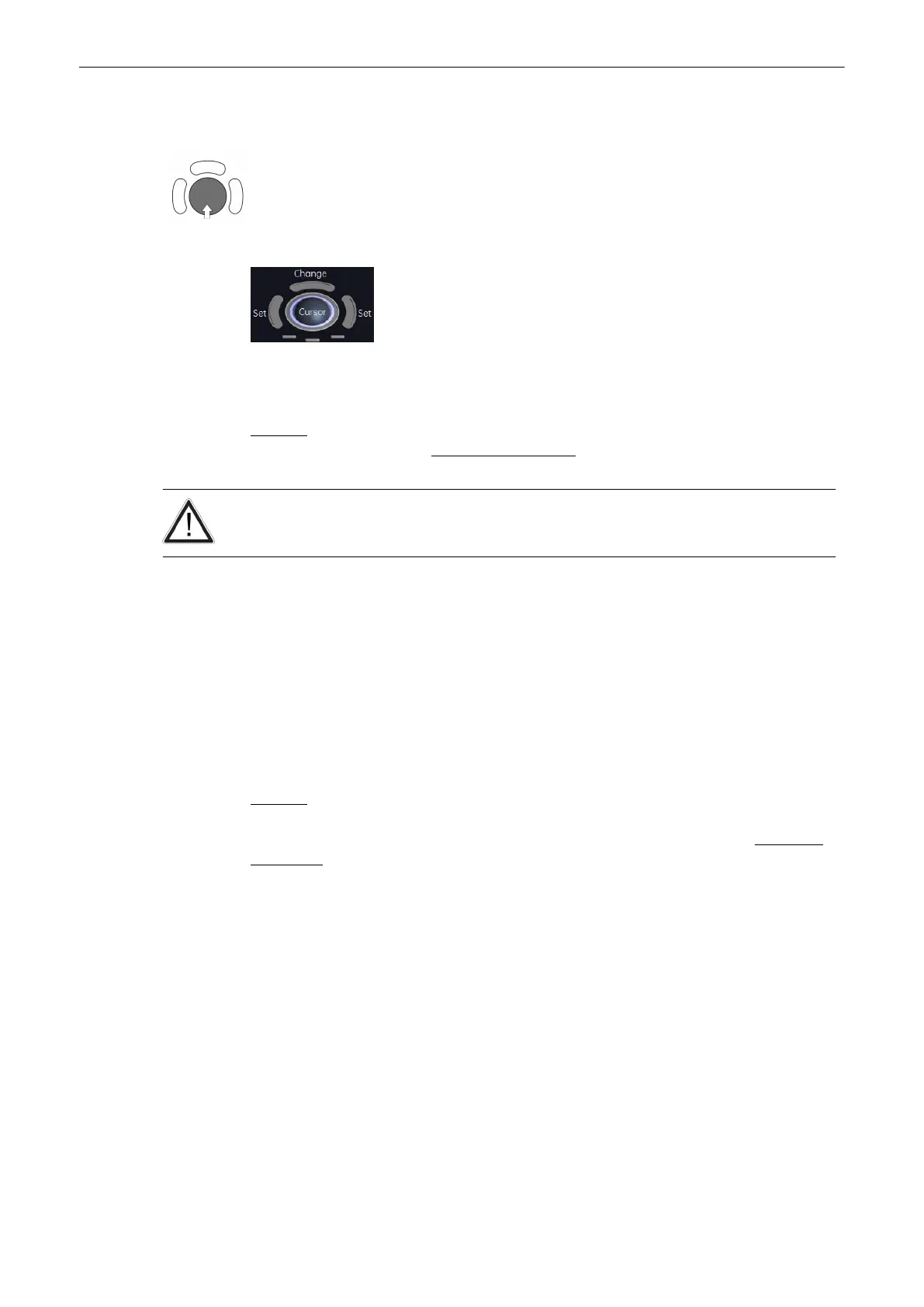
5. If necessary, adjust the [Angle] and the [Baseline].
A green line appears at the left of the spectrum. Press the upper trackball key [Change] to
move the line and readjust the start cycle (the line changes to yellow). Press the right or left
trackball key [Set] to fix the line. A green line appears at the right of the spectrum. Press the
[Change] key again (line changes to yellow), move the line to readjust the end cycle and
fixate it with [Set].
The status bar shows the current function of the trackball.
6. Press the right or left trackball key [Set] to finish the measurement.
Remark: To select the Doppler measuring results, which should be displayed after an Auto
Trace measurement, review: Application Parameters
(chapter
'The Measure Setup Pages'
on
page 11-109
).
The determination of the envelope curve requires a clear and low-noise recording of the
Doppler spectrum. Otherwise the reliability of the displayed measurement results may not be
ensured!
11.2.2.14 Manual Trace
1.
After obtaining a feasible Doppler spectrum, press the [Calc] key on the control panel.
2. Select the desired measurement item and then select [Manual Trace]. A cursor appears
on the Doppler spectrum.
3. Move the cursor to the start point of the period and press the right or left trackball key
[Set] to fix the marker. Begin trace.
Note
To re-adjust the traced line, press the upper trackball key [Undo] repeatedly.
4. Trace to the end of the period and press the [Set] key again to fix the mark.
Remark: To select the Doppler measuring results, which should be displayed after the
measurement (= “Auto/Manual Trace”) and to select if the envelope curve will be performed
with a continuous trace line or by setting points (= “Manual Trace Mode”), review: Application
Parameters
(chapter
'The Measure Setup Pages'
on page 11-109
).
11.2.2.15 Measurement of Each Item
1. After obtaining a feasible Doppler spectrum, press the [Calc] key on the control panel.
2. Select the desired measurement item and then select the [PS], [ED], [RI] or [PI] key. A
cursor appears on the Doppler spectrum.
3. Perform the measurement using the right or left trackball key [Set].
11.2.2.16 Measurement of PSV/EDV RI+SD
1. After obtaining an appropriate image, press the [Calc] key on the control panel.
2. Select the desired measurement item and then select the [PSV/EDV RI+SD] key. The
horizontal line for the PSV measurement appears.
3. Perform the PSV measurement by moving the trackball and press the right or left
trackball key [Set]. The horizontal line for the EDV measurement appears.
Measurements and Patient Worksheets (Reports)
11-32
Voluson® S6/S8 Basic User Manual
5433669-100 Revision 4



 To Next Page