Note:
If you want to return to the “3D/4D Volume Mode” menu press the right trackball key (Vol pre
displayed in the status bar area on the monitor).
Display of the rendered image:
•
'3D ROI (Edit ROI) Mode'
on page 9-52
•
'3D Pictogram (Accept ROI) Mode'
on page 9-54
•
3D Full-size Display
Remark:
In the “3D/4D Mode” menu you can always change to a different “Visualization”.
9.4.1.1 3D ROI (Edit ROI) Mode
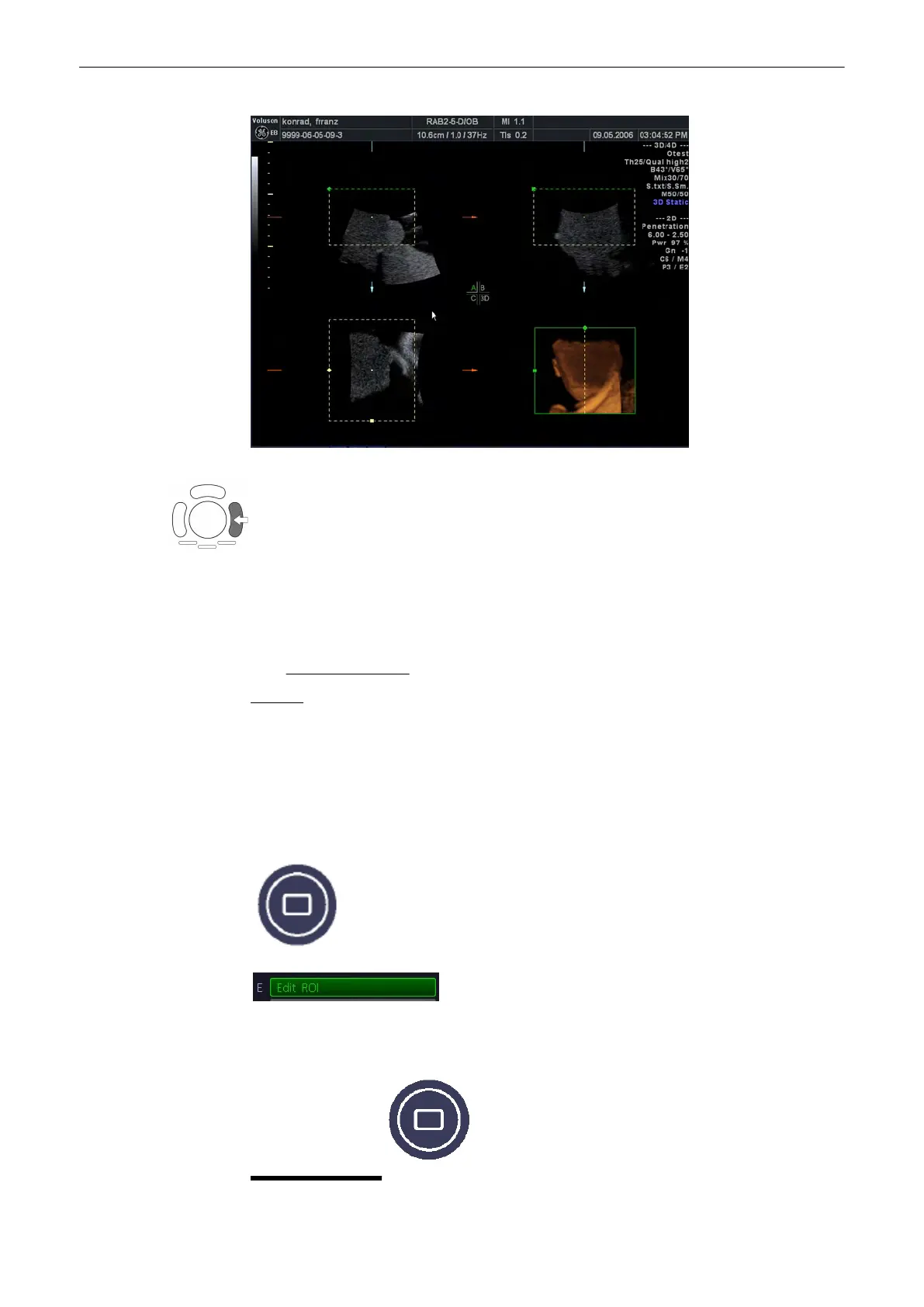
This is the mode for the adjustment of the volume render box. The volume render box
determines the ROI for the 3D calculation which is inserted in the orthogonal planes A, B, C.
The rendering result is displayed in the lower right quadrant.
The [Edit ROI] key - in the “Static 3D Render” menu - and the [Quad] screen format key are
selected.
3D Full-size Display:
Volume Mode
9-52
Voluson® S6/S8 Basic User Manual
5433669-100 Revision 4



 To Next Page