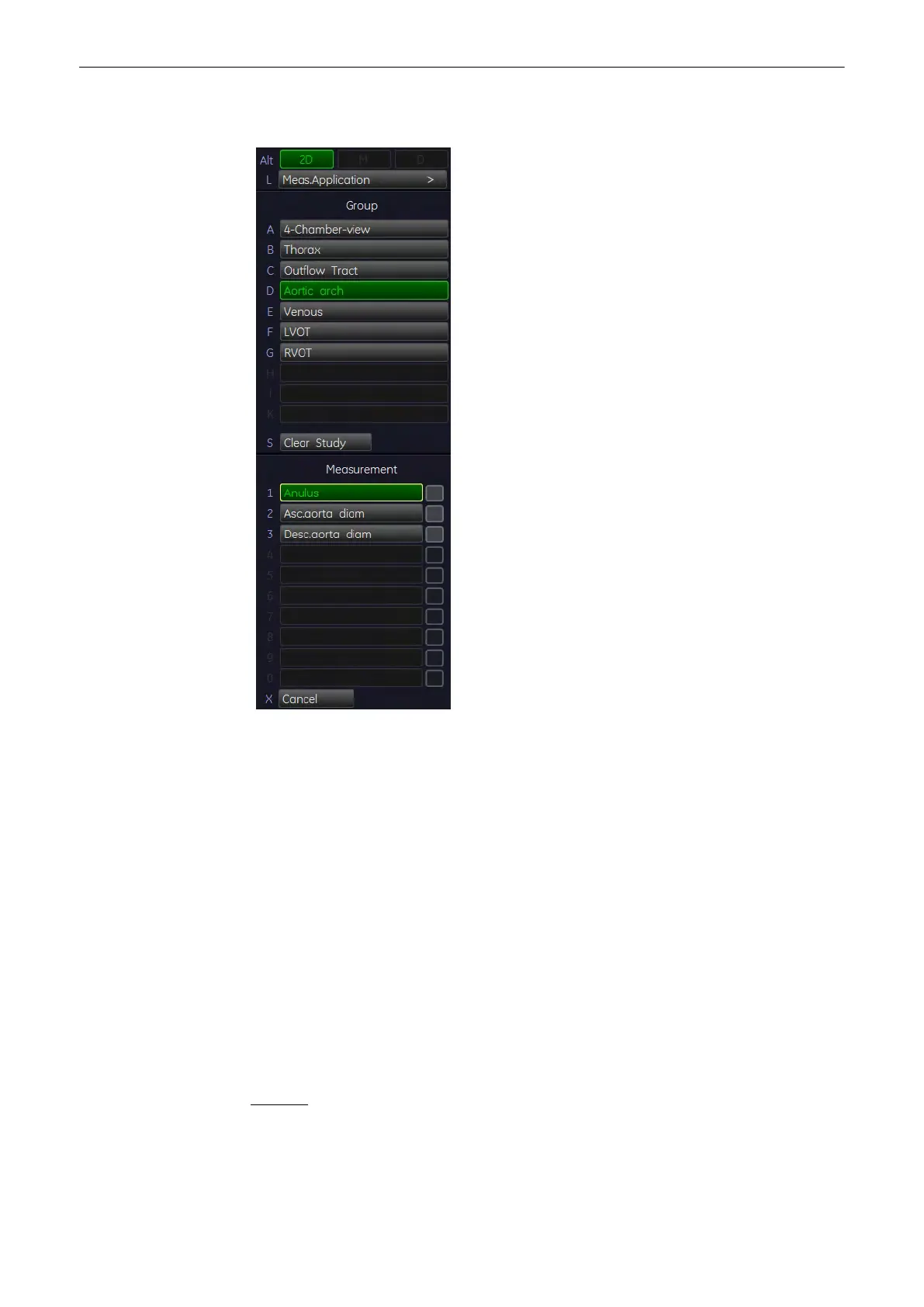
11.2.4.17 Distance Measurements
1. Press the [Calc] key on the control panel.
2.
Select the [Meas. Applicat.] key
3. Select [Fetal Echo]
4. Select a study for the corresponding item. For example: select [Aortic arch].
5. Select the desired measurement parameter. For example: select [Anulus].
6. Use the trackball to move the cursor to the start point of the measurement and press the
right or left trackball key [Set] to fix the marker. A second cursor appears.
7. Move the second cursor to the second point of the measurement and press [Set] again.
Note
To re-adjust the start point, press the upper trackball key [Change] before completing the
measurement. This alternates the control from one cursor to the other.
8. If necessary, choose another measurement parameter and continue with steps 6, 7 and
8 until you have taken enough measurements.
REFERENCE: Schneider C. et. al., “Development of Z-scores for fetal cardiac dimensions
from echocardio-graphy”, Ultrasound Obstet Gynecol. Vol. 26, 2005, pages 599-605.
Fomulas:
Z-scores = (ln(actual) - ln(predicted cardiac dimensions)) / Root MSE
ln (predicted cardiac dimensions) = m.ln(FL, GA or BPD) + c
Measurements and Patient Worksheets (Reports)
11-50
Voluson® S6/S8 Basic User Manual
5433669-100 Revision 4



 To Next Page