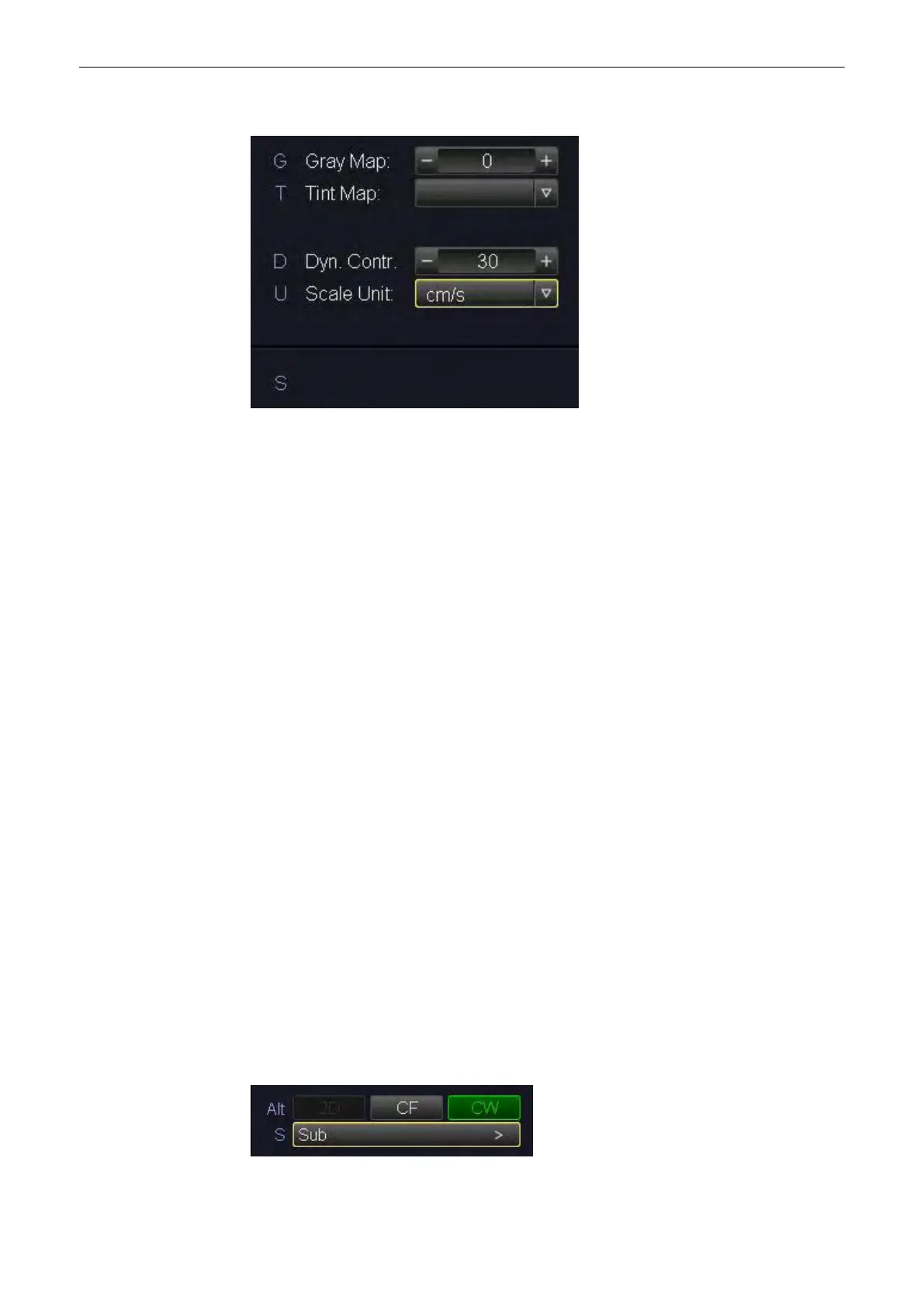
Press the control [S Sub]. The CW Submenu appears.
Note
Changes are only possible in scan mode! However, changes of the Gray Chroma Map, the
angle and the baseline are also possible in freeze mode.
The following functions are available:
•
‘CF Map and Display Mode’ on page 8‐18
•
'Frequency'
on page 8-36
•
'Flow Resolution'
on page 8-34
•
'Scale'
on page 8-39
•
'Balance'
on page 8-32
•
'Smoothing'
on page 8-39
•
'Ensemble'
on page 8-33
•
'Line Density'
on page 8-37
•
'Artifact Suppression'
on page 8-32
•
'Baseline'
on page 8-33
•
'Line Filter'
on page 8-38
•
'Utilities'
on page 13-2
and 'Gray Map'
on page 6-22
8.2.3.1 View Modes
See ‘View Modes’ on page 7‐25 for more information.
8.2.4 CW + 2D + Color Information (Triplex Mode)
Triplex Mode is the simultaneous real-time display of 2D mode, Spectral Doppler and Color
Doppler.
There are two possibilities to combine Continuous Wave Doppler (CW) with Color Information:
1. CW + 2D Mode + Color Mode (CFM)
Doppler Modes
Voluson® S6/S8 Basic User Manual
5433669-100 Revision 4 8-11



 To Next Page