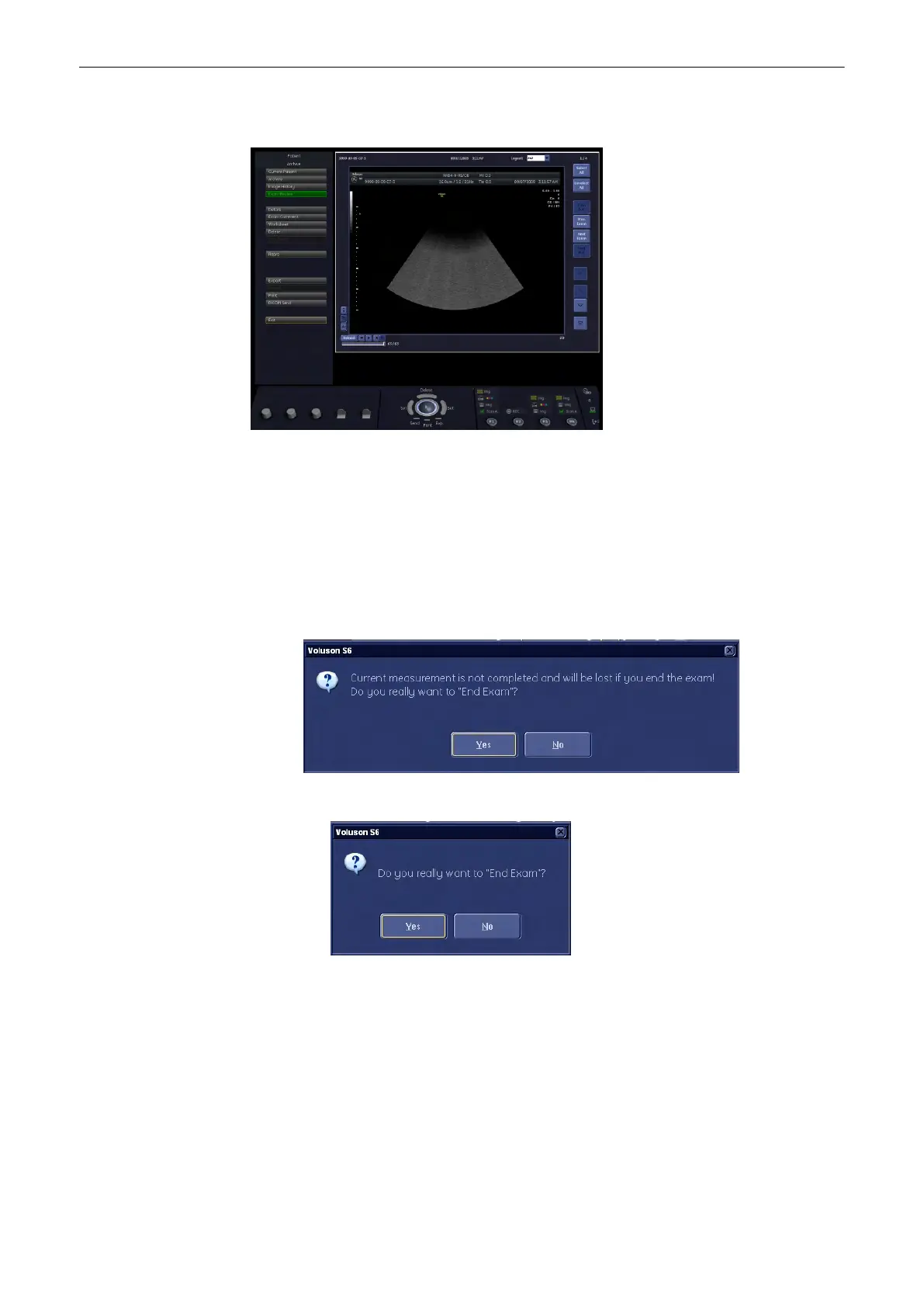
12.5.1.1 Exam Review Screen
12.5.2 End Exam
12.5.2.1 Setup Switch “End Exam Dialog” OFF
End Exam function is done immediately when pressing the above buttons.
12.5.2.2 Setup Switch “End Exam Dialog” ON
•
If an incomplete measurement exists, a dialog window appears on screen:
•
If no incomplete measurement exists, another dialog window appears on screen.
In both cases pressing [Yes] or [No] leads to the same result:
No: Dialog window disappears (current state as before)
Yes: “End Exam" command is executed and dialog window disappears.
Note
“End Exam" command is also executed if [End Exam] button is pressed again when dialog
window is present.
Archive
12-34
Voluson® S6/S8 Basic User Manual
5433669-100 Revision 4



 To Next Page