8.7.15 Line Filter
PW CW CF PD HD-Flow TD
- - X X X X
Especially the lateral resolution can be optimized with this correlation algorithm. With this
process, the signals of neighboring pulses are less weighted for the image which improves
detail resolution and signal-to-noise ratio.
Eight steps are provided.
Select the [Line F.] key and select the filtering.
8.7.16 Quality
PW CW CF PD HD-Flow TD
- - X X X X
This control improves the Color Resolution by reducing the image frame rate respectively it
reduces the Color Resolution by increasing the image frame rate.
Quality control (digipot) There are three steps for the Color Quality:
high: higher color resolution / lower frame rate normal: normal color resolution / medium
frame rate low: lower color resolution / higher frame rate
Remarks:
•
The current quality status is displayed on the menu areal and on the screen [Qual ...].
8.7.17 Real Time Trace
PW CW CF PD HD-Flow TD
X - - - - -
With the “Real Time Auto Trace” function the envelope curve of the Doppler spectrum
(maximum velocities) and the corresponding evaluation is automatically displayed on the
monitor.
1. Select the [RT Trace] key to display the curve for the maximum velocities
(envelope curve) simultaneously with the Doppler spectrum.
key unlit: Real Time Trace is switched off. key lit: Real Time Trace is switched
on.
When starting the Doppler spectrum, the results (according to the “Auto/Manual Trace” setting
in the Measure Setup) are displayed and updated every time a new heart cycle is detected.
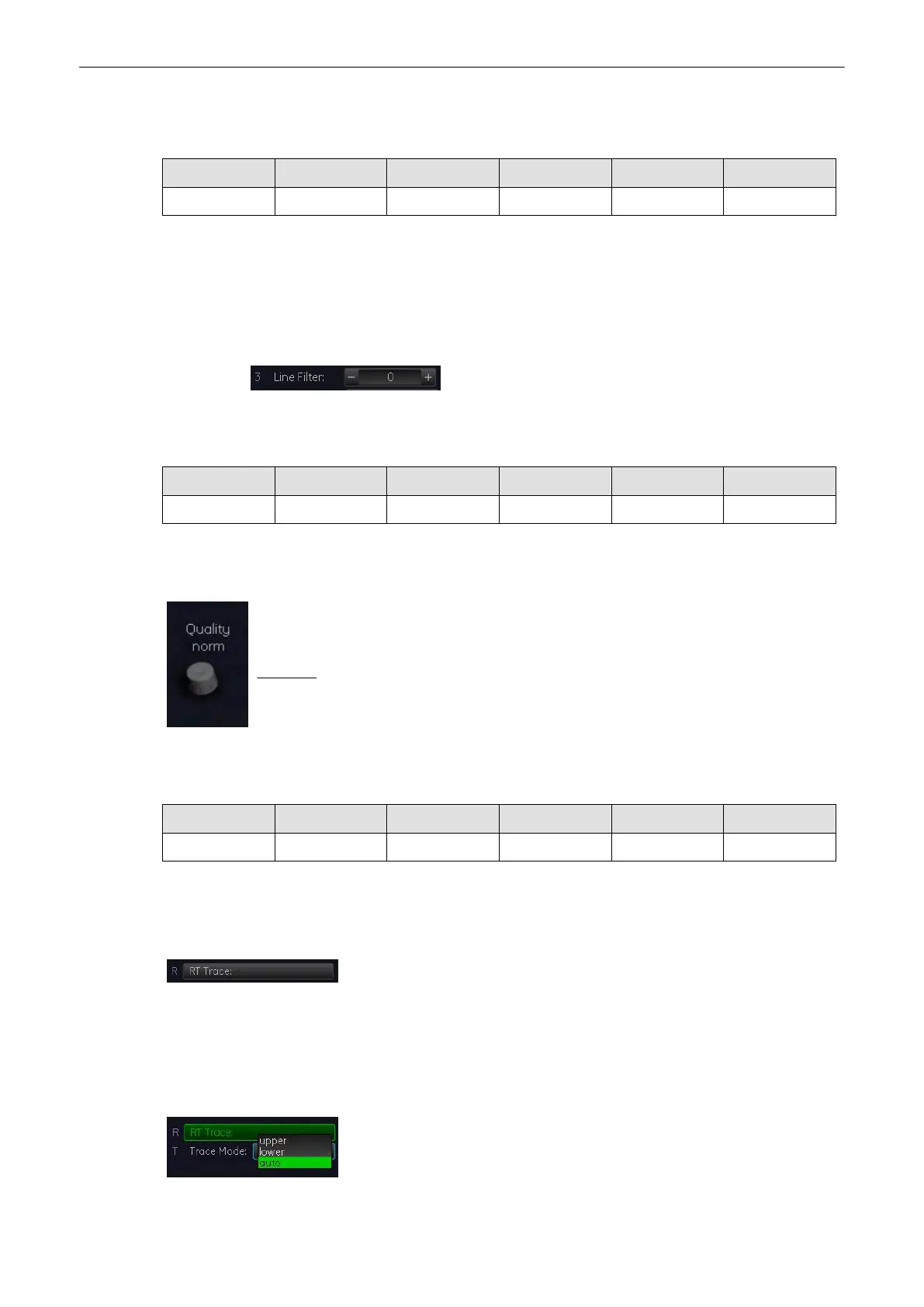
2. Select this key repeatedly to select the Trace Mode channel of the
envelope curve (upper, lower, auto).
Doppler Modes
8-38
Voluson® S6/S8 Basic User Manual
5433669-100 Revision 4



 To Next Page