Remark: The angle between the two lines is displayed.
11.1.2.4.2 Angle 2 Line
1.
To measure the angle between to lines, select the [Angle 2 Line] item in the menu area.
A cursor appears on the screen.
2. Move the cursor to the start point of the angle measurement and press the right or left
trackball key [Set] to fix the marker. A horizontal line appears.
3. By means of the trackball, rotate the line to adjust the angle and then press [Set] again.
Note
To re-adjust the start point, press the upper trackball key [Change] before completing the
measurement. This alternates the control from one cursor to the other.
11.1.3 M-Mode Measurements
•
For details about adjusting M Mode measurement settings, review: Measure Setup -
Measure & Calc
(chapter
'The Measure Setup Pages'
on page 11-109
)
•
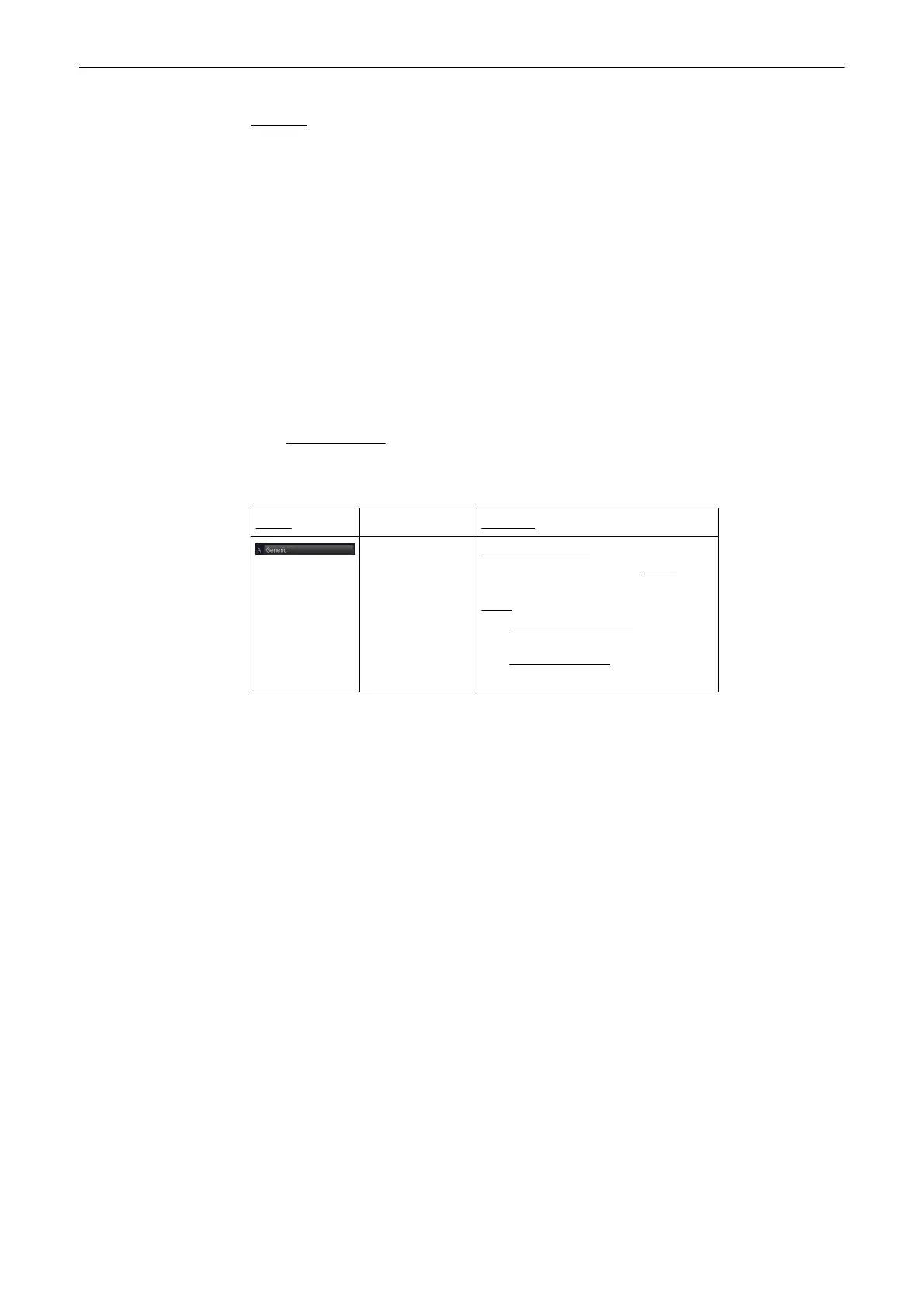
The “Factory” Generic Sub Category for M-Mode (see image above) supports 1 Study
type and following Measure methods:
Study Measure
(chapter
'Generic
Measurements'
on page 11-
15
)
Distance 2 Points
(chapter
'Distance
2 Points'
on page 11-15
)
Slope
(chapter
'Slope'
on page 11-15
)
Time
(chapter
'Time'
on page 11-
15
)
Stenosis %Distance
(chapter
'Stenosis %Distance'
on page 11-
16
)
HR (Heart Rate)
(chapter
'HR
(Heart Rate)'
on page 11-16
)
Measurements and Patient Worksheets (Reports)
11-14
Voluson® S6/S8 Basic User Manual
5433669-100 Revision 4



 To Next Page