Note
All values can be set back to default values when selecting a default monitor setting.
13.1.3 Histogram
With this function the gray scale or color distribution within a marked Region of Interest (ROI)
will be graphically displayed. Three histograms may be shown on the screen simultaneously.
There are three possibilities to calculate the gray scale or color distribution:
•
2D Histogram
(chapter
'2D Histogram'
on page 13-5
)
•
3D Histogram
(chapter
'3D Histogram'
on page 13-7
)
•
Volume Histogram
(chapter
'Volume Histogram'
on page 13-7
)
13.1.3.1 2D Histogram
Operation:
1. Store a 2D mode, CFM mode or PD mode image.
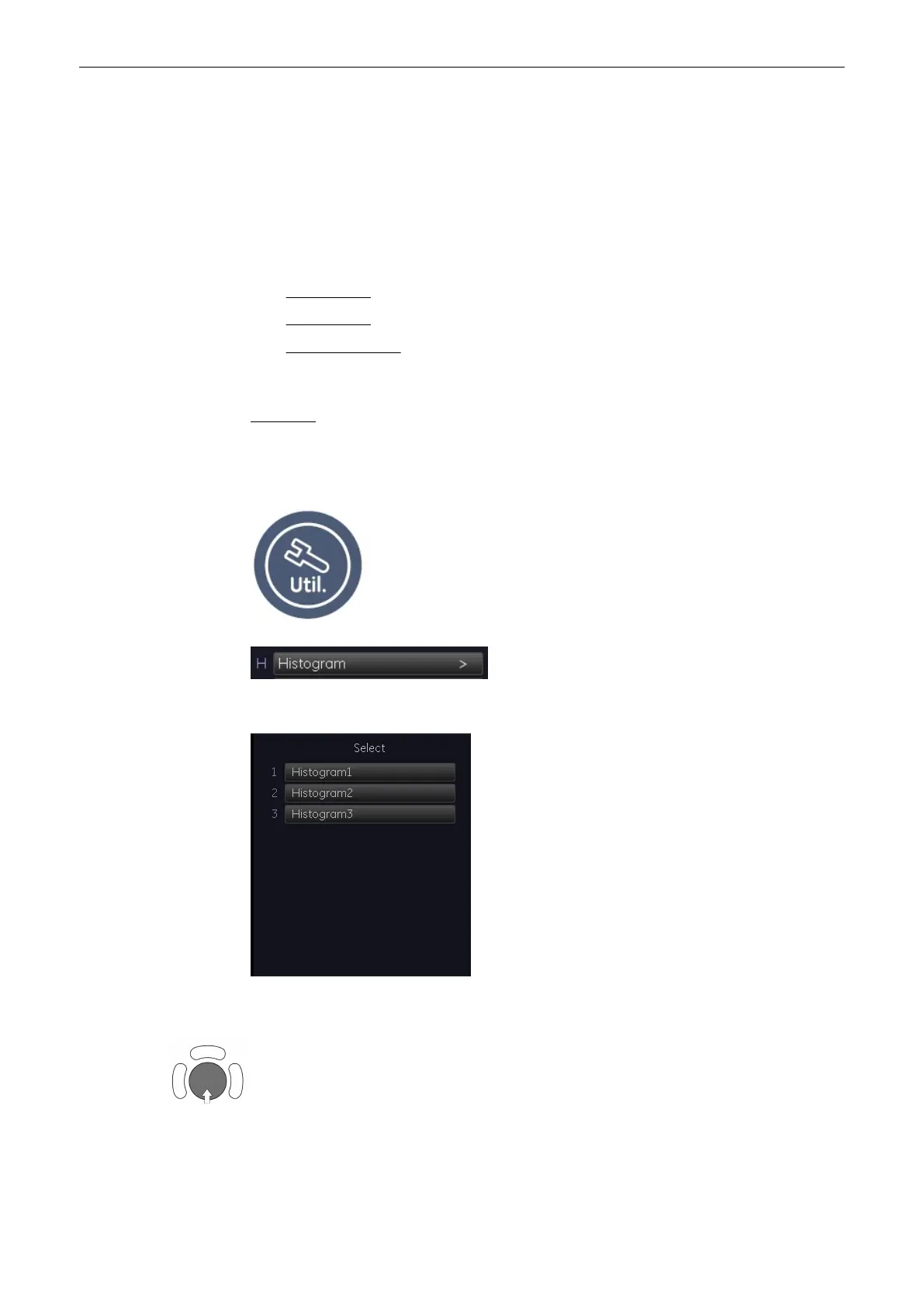
2. Switch on Histogram by selecting [Utilities] and [Histogram].
The screen changes to the Histogram menu.
3. Select the number of histogram: 1, 2 or 3.
4. Use the trackball to place the rectangle over the ROI.
Utilities and System Setup
Voluson® S6/S8 Basic User Manual
5433669-100 Revision 4 13-5



 To Next Page