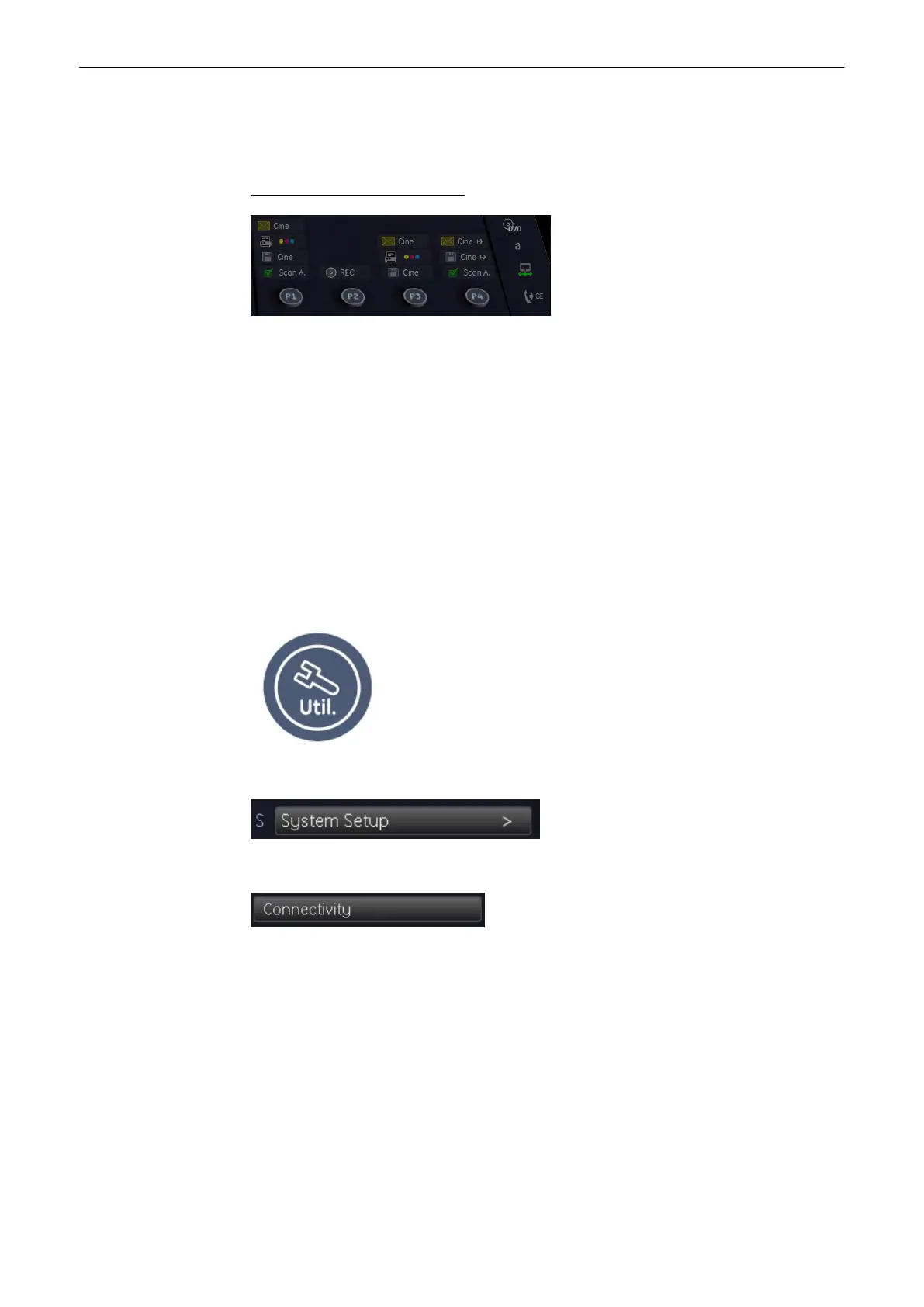
There are three different kinds of keys which are programmable, P1, P2, P3, P4; Start Exam
and End Exam. So there are six keys altogether. They are all programmable for printing,
sending and saving data.
How to use the P1, P2, P3, P4 key
Use the trackball and the trackball buttons to press a P-key. The active P-key, i.e. the one that
can be pressed, is surrounded by a yellow frame, like in the illustration above.
How to program the different kinds of keys:
•
P1 - P4 (
'P-keys'
on page 14-4
)
•
Start Exam ('Start Exam Button'
on page 14-9
)
•
End Exam ('End Exam Button'
on page 14-10
)
14.1 Where to program the keys
The keys can be programmed in System Setup - Connectivity - Button Configuration
Press the [Utillities] key to enter Utillities menu.
Select [System Setup] to enter System Setup.
Select [Connectivity].
Select the [Button Configuration] filing card.
Now you are in the Button configuration menu, tab - overview :
Programmable Keys
14-2
Voluson® S6/S8 Basic User Manual
5433669-100 Revision 4



 To Next Page