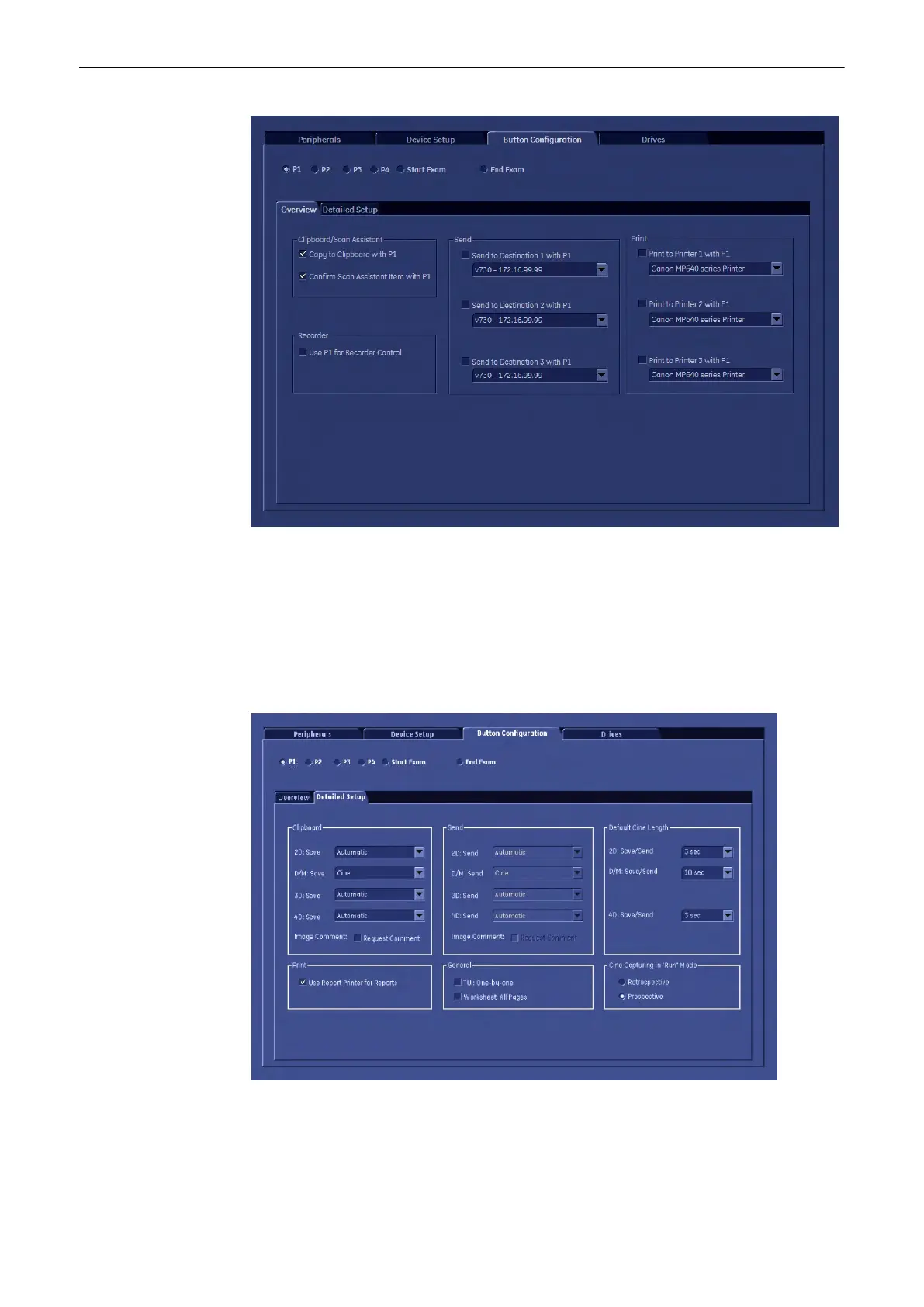
1. Keys: Select the key you would like to program.
2. Key actions: Choose the action(s) you want the key to do.
Note
There are different actions for different keys. The tab “Detailed Settings” is only available for
the P-keys.
Choose the tab “Detailed Settings”, if you want to personalise your settings.
3. Detailed Settings: Adjust the key actions.
Programmable Keys
Voluson® S6/S8 Basic User Manual
5433669-100 Revision 4 14-3



 To Next Page