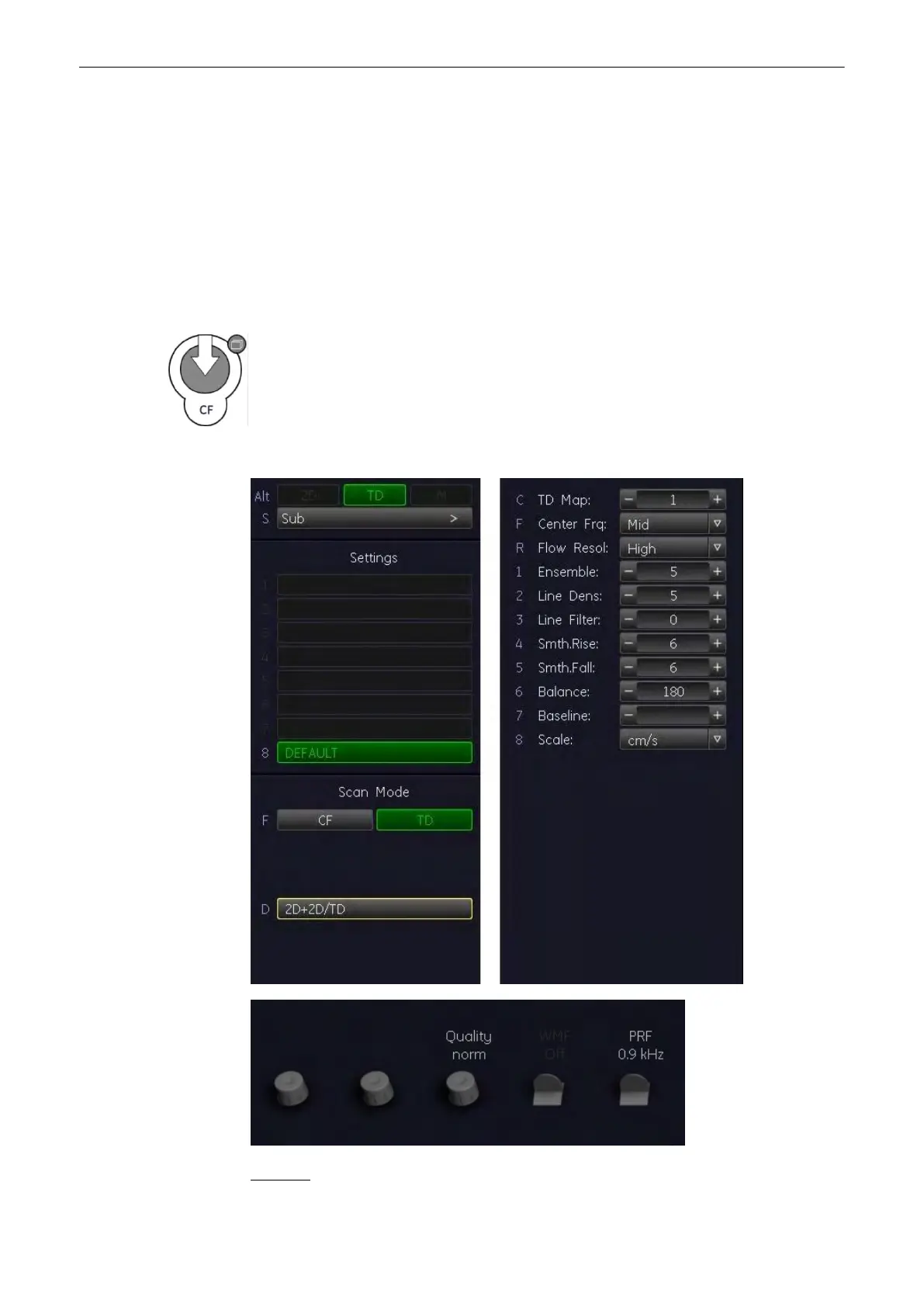
The Tissue-Doppler captures low flow but high amplitude signals associated with wall motion
and creates a color-coded tissue image.
The TD mode is subdivided in two groups:
To use the TD mode: 'TD Main Menu'
on page 8-28
To adjust TD settings: 'TD Sub Menu'
on
page 8-30
To use special utilities: 'Utilities'
on page 13-2
and 'Gray Map'
on page 6-22
:
8.6.1 TD Main Menu
After pressing the CF mode hardkey, selecting the [TD] control on the screen activates the
TD mode. The TD Box appears in the active 2D image.
To use the TD mode: 'TD Operation'
on page 8-29
To adjust the TD settings: 'TD Sub
Menu'
on page 8-30
The “TD Main” menu appears on the Main Window (scan mode).
Remarks:
Doppler Modes
8-28
Voluson® S6/S8 Basic User Manual
5433669-100 Revision 4



 To Next Page