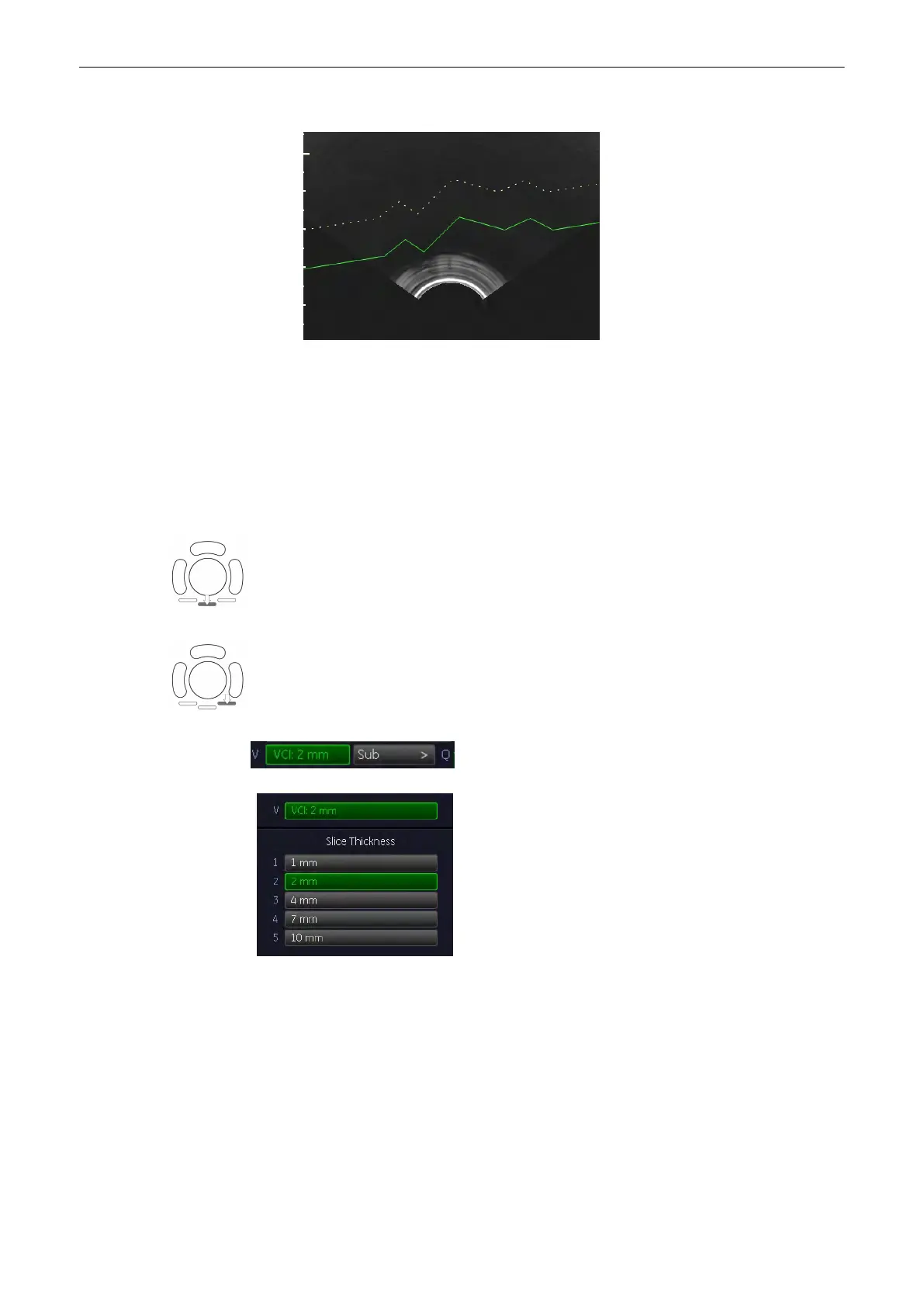
3. Polyline: add multiple angles to the starting line of the renderbox.
9.9.3 After the VCI-Omni View Acquisition
After [Freeze] the system switches automatically to freeze mode and the “Vol. Cine” menu
appears. The selected format and the last acquired volume will be present on the monitor.
Upon [Freeze] a certain number of volumes will be stored in the cine memory. The sequence
can be reviewed volume by volume.
'Volume Cine'
on page 9-95
The [Slice] key allows you to select the slice you wish to examine
The [Cine] key allows you to select the image, from the stored cine, you wish to assess.
To readjust the “Slice Thickness”, press [Sub]key on the menu area to enter the sub menu.
Note
The actual values for slice thickness may vary from probe to probe.
9.9.4 Omni View Ref. Line
Omni View Ref. Line shows any 3 slices on a reference image simultaneously on the screen.
Volume Mode
9-106
Voluson® S6/S8 Basic User Manual
5433669-100 Revision 4



 To Next Page