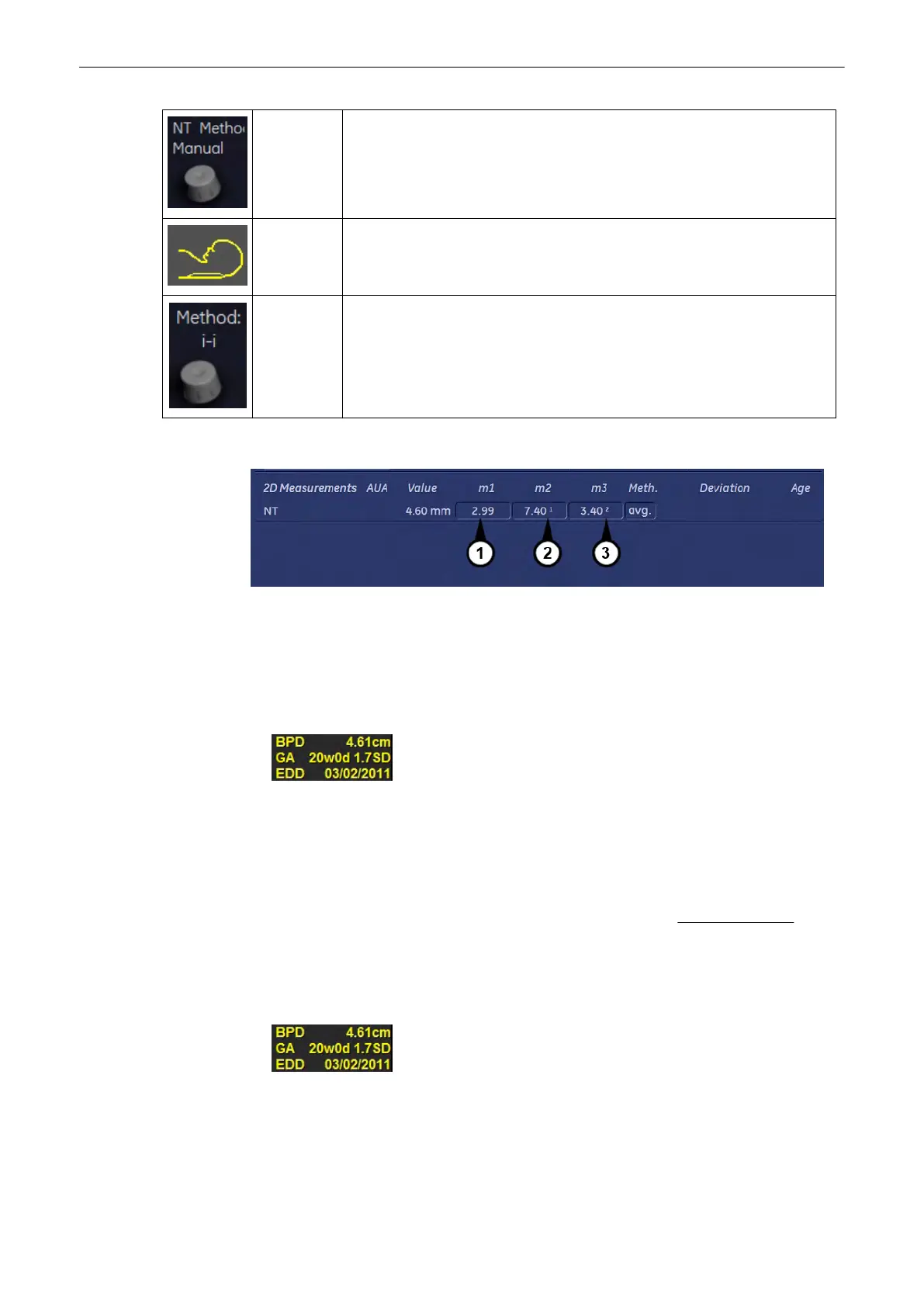
NT Methode Switch between “Manual” or “Sono” NT.
Face up/
down
Switch between “Face up” or “Face down”. Select according to scanned
image.
i-i, i-m NT calculation algorithm i-i: inner - inner i-m: inner - middle Key is hidden if
not activated in system setup:. 'The Measure Setup Pages'
on page 11-109
)
The NT measurement will be displayed in the worksheet as follows:
1. Manual NT
2.
“1” - inner - inner
3. “2” - inner - middle.
11.2.4.9 Display of 2D Measurement Results
BPD: Type of Measurement GA: Gestational Age EDD: Estimated Date of Delivery
Note
“GA=OOR” means that the “Gestational Age is Out Of Range” - no standard curve available
for current input.
Note
EDD (Estimated Day of Delivery) is only displayed, if the selection of the field “Show EDD calc.
on screen” in the Measure Setup is “Yes”. For further details, review: Global Parameters
(chapter
'The Measure Setup Pages'
on page 11-109 )
There are 3 possibilities to display 2D Measurement results:
1.
no clinical GA available no growth percentile (%) or standard deviation (SD) display
2.
Measurements and Patient Worksheets (Reports)
Voluson® S6/S8 Basic User Manual
5433669-100 Revision 4 11-45



 To Next Page