Note
The magnification of the entire 3D image without changing the contents of the box is only
possible in 3D Pictogram (Accept ROI) Mode (chapter
'3D Pictogram (Accept ROI) Mode'
on
page 9-54 ).
8. The Rotation controls rotate the contents of the box relative to the render box.
Important: With the rotation controls the direction of view of the 3D image is selected.
9.4.1.3 3D Pictogram (Accept ROI) Mode
Condition: A 3D image being useful for a pictogram has to be displayed on screen, otherwise
adjust a useful 3D image before.
Disable the [Edit ROI] key (the green frame disappears) - in the “Static 3D Render” menu - and
select the [Quad] screen format key.
In this mode the rendered 3D image is used as a pictogram for the adjustment of the 2D
sectional planes A, B and C. A green line inserted on the 3D-image marks the position of
image A, B or C in relation to the rendered 3D image.
3D Full-size Display:
[Single] screen format key is illuminated. The rendered 3D image is magnified and displayed in
a full-size format without the sectional planes A, B, and C.
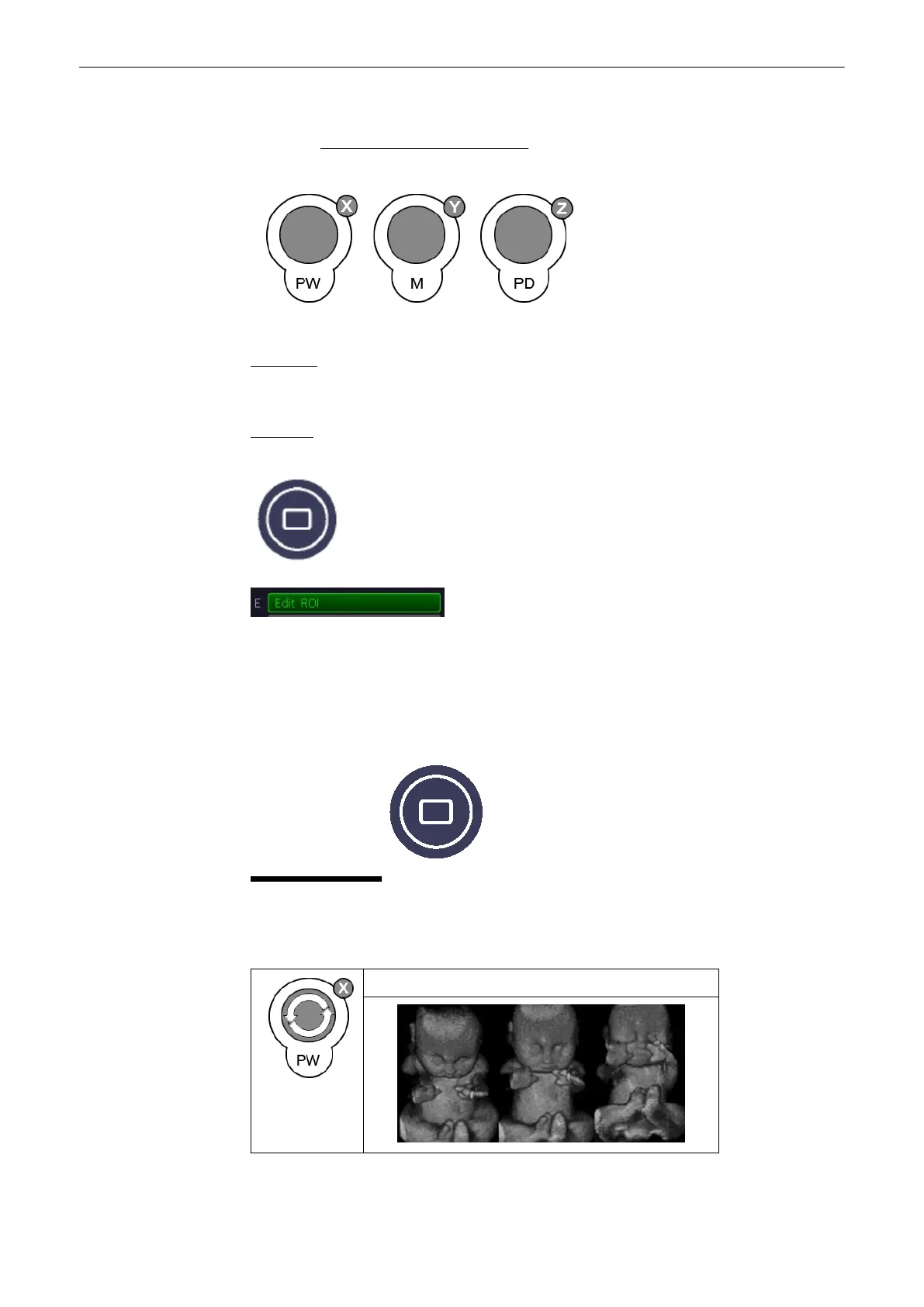
To change the view of the rendered 3D image
Rotation around X-axis
Volume Mode
9-54
Voluson® S6/S8 Basic User Manual
5433669-100 Revision 4



 To Next Page