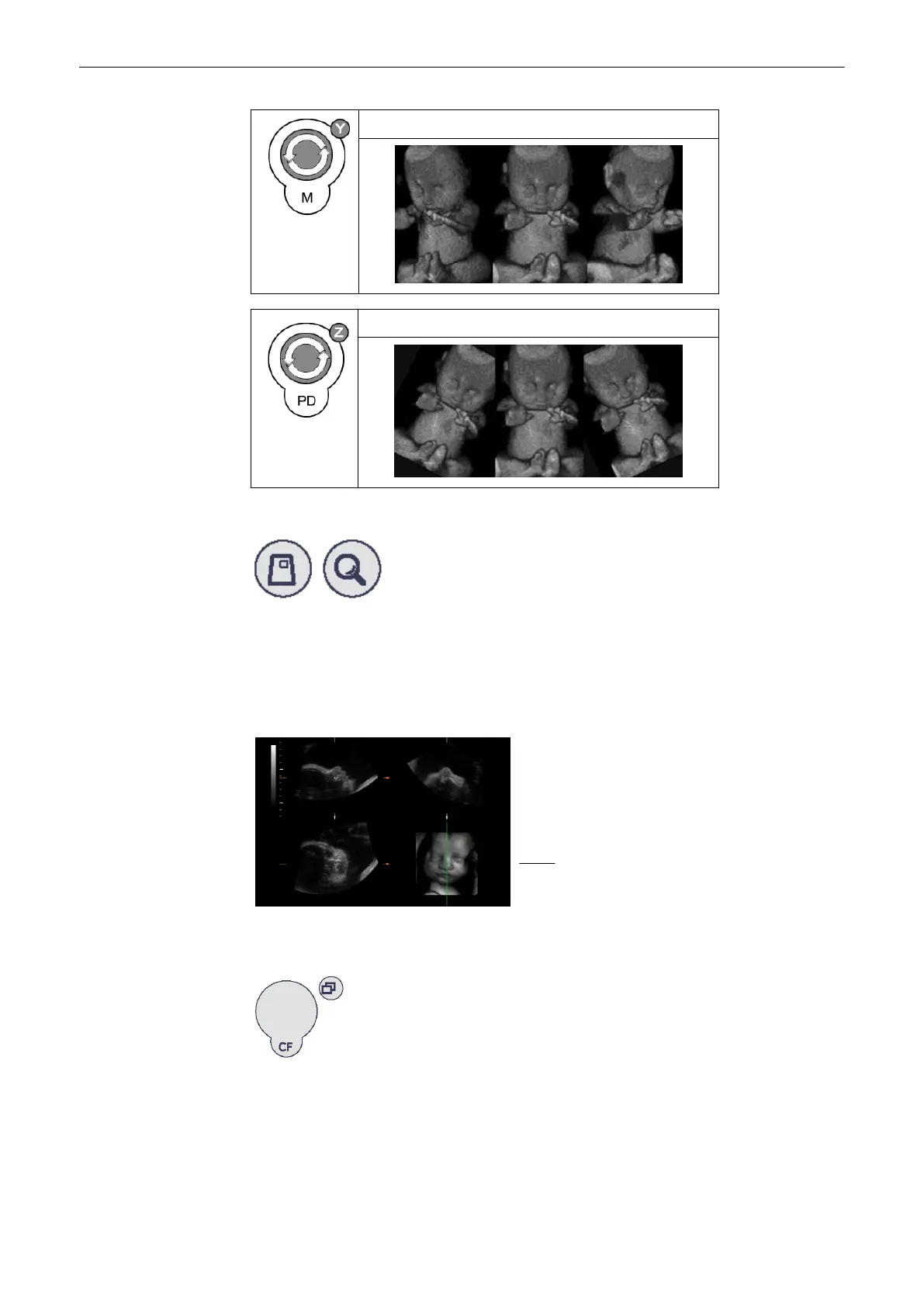
Rotation around Y-axis
Rotation around Z-axis
Adjust the magnification of the rendered 3D image
The 3D image as well as the sectional image can be varied by their aspect ratio by turning the
[Zoom] control.
Select a reference image A, B, C or 3D by using trackball
The selected reference image is sectional plane A:
The spatial position of plane A in
relationship to the displayed 3D image is
always vertical and also perpendicular to
the 3D image display. Therefore the
position of image A is indicated by
means of a vertical
green
line within the 3D image.
Adjust the position of the green line within the 3D-image
Parallel shift control [Parallel shift] enables a parallel shifting (left/right) of the green line and
the corresponding parallel planes of image A will be displayed automatically.
Adjust the position of image B and C with trackball
Volume Mode
Voluson® S6/S8 Basic User Manual
5433669-100 Revision 4 9-55



 To Next Page