ORange: 0 (full transparent) - 255 (not transparent); 5 steps
10.2.4 Frequency
For more information see
'Frequency'
on page 8-36.
10.2.5 PRF
For more information see
'Velocity Range (PRF)'
on page 8-40.
10.3 Elastography Sub Menu
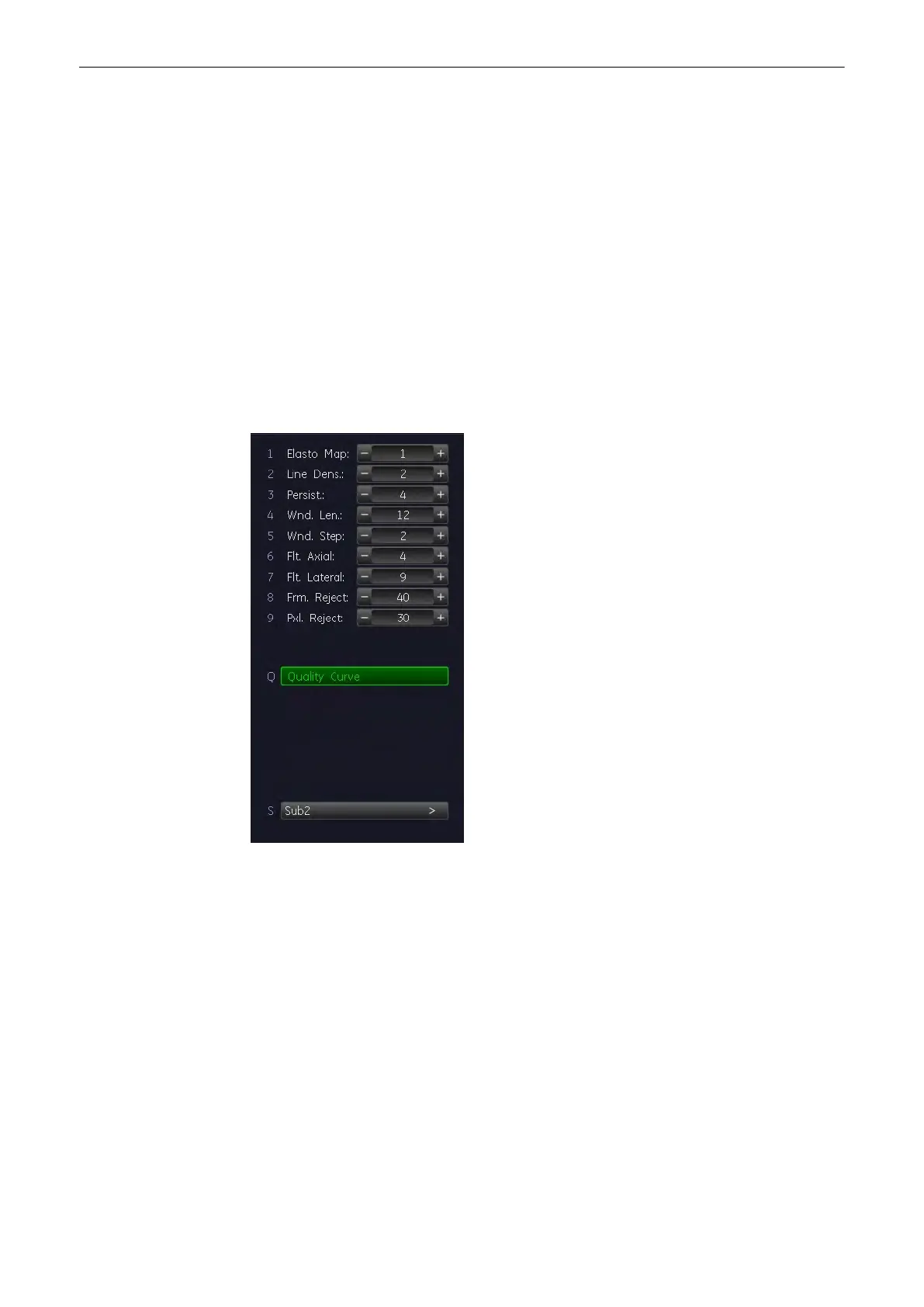
Access the Elastography Sub menu by pressing the [Sub Elasto] key on the menu area.
Following menu appears on the menu area:
10.3.1 Elasto Map
Elastography color maps.
10.3.2 Persist.
For more information see
'Persistence Filter'
on page 6-21.
10.3.3 Line Dens.
For more information see
'Line Density'
on page 6-22.
Elastography Mode
Voluson® S6/S8 Basic User Manual
5433669-100 Revision 4 10-5



 To Next Page