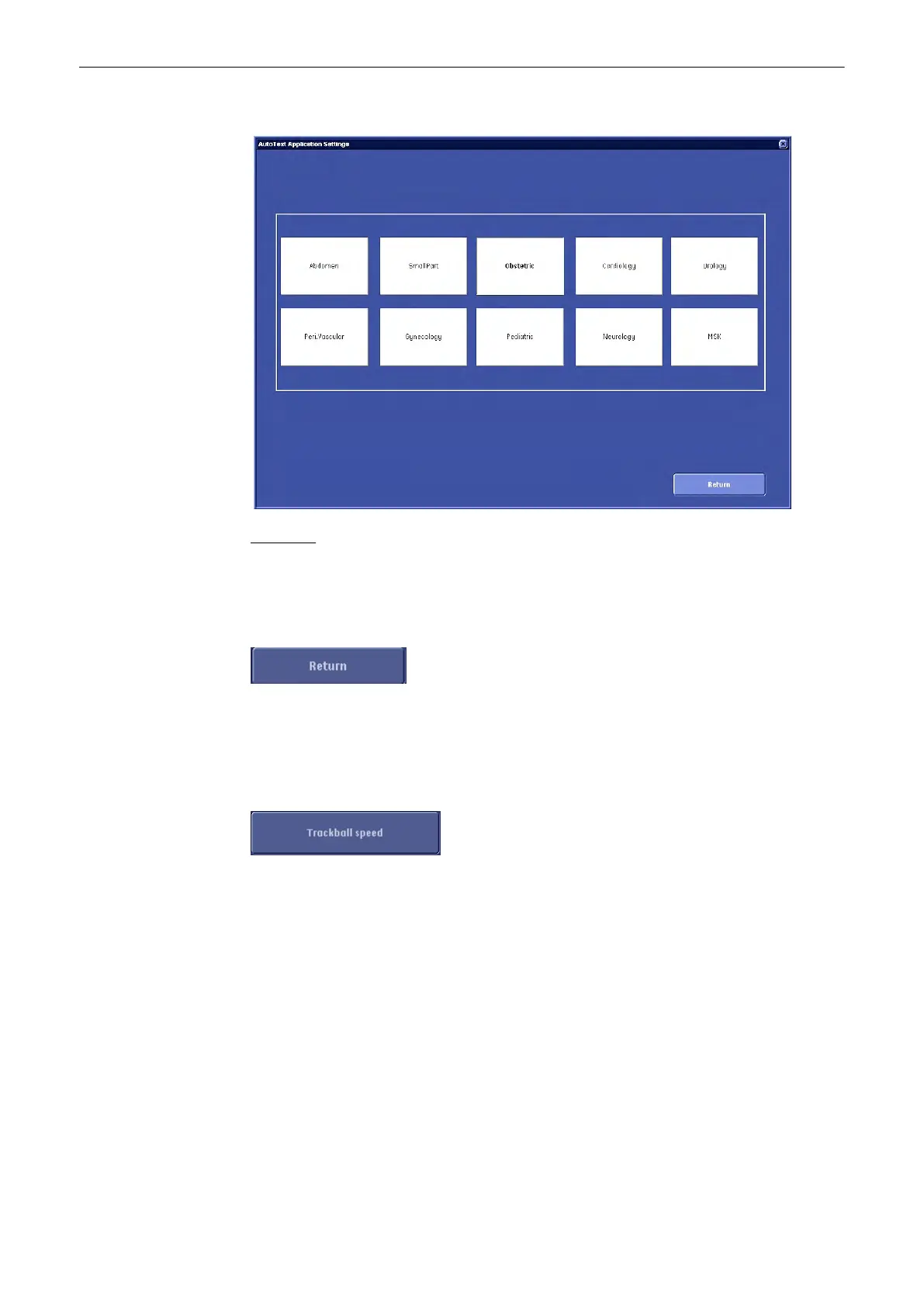
The “Auto text Application select” menu appears on the monitor.
Operation:
1.
Open the Application window with the [Application] button.
2. Choose the application desired (select the corresponding application button).
After a selection the first Auto Text page of the selected application appears on the screen.
Click [Return] to return to the previous Text Auto page, without saving changes.
Note
[Save&Exit] button must be selected before exiting “Text Auto” or changes will be lost.
13.2.3.2.5 To Adjust the Trackball Speed
1. Select the [Trackball speed] button (in the System Setup – User Settings page).
Utilities and System Setup
13-24
Voluson® S6/S8 Basic User Manual
5433669-100 Revision 4



 To Next Page