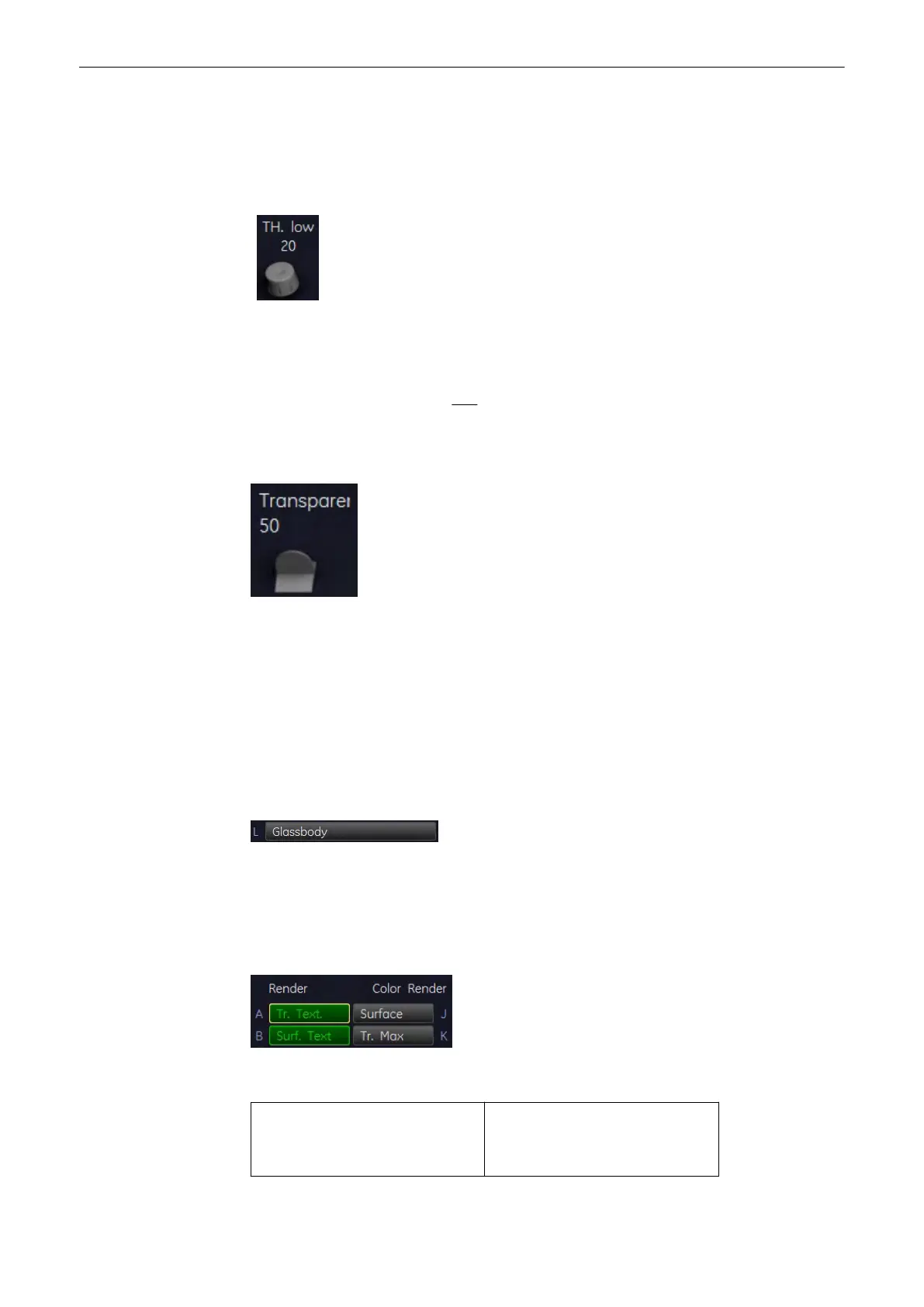
9.4.4.2.1 Threshold Control in Color Render Mode
In case Surface mode is selected, it will normally be necessary to adjust the low threshold for
the border recognition of the surface. These threshold values do not apply for the Transparent
modes!
Threshold low (Reject): Normally this threshold always has to be adjusted properly for a good
appearance of the 3D surface image. By changing the threshold all echoes below the level are
enhanced in pink color for a short interval.
All color values below this level (pink in B scan) will be disregarded for calculation of the
surface.
9.4.4.2.2 Transparency in Color Render Mode
small number = low transparency A higher number makes the gray scale information more
transparent.
If a 3D+CFM, 3D+PD or a 3D+HD image is acquired, the controls for the [Balance] and the
[Power Threshold] are displayed after selecting the [Sub Menus] key.
'Balance'
on page 9-47
'Power Threshold'
on page 9-48
9.4.4.3 Glass Body Render Mode
In Glass Body Render mode the color and the gray information are processed into a 3D/PD,
3D/HD or 3D/CFM volume.
Activate [Glass Body] - Render Mode (if not active).
Select desired render algorithm:
The following Rendering combinations are possible:
Gray mode
•
Transp. Texture
•
Surface. Texture
Color mode
•
Surface
•
Transp. Max
Volume Mode
9-76
Voluson® S6/S8 Basic User Manual
5433669-100 Revision 4



 To Next Page