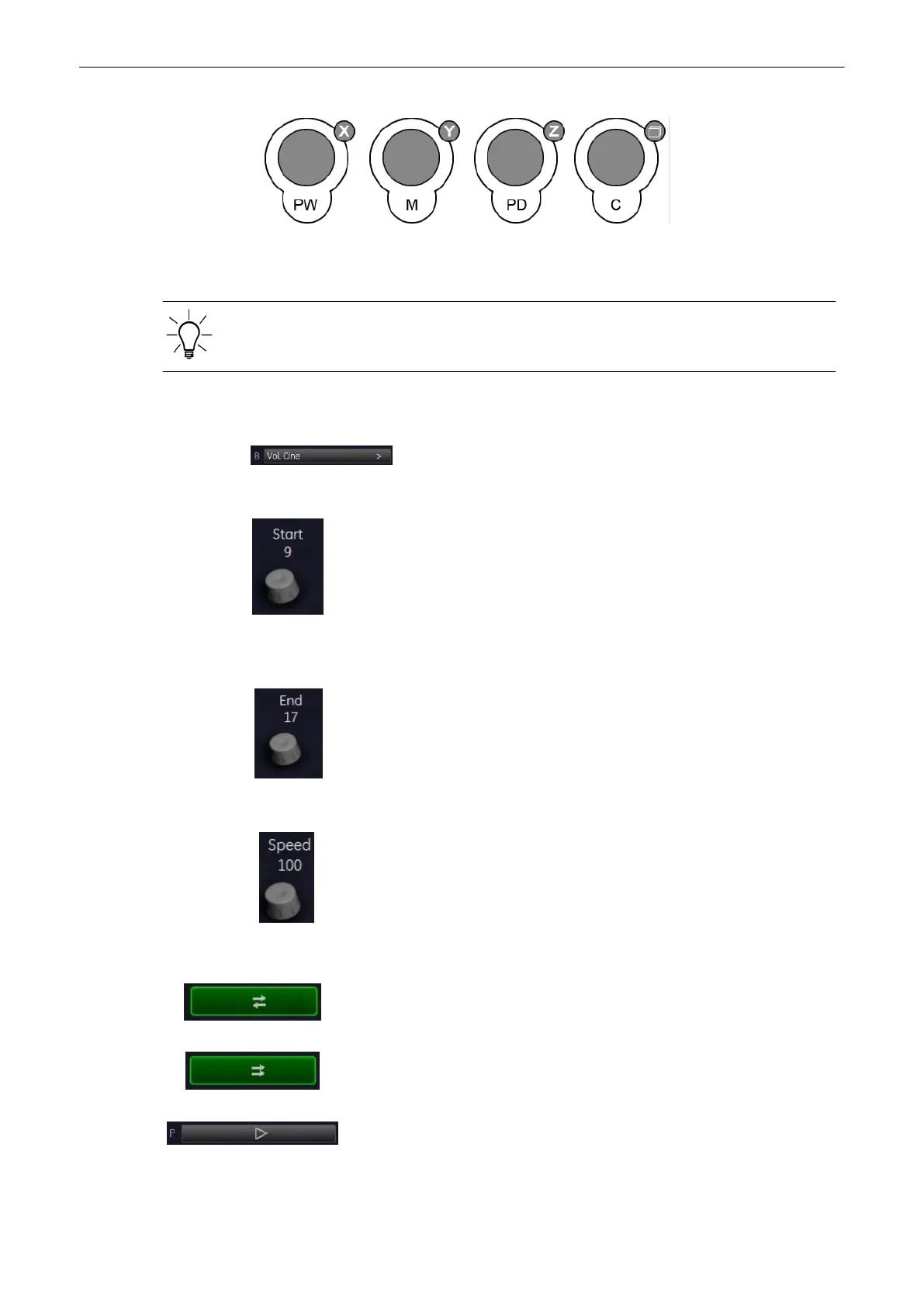
Use the [X], [Y] and [Z] mode controls to rotate around the X-, Y- and Z-axis.
Use the [Parallel Shift]
mode control to shift along the Z-axis.
For further controls and possible adjustments: '4D Controls'
on page 9-92
9.7.1 Volume Cine
1. Select the [Volume Cine] key to display the “4D Volume Cine” menu.
2. Select the [Start Volume] of the sequence. The selected volume is simultaneously displayed
on the screen.
3. Select the [End Volume] of the sequence. The volume is displayed.
4. Select the review speed.
Play loop in both directions: first volume...last volume, last volume...first
volume, etc.
Play loop in both directions: first volume...last volume, last volume...first
volume, etc.
By selecting the [Start/Stop] key the Cine is active. By selecting this key again
the selected volumes of a Real Time 4D sequence can be displayed volume
by volume with the trackball.
Volume Mode
9-98
Voluson® S6/S8 Basic User Manual
5433669-100 Revision 4



 To Next Page