11.5.2 To Exit from the Measure Setup
Select the [Exit] button on the screen; select the [Exit] item on the menu area, or press [Exit]
on the control panel. Setup changes are cancelled and not saved.
Select the [Save] button with the mouse pointer (arrow) and press [Set] (right trackball key) to
save the settings and exit the Measure Setup.
11.5.3 The Measure Setup Pages
The Measure Setup desktop offers different pages:
•
Measure & Calc
(chapter
'Measure & Calc'
on page 11-109
)
•
Application Parameters
(chapter
'Application Parameters'
on page 11-124
)
•
Global Parameters
(chapter
'Global Parameters'
on page 11-127
)
11.5.3.1 Measure & Calc
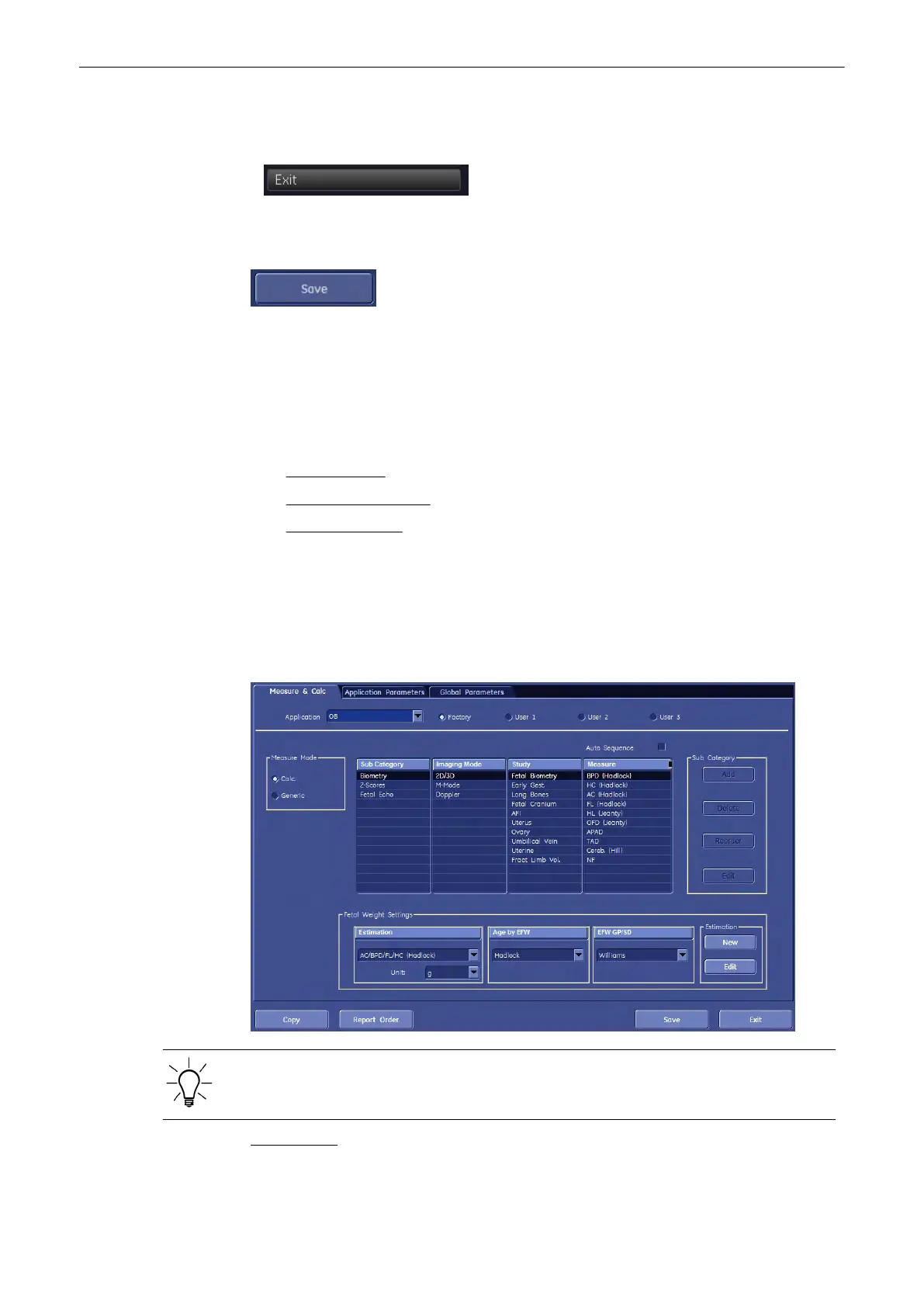
This page shows all settings, which are used for generic measurements (for details review,
chapter
‘Generic Measurements’ on page 11‐2) as well as calculations (for details review,
chapter Chapter 11
) in different applications.
Application: e.g., Obstetric
Parameters and possible adjustments depend on the selected Application. To view, add,
delete, reorder, edit, or when creating a new parameter, it is very important that all items are
chosen correctly, and that the relevant item is highlighted.
For Example: (image above)
1.
Application = OB (Obstetric)
Measurements and Patient Worksheets (Reports)
Voluson® S6/S8 Basic User Manual
5433669-100 Revision 4 11-109



 To Next Page