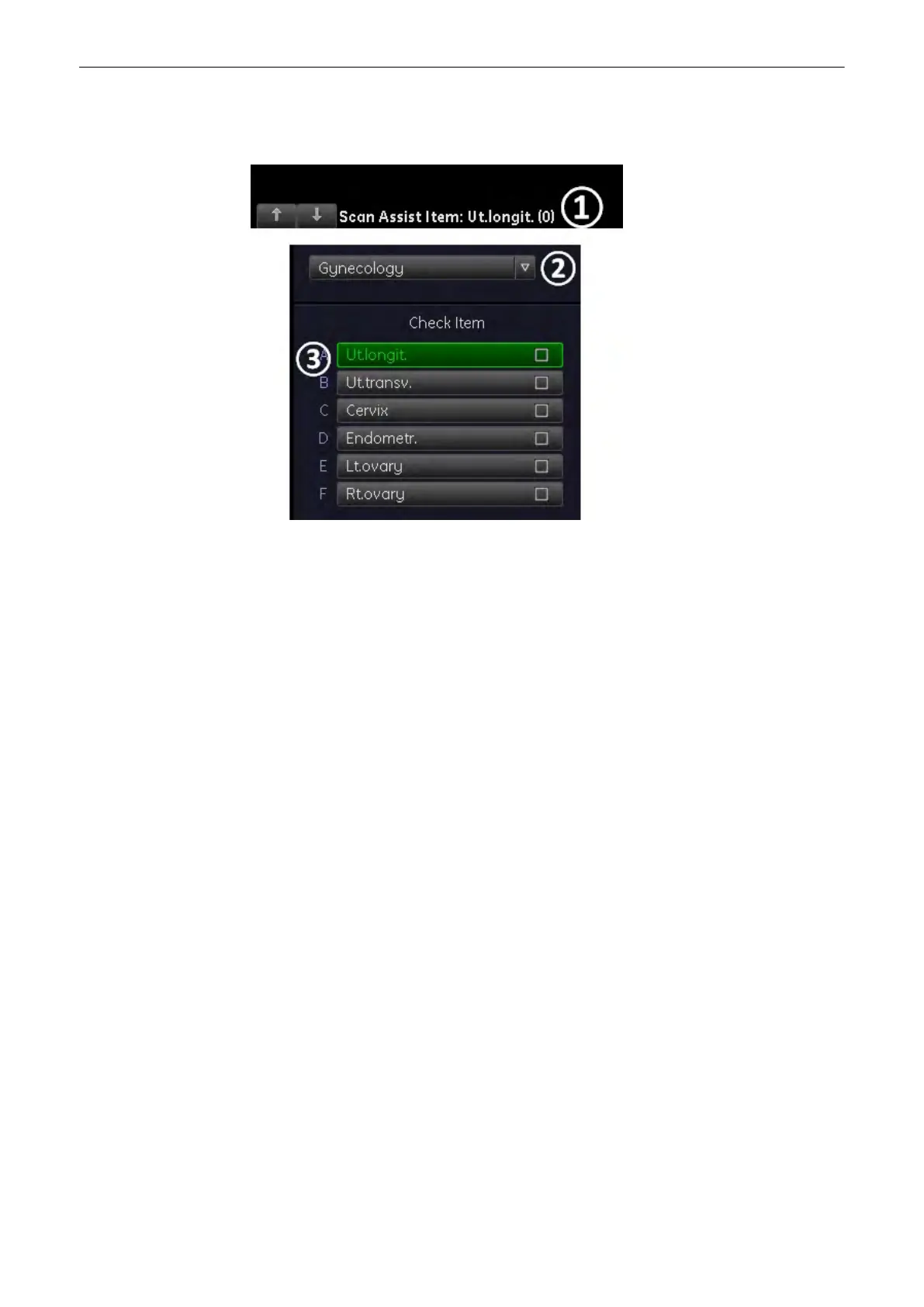
4.10.1 Scan Assistant Details
1. See the Scan Assistant by clicking on the arrows of the Scan Assistant.
2.
Dropdown menu to switch between the activated Scan Assistant lists.
3. All Scan Assistant items. Confirmed items will have a checkmark in the box.
4.10.1.1 Pause the Scan Assistant
Press the “Pause” button:
The Scan Assistant will no longer track the measurements in the list. To reactivate press the
pause button again.
Operating the System
Voluson® S6/S8 Basic User Manual
5433669-100 Revision 4 4-33



 To Next Page