If a patient worksheet contains measurements that were performed in the XTD-View mode
(review
chapter
'XTD-View (Extended View)'
on page 6-26
), this symbol will be shown in the
worksheet header.
11.4.2 To edit a Worksheet
Any stored measurements in a patient worksheet can be edited.
Move the cursor to the desired field, press the right or left trackball key [Set] and type in the
changes. The edited values are marked with an asterisk (* next to the changed value).
Additionally some parameters or settings can be changed when clicking into the specific field
on the worklist page. For example: Method: Average, Minimum, Maximum or Last
11.4.3 To change the Application
1. To change the application of the worksheet, select this key on the menu area.
2. Select another application.
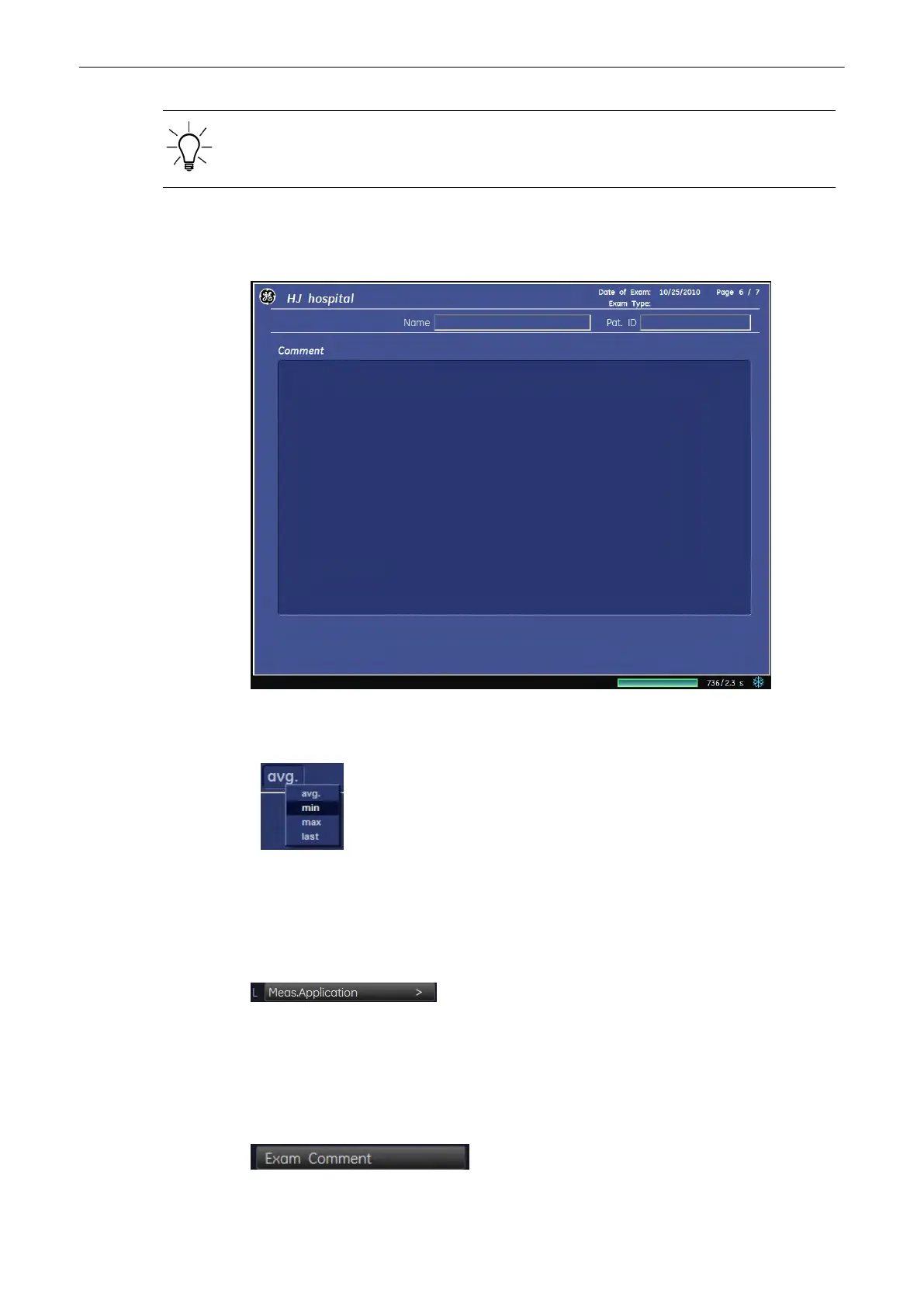
11.4.4 Exam Comment
Measurements and Patient Worksheets (Reports)
Voluson® S6/S8 Basic User Manual
5433669-100 Revision 4 11-103



 To Next Page