With this flip control different worksheet pages can be selected.
To close the worksheet, select the [Exit] key on the menu area.
Note
It is now possible to switch between Gyn and OB worksheets (if both worksheets exists).
Review: First Trimester OB in application GYN (chapter
'The Measure Setup Pages'
on page
11-109 ).
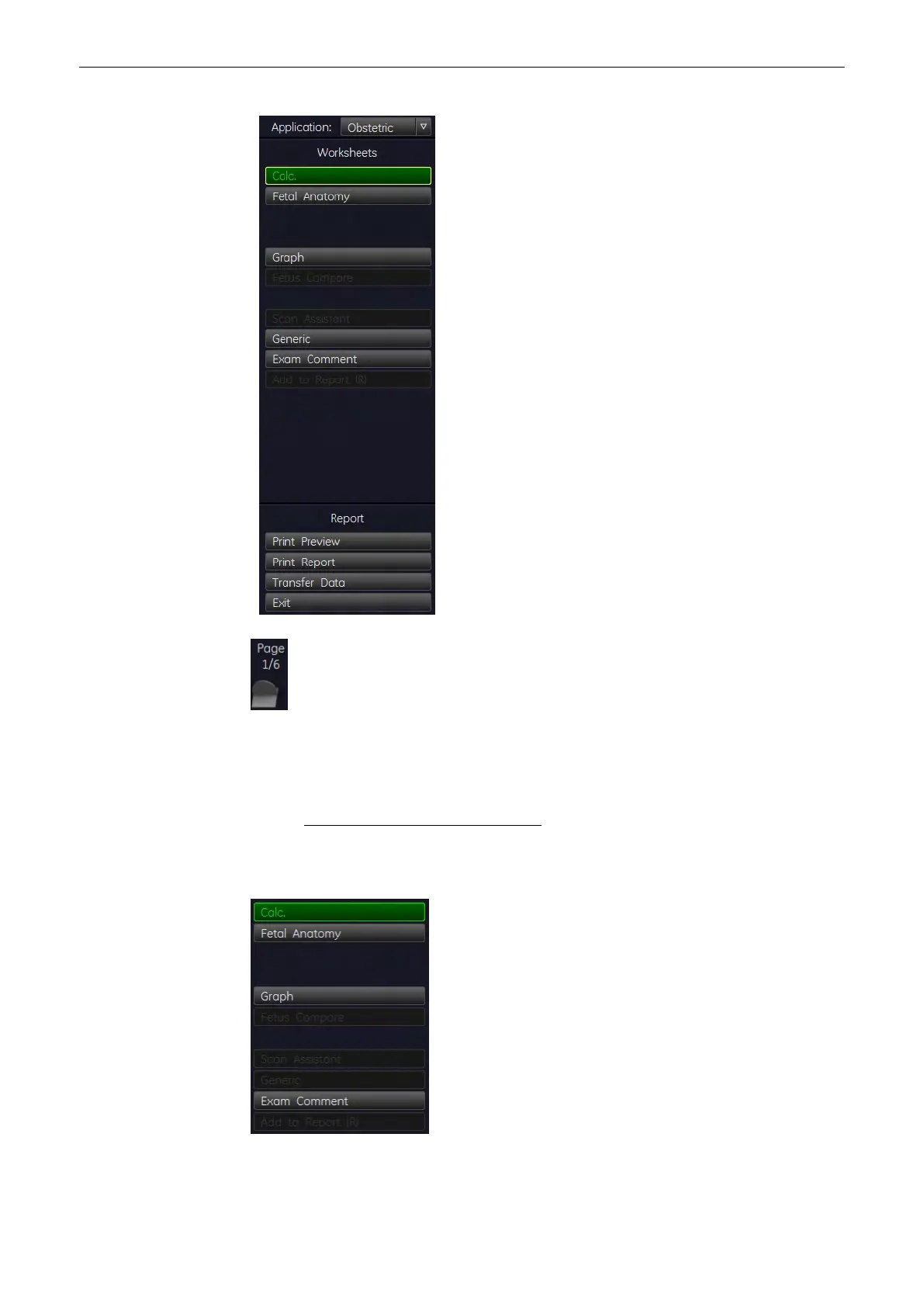
Use following keys to switch between different summary reports directly.
Note
Display depends on the selected Application.
Measurements and Patient Worksheets (Reports)
11-102
Voluson® S6/S8 Basic User Manual
5433669-100 Revision 4



 To Next Page