Note
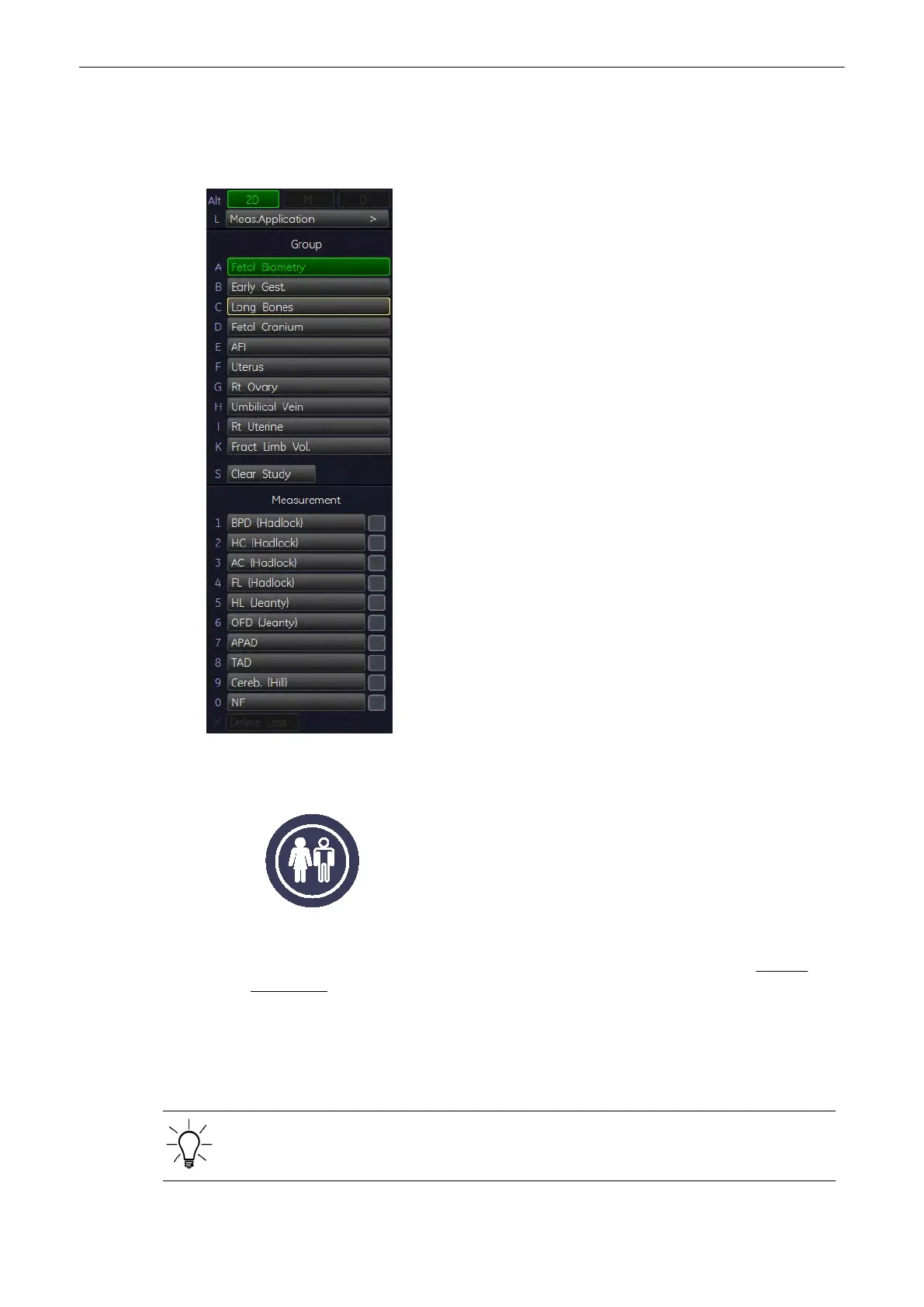
For some obstetric measurements there are different methods how perform these. These
different methods can be selected by the rotary control, which is on the left side. Which
method is currently active, is displayed in the lower, left corner.
11.2.4.2 Before starting Obstetric Calculations
1. Press the [Patient] key on the control panel, select the [OB] page and enter all patient
information for Obstetric calculations (e.g., LMP and Fetus #). For details refer to: Entering
Patient Data
(chapter
'Entering Patient Data'
on page 4-10
)
Note
To cancel all calculations performed before and to start new measurement, press this key and
select [End Exam] or [Clear Exam].
Each OB exam supports multiple gestation studies with separate worksheet information for
each fetus.
For multiple gestation examinations the corresponding “Fetus #” (max. 4 fetuses) must be
entered in this page before measurements are performed.
Measurements and Patient Worksheets (Reports)
11-38
Voluson® S6/S8 Basic User Manual
5433669-100 Revision 4



 To Next Page