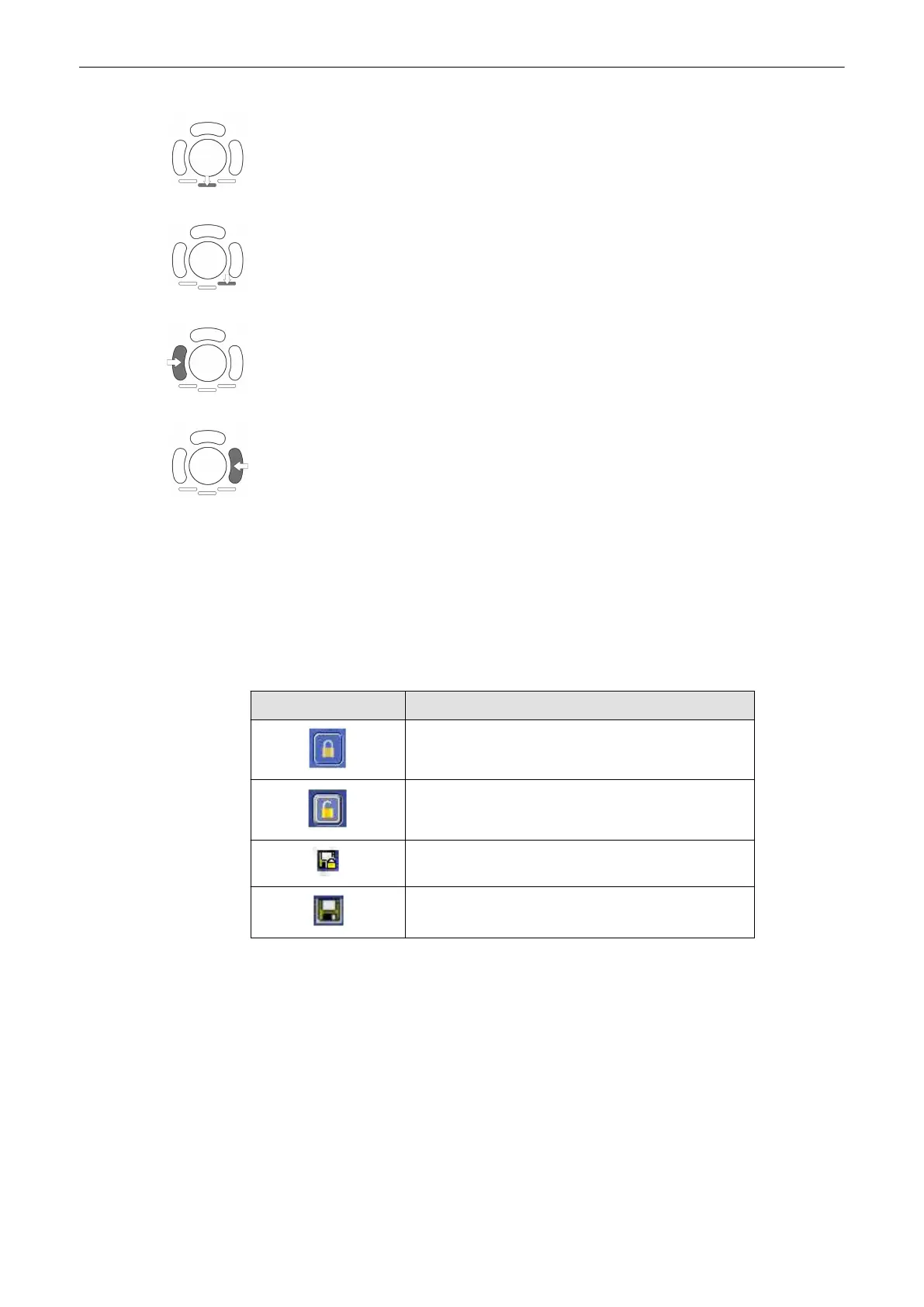
Press the lower, middle trackball key to print an image.'Data Transfer Menu'
on page 12-25
For more details, see
Press the lower, right trackball key to export an image. For more details, see 'Data Transfer
Menu'
on page 12-25
Doubleclick on the left trackball key will open the Exam Review menu.
Doubleclick on the first image in the Exam Review will start a exam reload.
12.3.2 Lock or unlock selected exams
How to lock or unlock exams
1.
Select one or more exams from the list.
2. To lock exams, press the lock button. To unlock exams, press the unlock button.
3. A lock or unlock icon is shown before the entry.
Icon Description
Lock button
Unlock button
Exam locked, backup exists
Exam not locked, backup exists
How to sort exams
Press the icon in the first column repeatedly to sort exams in the followingsequence:
•
All backuped exams
•
All backuped and locked exams
•
All locked exams
•
All other exams
Warning messages
Archive
12-12
Voluson® S6/S8 Basic User Manual
5433669-100 Revision 4



 To Next Page