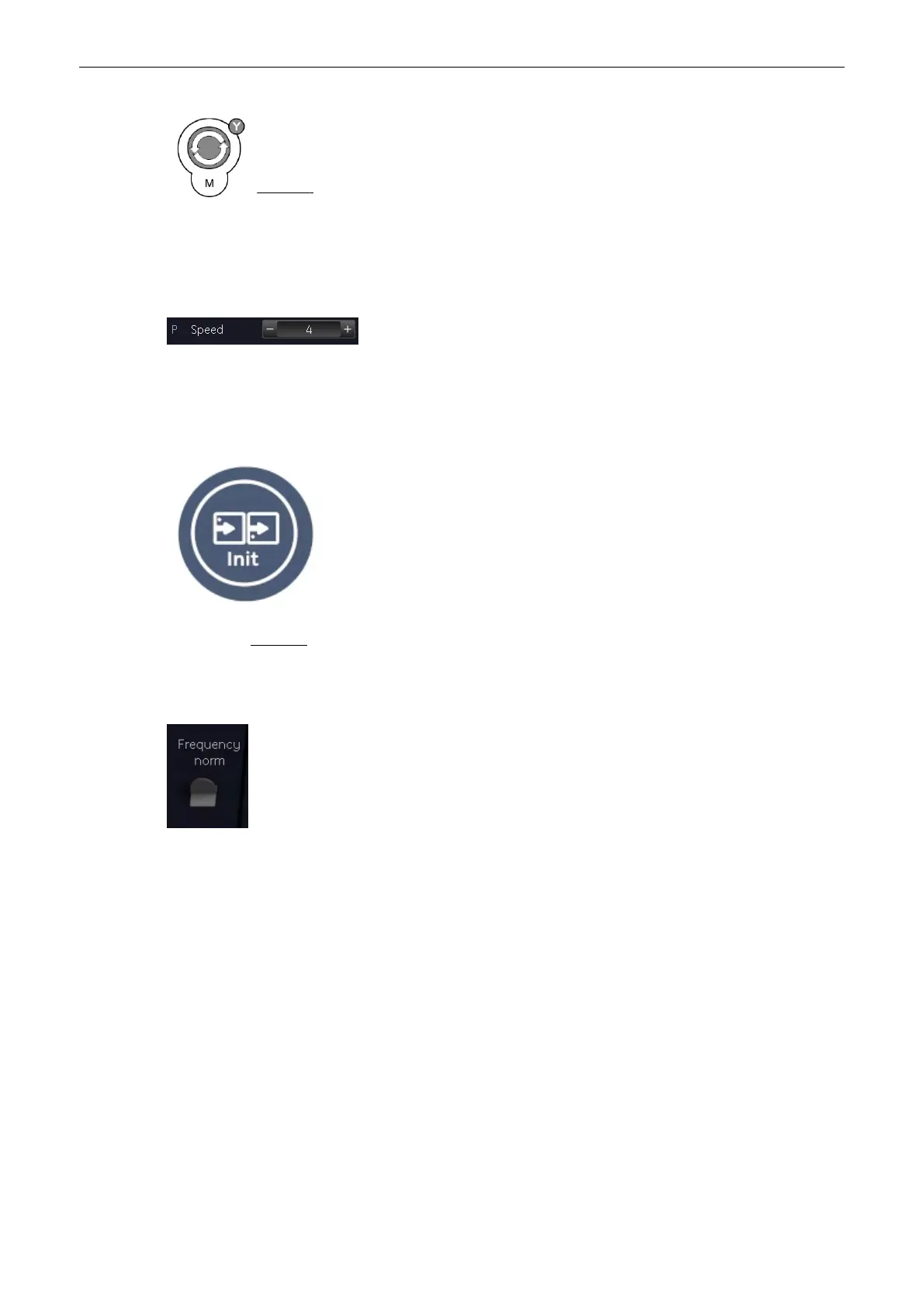
[M Mode] key:rotate it to adjust the gain (brightness) of the entire image.
When the GAIN control is turned clockwise the entire image gets brighter. When the GAIN
control is turned counterclockwise the entire image gets less bright.
Remark: The current gain value is displayed on the screen [GN ...].
7.2.4 Sweep Speed
On the “M Main” menu you will find the [Speed] key.
'M Main Menu'
on page 7-2
By clicking - or + six different sweep speeds can be selected.
7.2.5 Invert
This function inverts the M mode image from Up to Down in the M mode display area.
key unlit: M mode display normal
key lit: M mode display inverted
Remark: The Invert function is only available with endo-vaginal probes.
7.2.6 Frequency
It is the same as the 2D mode frequency. 'Receiver Frequency Range'
on page 6-7
7.2.7 TGC Slider Controls
The [TGC]- settings is the same for the M trace and the 2D image.
'TGC Slider Controls'
on page 6-5
7.2.8 Transmit Power
This function is the same for the M trace and the 2D image. 'Transmit Power'
on page 6-6
M Mode
Voluson® S6/S8 Basic User Manual
5433669-100 Revision 4 7-5



 To Next Page