6.3.4 Cine-Split Function
After Freeze of a sequence in Multi-format 2D mode, two or four different images of the
sequence can be displayed simultaneously in Dual or Quad display mode.
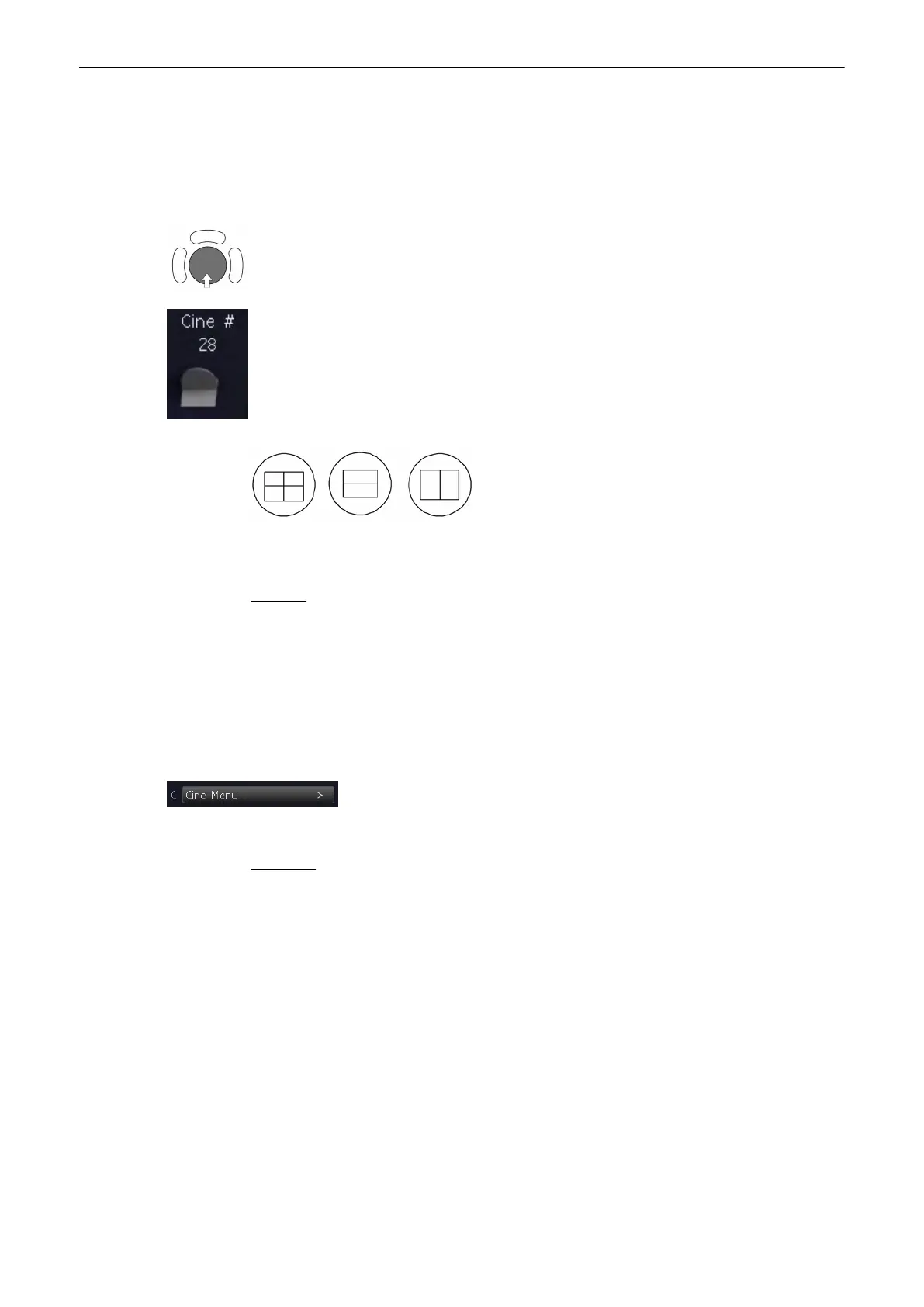
Move the trackball horizontally to display the 2D images of the stored sequence.
You can also use the flipswitch below the control panel.
Using the [Format] keys you can change to the next (part of) frozen 2D image sequence to
play back the cine memory.
Remarks:
•
In Dual image mode 2D cine each image takes half of the memory as in Single mode.
•
In Quad image mode 2D cine each image takes only one quarter of the memory.
•
The Cine-Split function (multiple format) is also possible with 2D Auto Cine:
'2D Auto
Cine'
on page 6-18
6.3.5 2D Auto Cine
With the “Cine Menu” function the user can review a defined sequence (start,
end) of Single-, Dual- and Quad format 2D- and 2D/Color images. Review
speed and read-zoom are available.
Operation:
1. Store a 2D image or a CFM image.
Note
In dual- and quad formats select the desired image using the [Format] keys.
2. Select the [Cine Menu]. The 2D Cine menu appears on the screen.
2D Mode
6-18
Voluson® S6/S8 Basic User Manual
5433669-100 Revision 4



 To Next Page