12.1 Current Patient Dialog
Press this key to shift from scan mode to Current Patient Dialog.
Press this key to save the temporarily stored images from the Clipboard to the Archive.
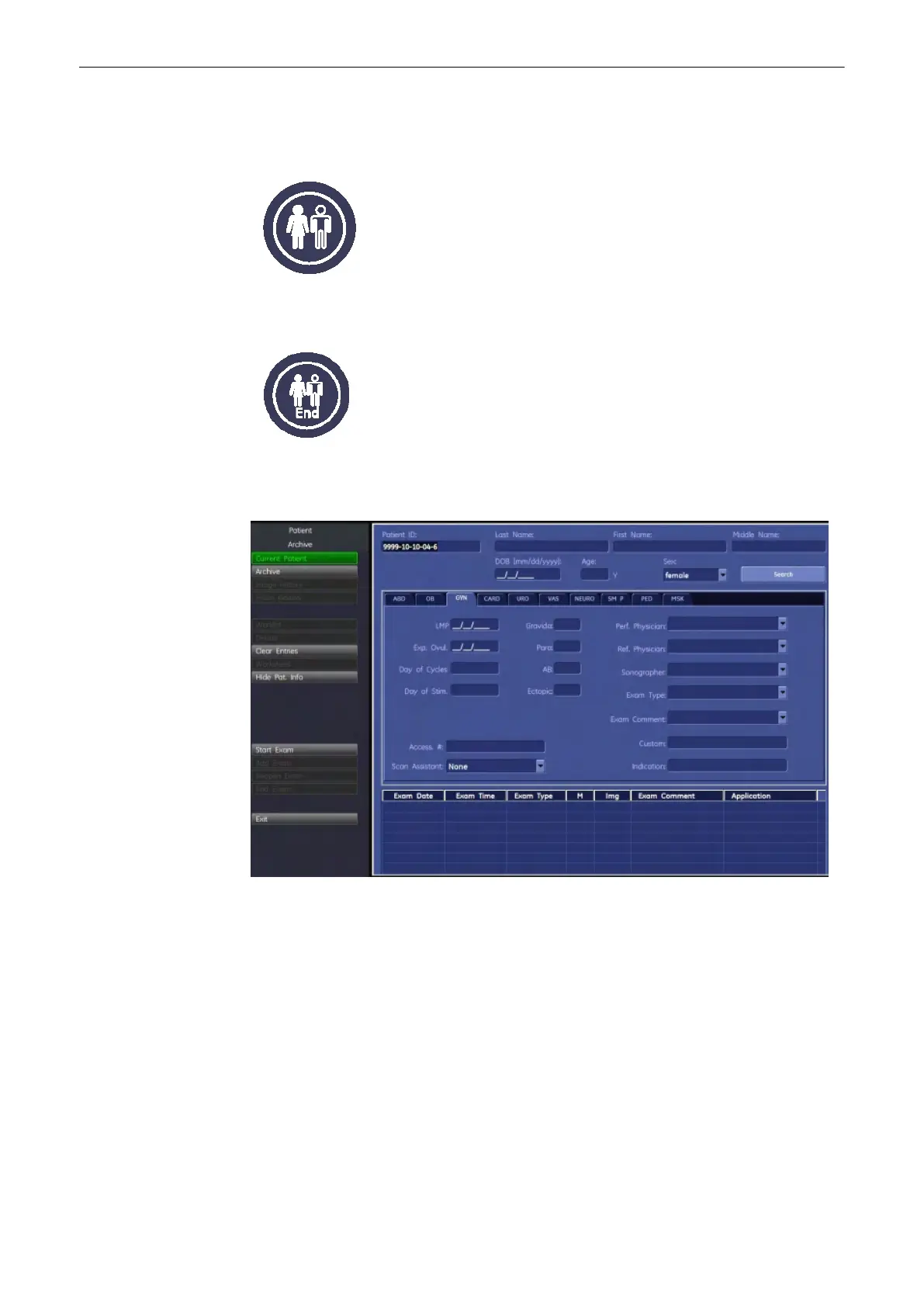
Patient Dialog
The four parts of the Patient Dialog are:
1.
Patient Data Area, see 'Patient Data Area'
on page 12-4
2. Application Area, see 'Application Area'
on page 12-4
3. Additional Study Information Area, see 'Additional Study Information Area'
on page 12-
4
4. Exam Display, see 'Exam Display'
on page 12-6
Archive
Voluson® S6/S8 Basic User Manual
5433669-100 Revision 4 12-3



 To Next Page