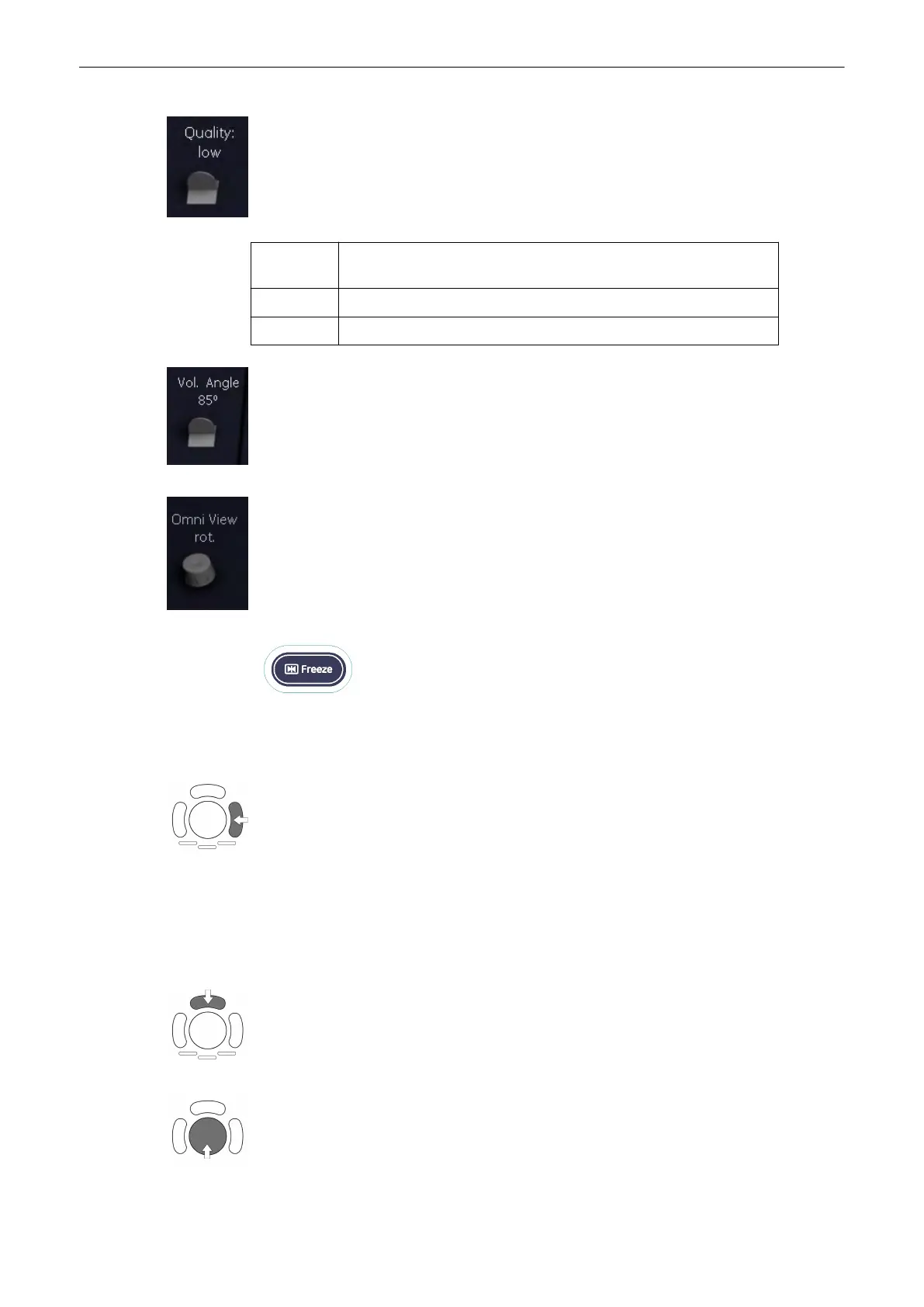
8. Select the Quality. This function changes the line density against acquisition speed.
low: Fast speed / low scan density (A loss of volume resolution will result)
This mode is selected only in case of expected movement artefacts.
mid: Standard VOL scan / medium scan density
high: Slow speed/ high scan density
9. Set the volume sweep angle by using the right control below the menu area.
10. OmniV: rot.: Rotate the OmniView line.
11. To start the VCI-C acquisition press the [Freeze] key or the right trackball key (Start ->
displayed in Status bar area on the monitor).
The volume acquisition starts and the acquired images are displayed.
12. Press the [Freeze] key again to stop the acquisition.
'After the VCI-Omni View Acquisition'
on page 9-106
9.9.1 VCI-Omni View Controls
Use the upper trackballkey to switch between moving or rotating the VCI line with the
trackball.
Move or rotate the VCI line.
Volume Mode
9-104
Voluson® S6/S8 Basic User Manual
5433669-100 Revision 4



 To Next Page