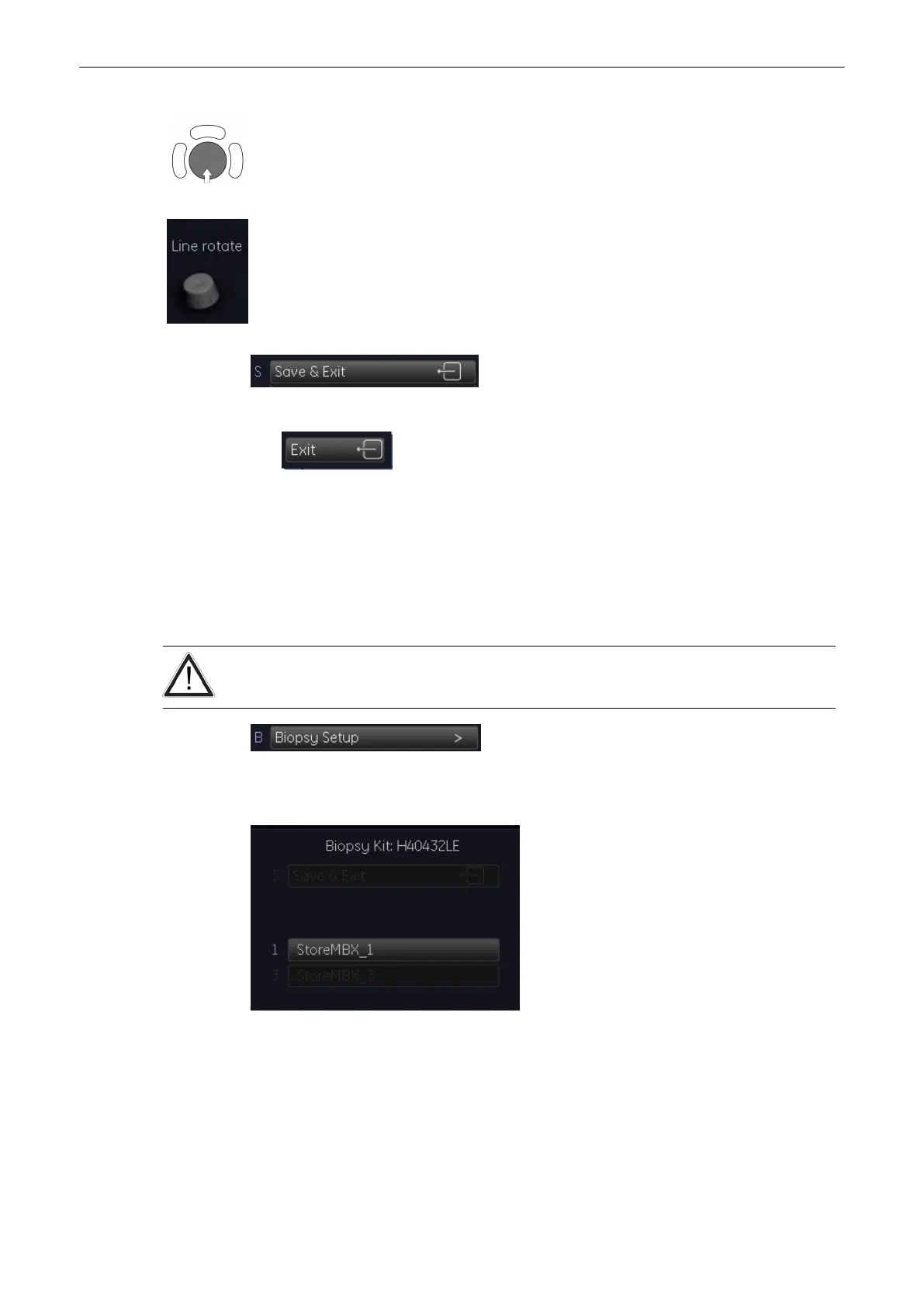
1. Place the line over the needle echoes by positioning with the trackball.
2. Rotate the line with the first encorder on the control panel.
3. Select [Save&Exit]. The needle line is stored, and exit to the 2D main menu.
4. Exit to the 2D main menu without saving.
5.2.4 To program a Multi Angle Biopsy Line
Condition: Place the probe with the biopsy guide secured and with the needle attached into a
water bath (about 47˚C, set OTI to “Normal”) to display the exact position of the needle on the
active B image.
The needle used for this alignment verification must not be used for the actual procedure.
Always use a straight, new and sterile needle for each biopsy procedure.
After activation of the “Biopsy Setup” the menu and status area changes to the “Biopsy Setup”
menu.
The Biopsy Line appears on the monitor.
Probes and Biopsies
5-16
Voluson® S6/S8 Basic User Manual
5433669-100 Revision 4



 To Next Page