10. Gray/ chroma in all modes
11.
OTO, L/R and U/D in 2D Mode
12. Base line and Invert in PW and CW
13. Color Display Mode, Color Invert, Gently Color, Color Maps, Color On/Off are available
as during examination.
Reload of DICOM data:
It is possible to perform the following functions after a reload of DICOM data (=Bitmaps) from
internal archive into the system:
1.
Make new measurements
2. Save Screenshots of reloaded DICOM data. Even if the ed data was a cine it is only
possible to save a single screen.
When reloading DICOM data the two-lined title bar header (patient information) is hidden.
In order to close the reopened exam again, press the [Back to Live Scanning] button on the
panel.
12.5.4 Repro
Repro is the reload of work-settings of a stored picture. It is possible to recall the exact setting
(e.g. Geometry, Gain, Colormap, etc.) from a stored picture.
Choose a Picture at the Exam Review from that the Repro will recall. The repro button is only
activated when a picture in the Exam Review is selected. When using the repro function the
same probe that was used when storing the image has to be connected. If the correct Probe is
connected but not selected the Voluson Application automatically activate the correct probe.If
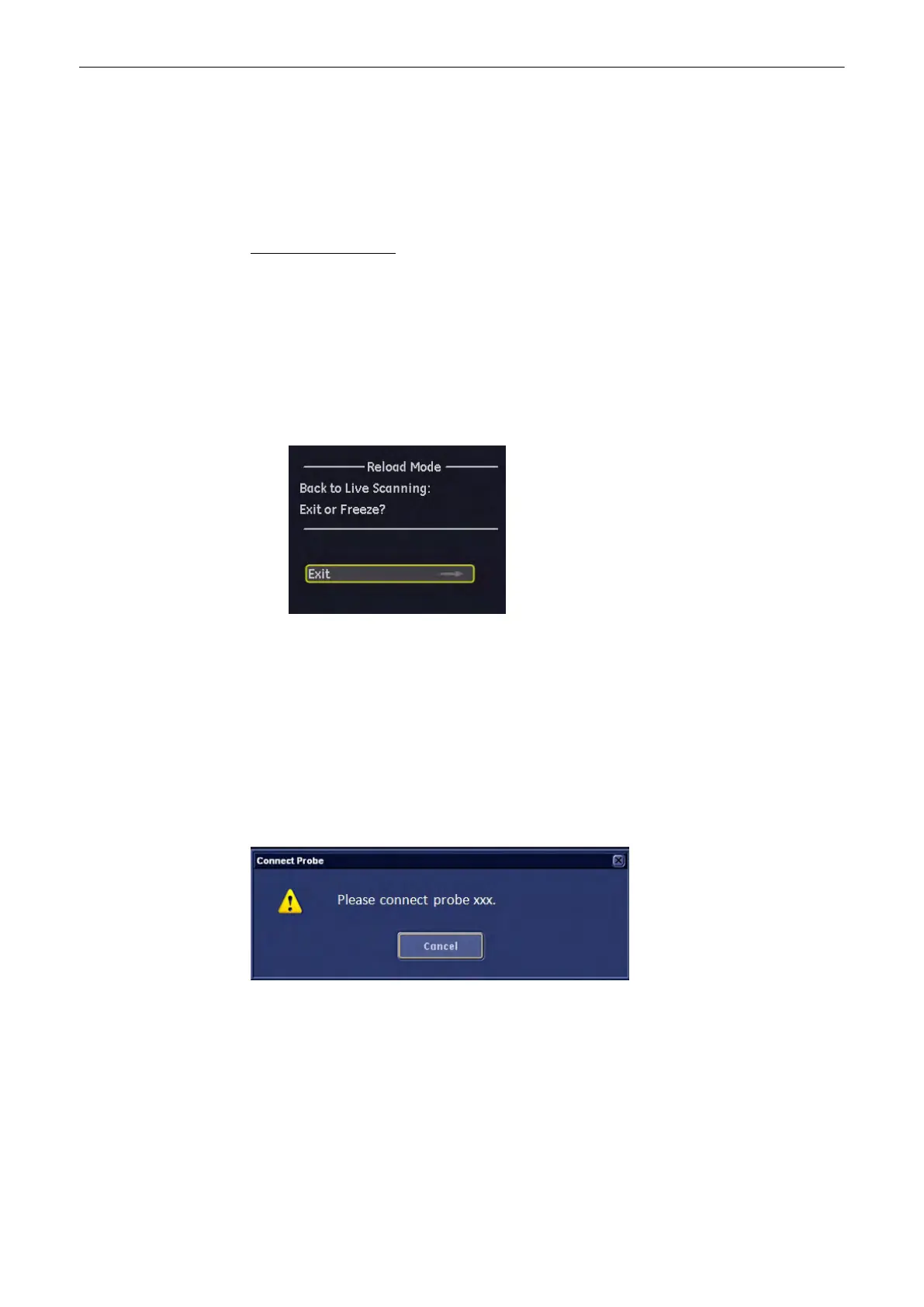
the Repro-probe is not connected following dialog appears at the screen:
When the probe is connected following dialog appears at the screen and all probe settings will
be loaded automatically.
Archive
12-36
Voluson® S6/S8 Basic User Manual
5433669-100 Revision 4



 To Next Page