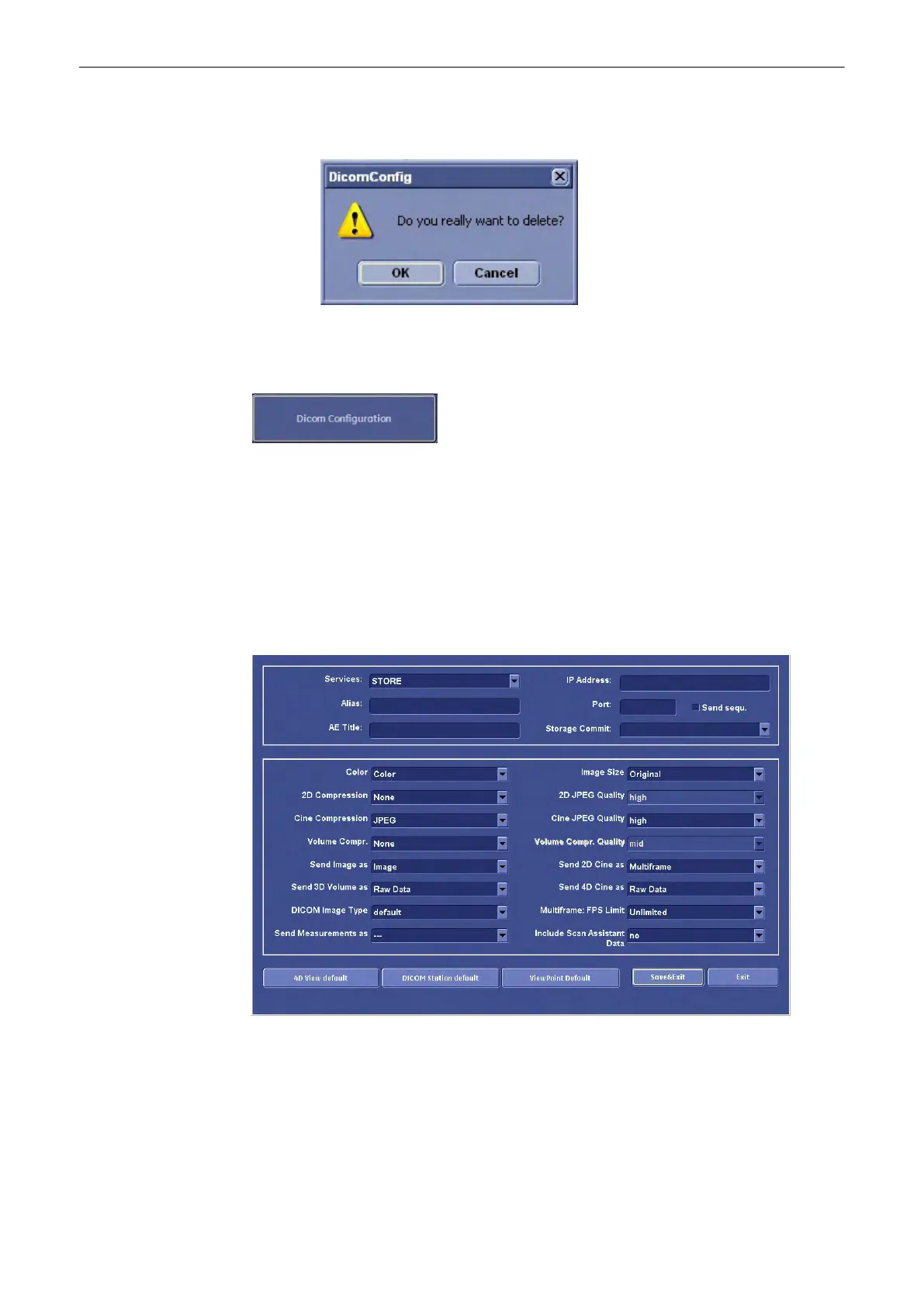
Press the [Delete] button to delete the selected server from the list. The following dialog
will appear:
Confirm this dialog with OK.
To Specify a DICOM Address
Select the [DICOM Configuration] button (in the System Setup - Network page) to display the
DICOM Configuration window.
Add: To add a new DICOM node click on the [Add] button.
Edit: To edit or view data of a DICOM node, select one and click the [Edit] button.
Delete: To delete a DICOM node, select one and click the [Delete] button.
After clicking the [Add] or [Edit] button the “DICOM Device Setup” window appears. (e.g.,
PRINT)
To specify a DICOM address define the following fields:
Utilities and System Setup
Voluson® S6/S8 Basic User Manual
5433669-100 Revision 4 13-33



 To Next Page