9.5.3.1 MagiCut 4D Operation
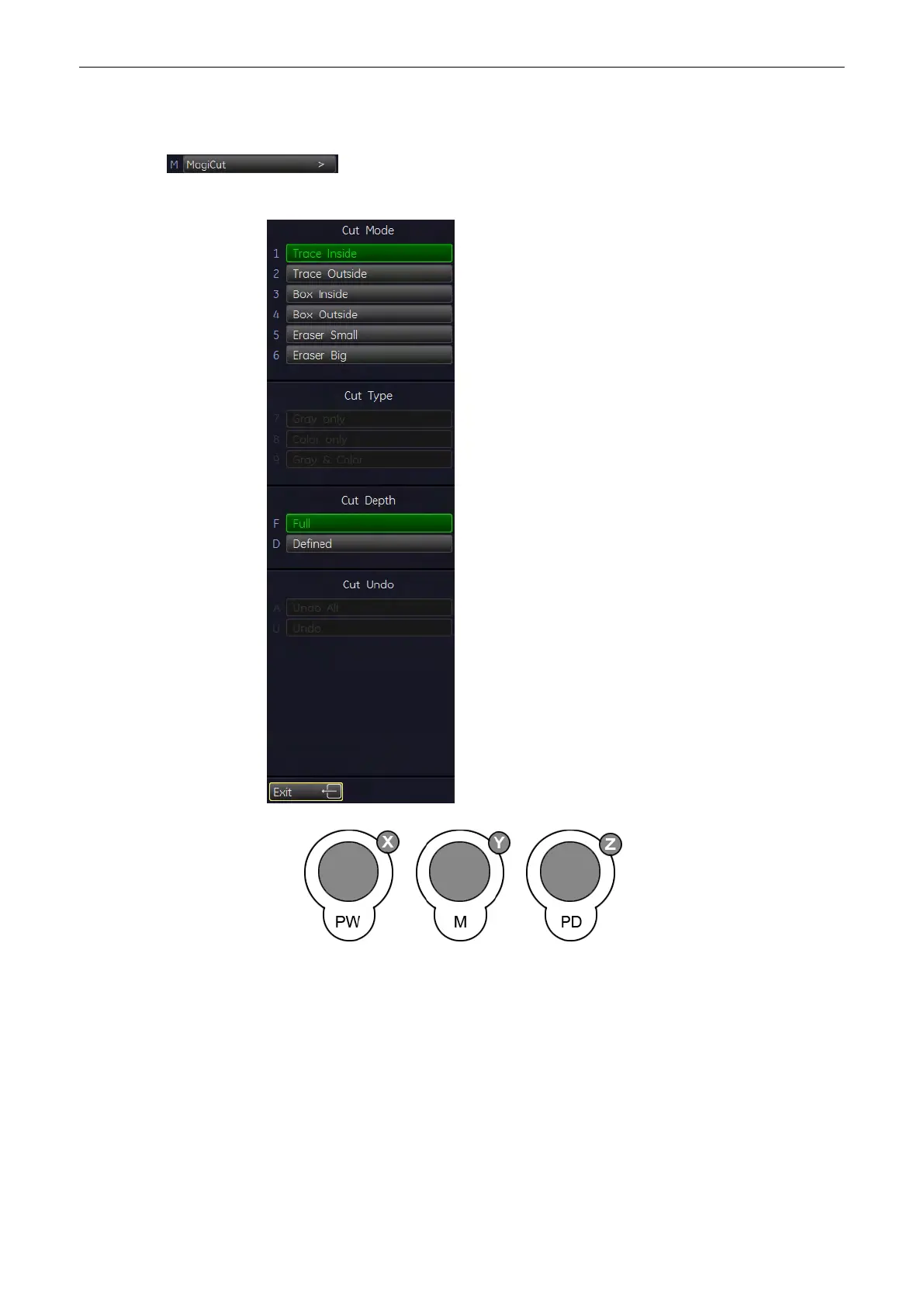
1. Select the [MagiCut] key to switch on the MagiCut function.
The following menu appears on the menu area.
2. Use the controls to rotate the rendered 4D image to a position where 4D artefacts or
undesired information can be cut.
Note
For faster rotation press on the rotary controls (switch function: slow rotation, fast rotation).
If a contour is left open, the program will automatically close the contour with a line directly
from the end point to the start point.
'MagiCut'
on page 9-69
Volume Mode
Voluson® S6/S8 Basic User Manual
5433669-100 Revision 4 9-91



 To Next Page