After copying the data, the system reboots and the application starts again.
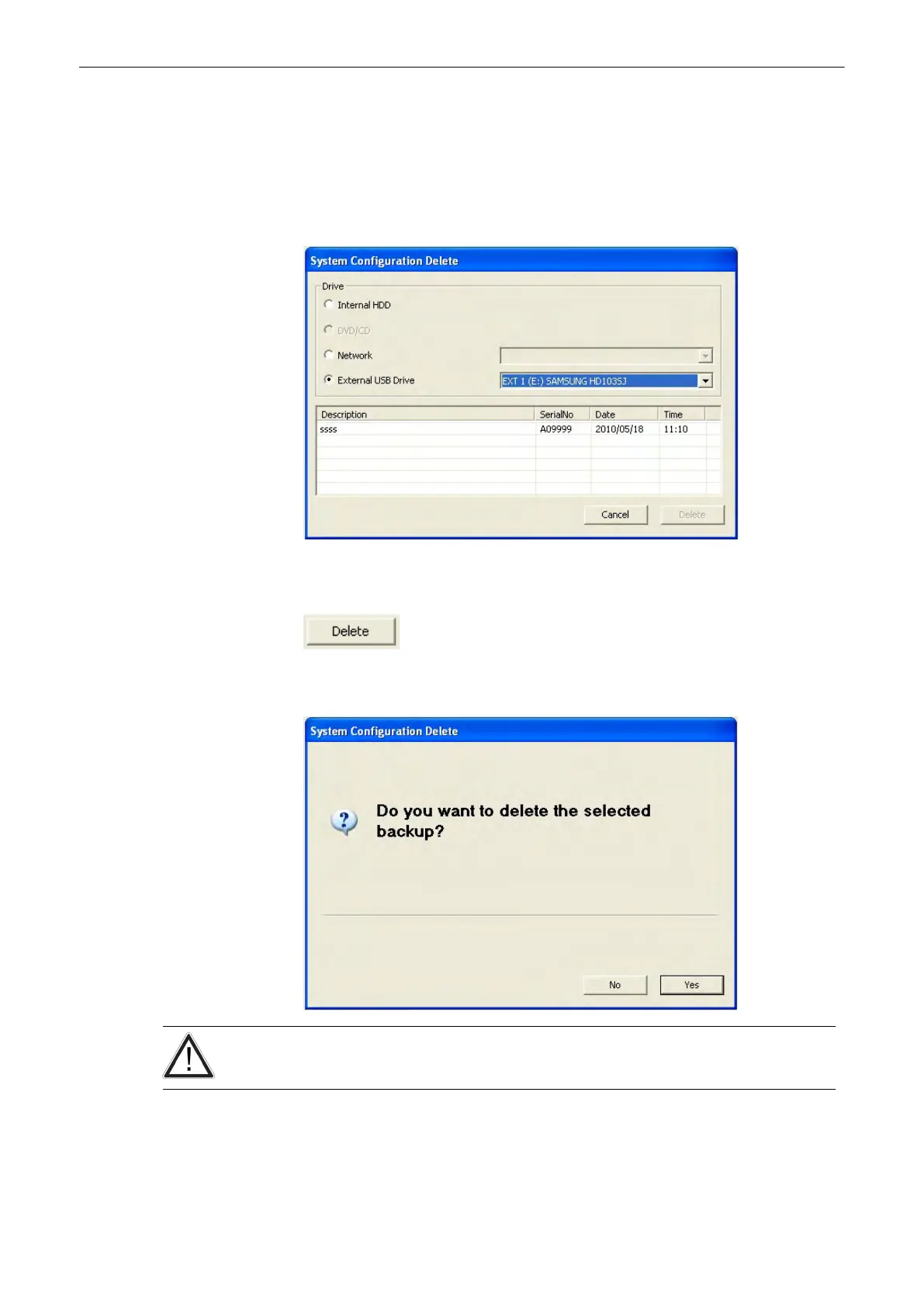
13.2.6.1.5 Delete Full System Configuration
1.
To delete an existing backup, click on the [Delete] button of the “Full System
Configuration” group in the System Setup - Backup page. The Full System Configuration
Delete window is displayed.
2. Choose the destination (e.g., HDD).
3.
Click on the backup to be deleted (additional information is displayed in the table).
4. Select the [Delete] button.
5.
Confirm with [Yes] to start the deletion process.
There is no “undo” function for this action!
Utilities and System Setup
Voluson® S6/S8 Basic User Manual
5433669-100 Revision 4 13-55



 To Next Page