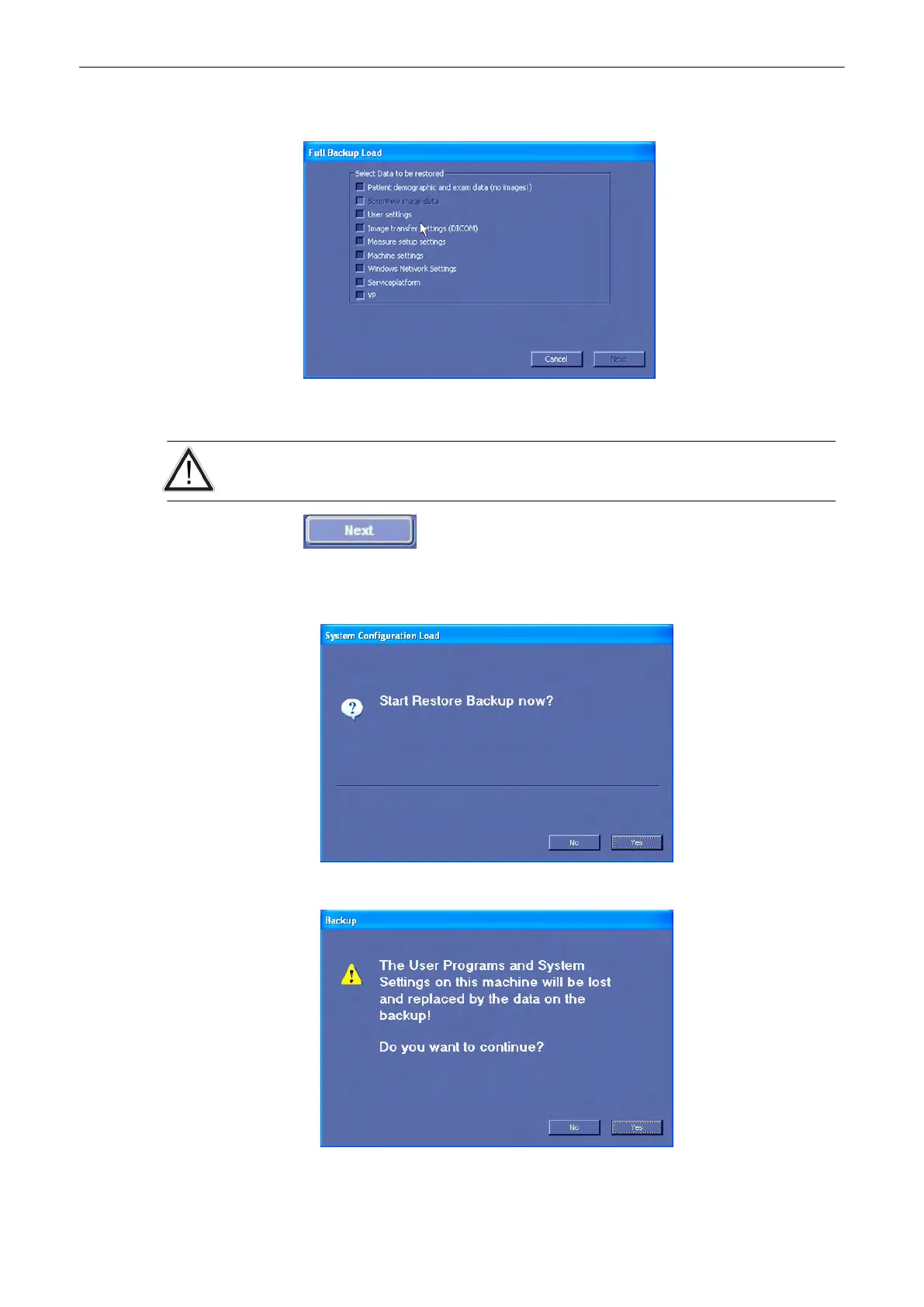
4. Select the [Next] button. The following window will be displayed.
5. Select the data to be restored to the Voluson® S6/S8 system. For description of the
checkbox names review:
'Save Full System Configuration'
on page 13-50
The data from the backup always replaces the corresponding data on the Voluson® S6/S8
system!
6. Select the [Next] button again to start the restore process.
7.
Confirm with [Yes] to start the Restoring process.
8. Confirm with [Yes].
9. Confirm the next messagebox to reboot the system.
Utilities and System Setup
13-54
Voluson® S6/S8 Basic User Manual
5433669-100 Revision 4



 To Next Page