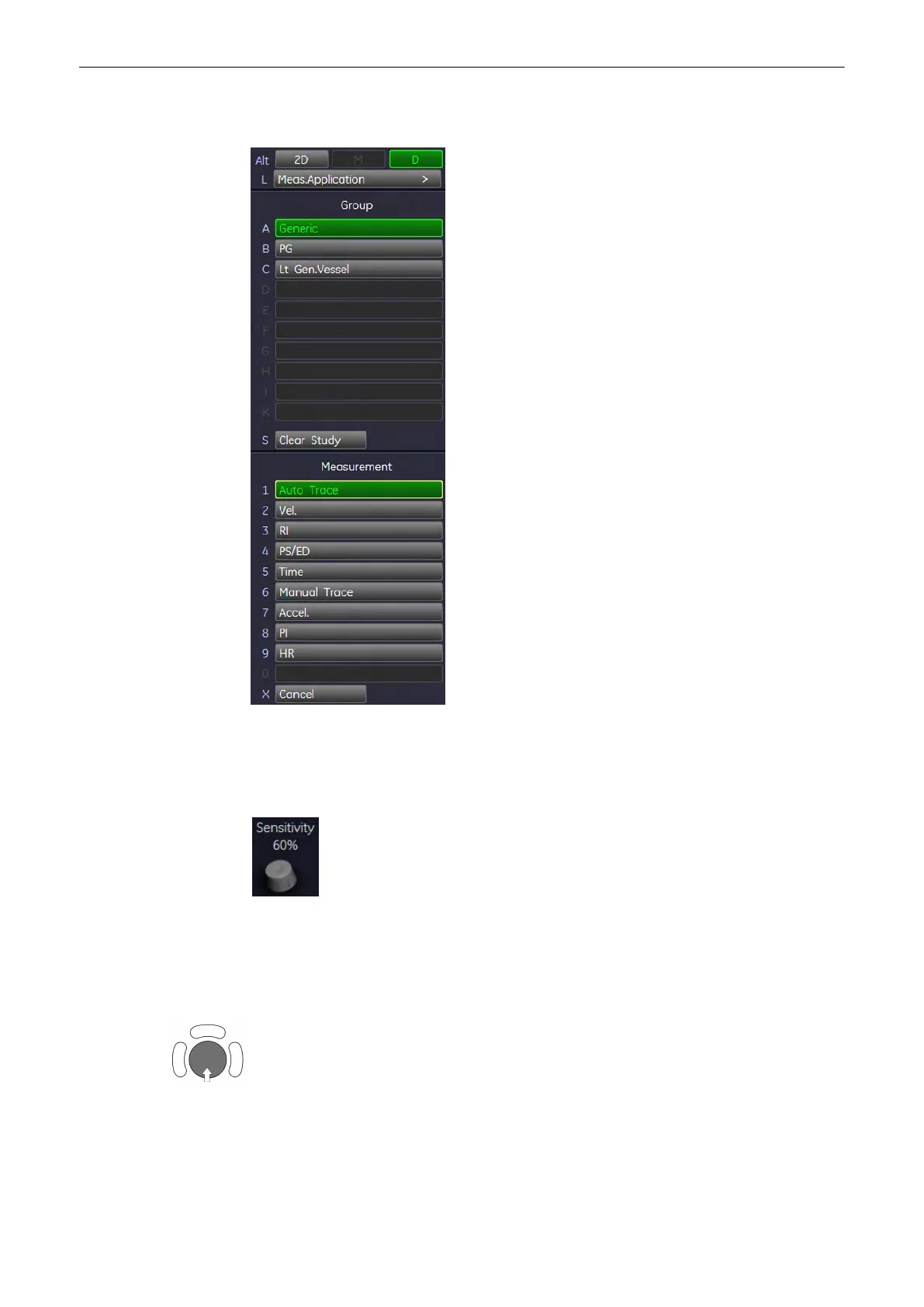
11.1.4.1 Generic Measurements
11.1.4.1.1 Auto Trace
1. To trace the Doppler spectrum automatically and to display the results (according to the
setting in the Measure Setup), select the [Auto Trace] item in the menu area.
2. Select the sensitivity of the envelope curve (to eliminate artefacts).
3. Select the Trace Mode channel of the envelope curve (upper, both, lower).
4. If necessary, select the [Angle] and the [Baseline].
A green line appears at the left of the spectrum. Press the upper trackball key [Change] to
move the line and readjust the start cycle (the line changes to yellow). Press the right or left
trackball key [Set] to fix the line. A green line appears at the right of the spectrum. Press the
[Change] key again (line changes to yellow), move the line to readjust the end cycle and
fixate it with [Set]..
Measurements and Patient Worksheets (Reports)
Voluson® S6/S8 Basic User Manual
5433669-100 Revision 4 11-17



 To Next Page